
In this post that's brought to you by MSI, we'll be taking a look at the new MPG VIXTA 300R PZ PC case that features a "floating base" design and a L-shaped curved tempered glass panel, as well as the MPG COREFROZR AP15, a six heat pipe CPU air cooler that comes with a DIGI-DISPLAY screen to monitor vital system statistics.
Review Video Timestamps
0:00 Introduction
0:29 (VIXTA 300R PZ) Packaging & Accessories
0:52 (VIXTA 300R PZ) Exterior Walkthrough
3:06 (VIXTA 300R PZ)Panel Removal
3:45 (VIXTA 300R PZ) Cooling Features & Layout
4:44 (VIXTA 300R PZ) Dimensions & Clearances
5:12 (VIXTA 300R PZ) Adjustable GPU Support Bracket
5:28 (VIXTA 300R PZ) Dimensions & Clearances Continued
5:50 (VIXTA 300R PZ) 2.5" & 3.5" Drive Bays & Case Connectors
7:12 (COREFROZR AP15) Unboxing & Walkthrough
8:13 (COREFROZR AP15) EZ Conn Walkthrough
9:36 (COREFROZR AP15) EZ Display App
9:57 PC Building Experience
11:02 Cable Management
11:21 Demo Build Finishing Touches
11:49 The PEEL
11:55 Completed Build ARGB Lightshow
12:42 Test Setup & Thermal Performance
13:48 Conclusion
Introduction
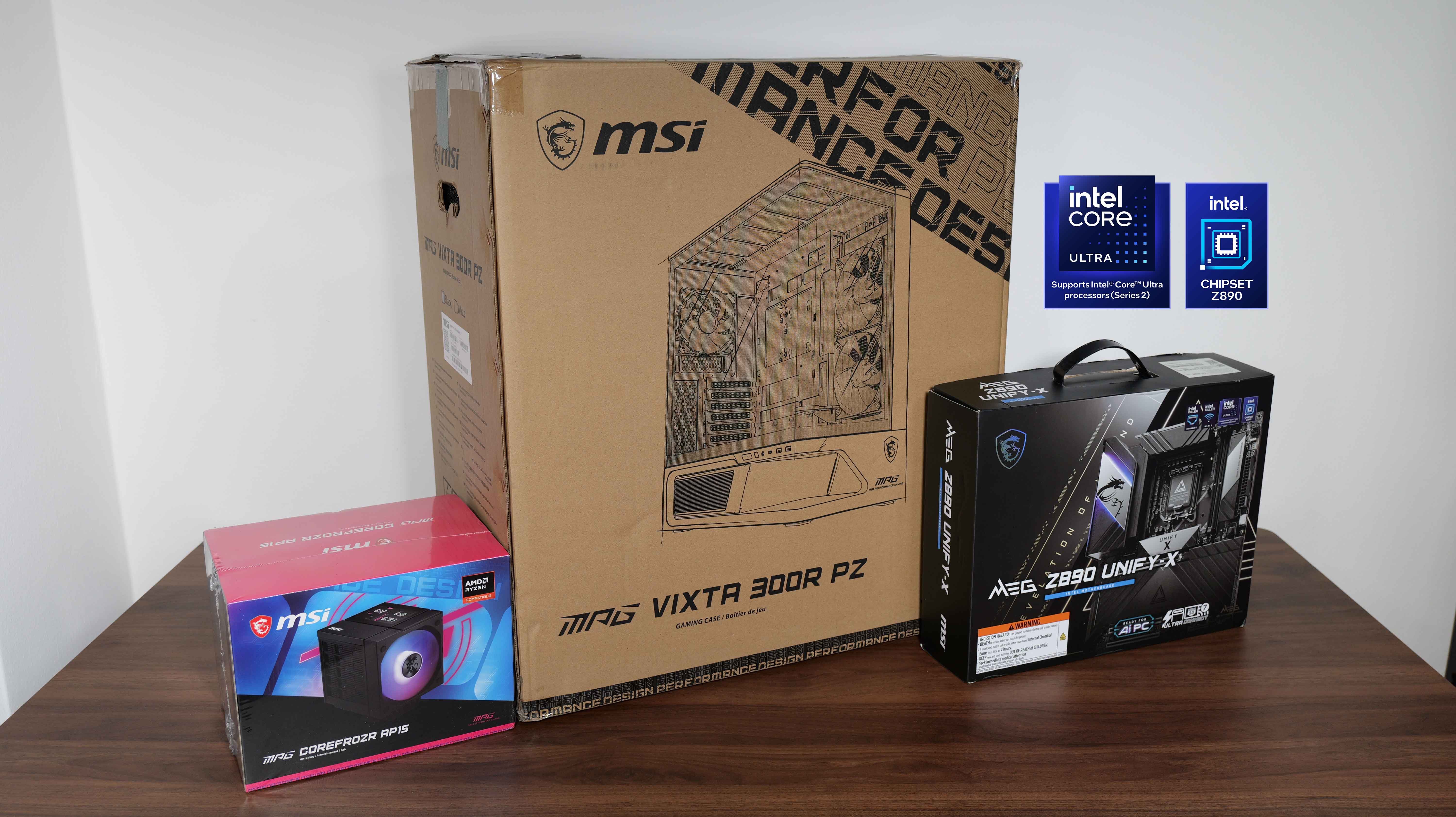
As products that were exhibited at Computex 2026 earlier in the year, the MSI MPG VIXTA 300R PZ is a mid-tower ATX PC case that features a floating base design for better thermals and an eye-catching L-shaped curved tempered glass panel, while the MSI MPG COREFROZR AP15 is a six-heat pipe CPU air cooler that boasts a unique DIGI-DISPLAY for a touch of aesthetic flair. Read on to learn more about MSI's latest PC case and CPU cooler offering, and to see them in action as part of a demo build featuring MSI's high-end MEG Z890 UNIFY-X motherboard!
Specifications (MSI MPG VIXTA 300R PZ)
- Colour: Black or white (MPG VIXTA 300R PZ W)
- Materials: SPCC steel, plastic, tempered glass
- Dimensions: 455mm x 235mm x 497mm
- Motherboard Support: ATX, Micro ATX, Mini ITX (ATX & Micro ATX back-connect motherboards supported)
- Expansion Slots: 7
- Drive Support: up to 2x 2.5" storage drives behind motherboard tray, or up to 1x 2.5" & 1x 3.5" storage drive behind motherboard tray
- Front I/O: 1x USB 20Gbps Type-C, 2x USB 5Gbps Type-A. 1x 3.5mm microphone/headphone combo jack
- Included Fans: 2x 140mm ARGB reverse blade fans on side panel, 1x 120mm ARGB fan on rear panel
- Top Panel Cooling Support: up to 3x 120mm fans or 1x 360mm AIO radiator
- Front Panel Cooling Support: None
- Side Panel Cooling Support: up to 2x 140mm fans or 1x 240mm AIO radiator
- Bottom Panel Cooling Support: up to 3x 120mm fans
- Rear Panel Cooling Support: up to 1x 120mm fan
- PSU support: ATX (up to 190mm in depth)
- Official Product Page: https://www.msi.com/PC-Case/MPG-VIXTA-300R-PZ/Overview
Specifications (MSI MPG COREFROZR AP15)
- Supported Platforms: AM4, AM5, LGA1700, LGA1851
- Material: 6x heat pipes, copper base, AL1100 & AL6063
- Dimensions: 168mm x 126.5mm x 128mm (radiator), 120mm x 120mm x 25 mm (fan)
- Fan Type: 2x FDB fans
- Fan Speed: 2000 RPM ± 200 RPM (front fan), 1600 RPM ± 160 RPM (middle fan)
- Fan Airflow: 66.41 CFM (front fan), 54.14 CFM (middle fan)
- Fan Bearing Type: FDB
- Official Product Page: https://www.msi.com/Air-Cooling/MPG-COREFROZR-AP15/Overview
Packaging & Accessories (MSI MPG VIXTA 300R PZ)
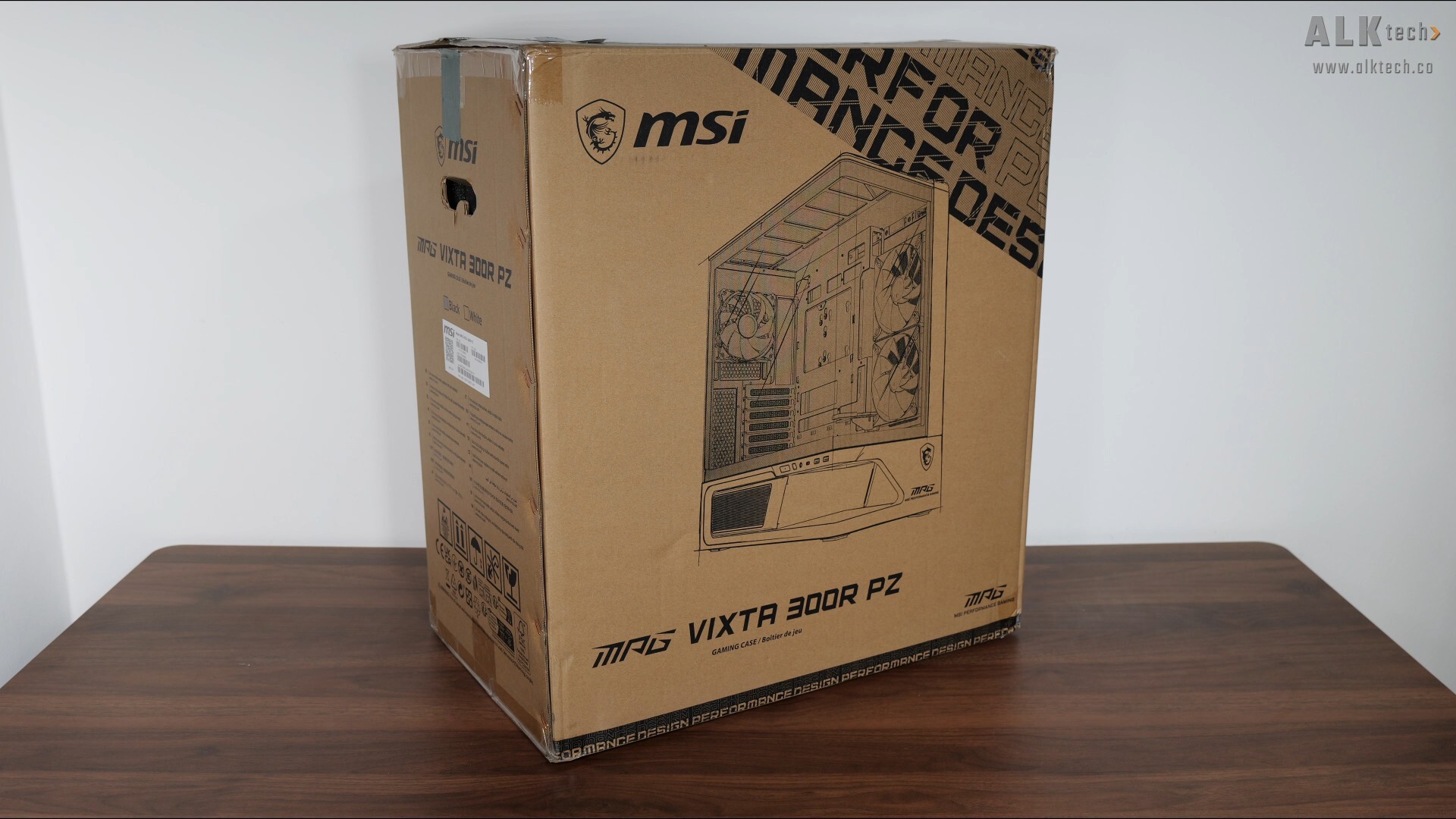
Packaging wise, the MPG VIXTA 300R PZ ships in a run-of-the-mill brown cardboard box with your usual product illustrations and descriptions on all sides.
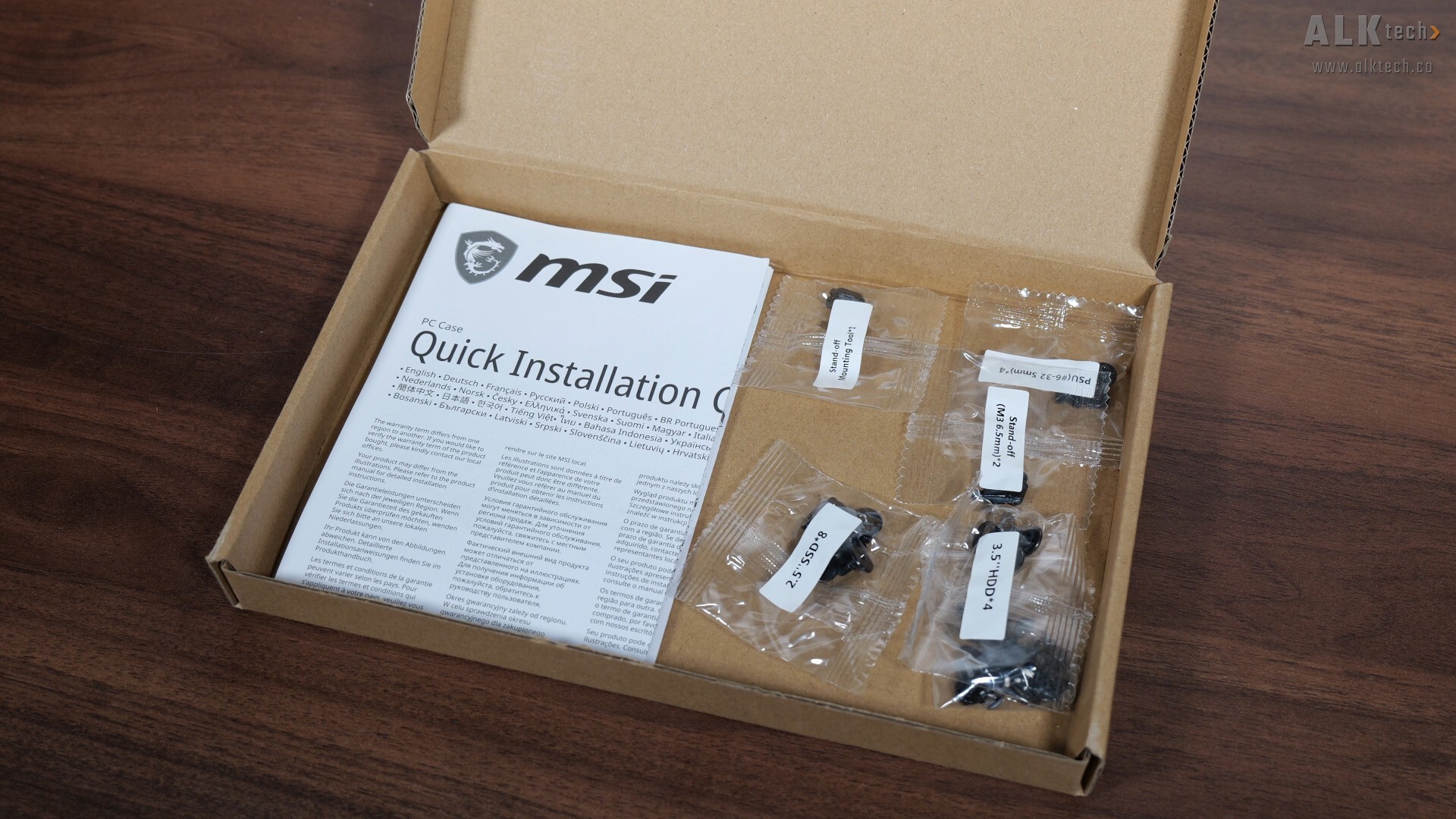
Accompanying the case is a single box of accessories, which contains stuff such as a quick start guide, a whole bunch of screws, spare friction clips for the various panels of the case and so on.
Exterior Walkthrough (MSI MPG VIXTA 300R PZ)
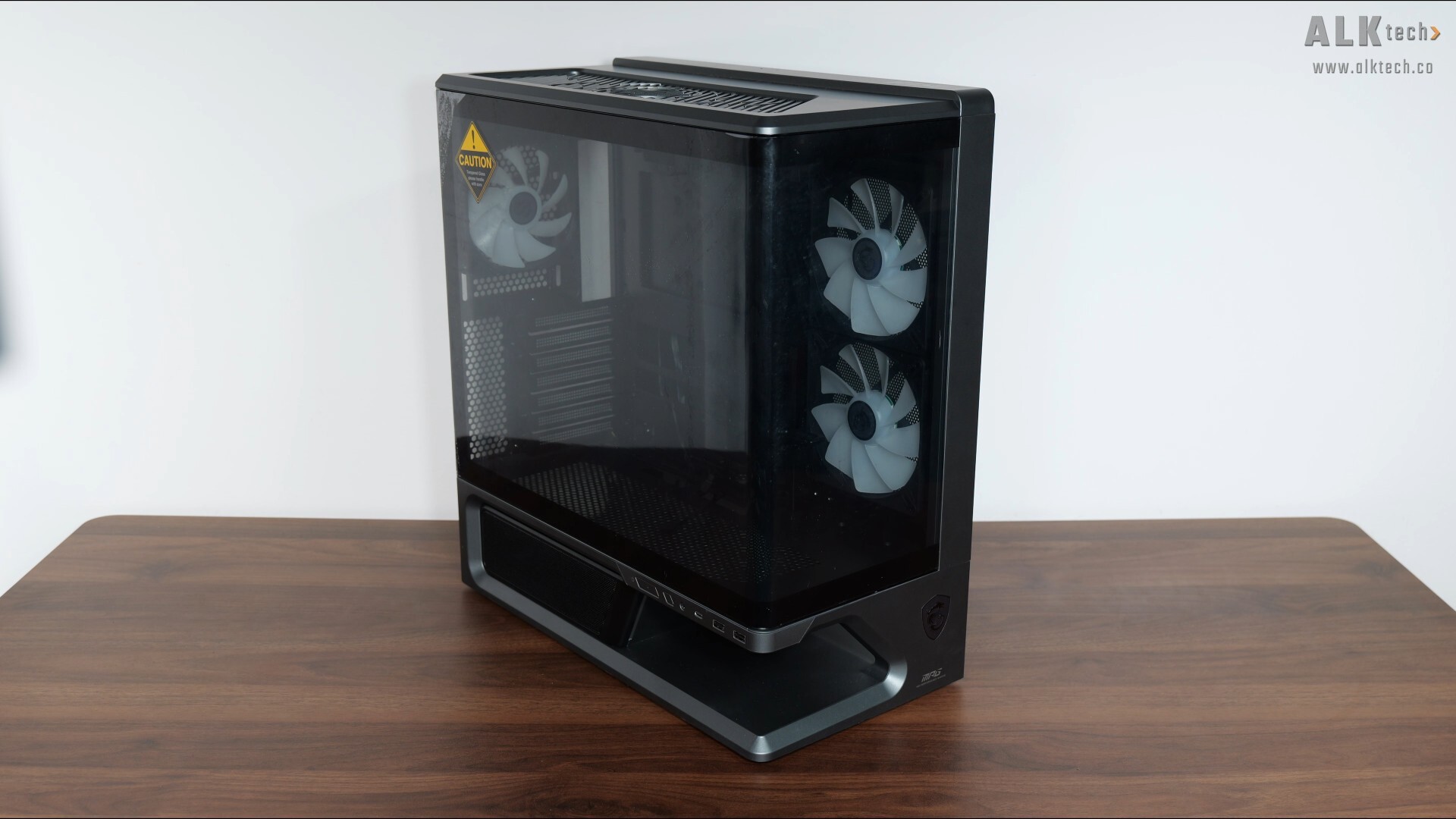
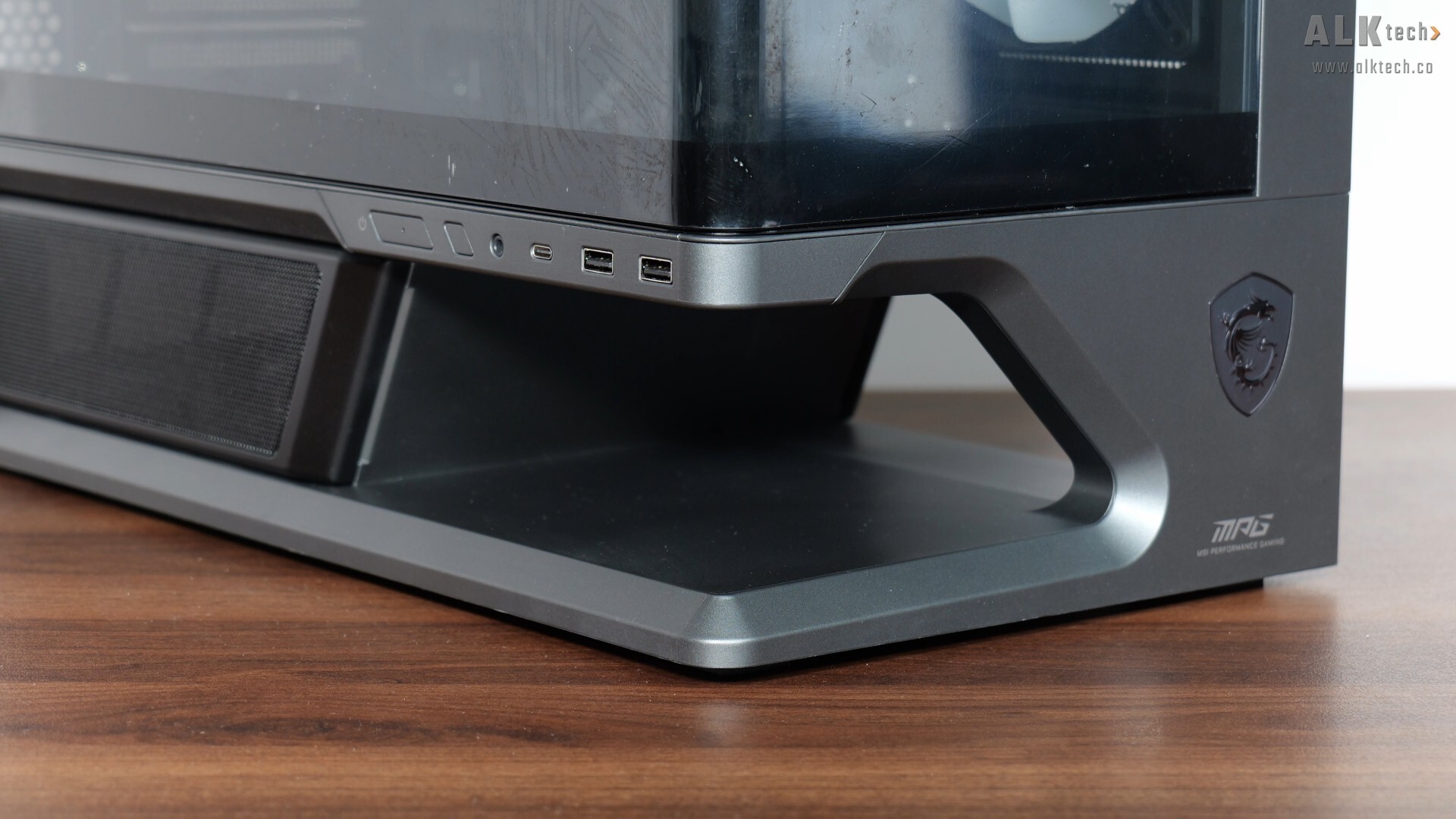
Here it is, the MPG VIXTA 300R PZ. What stands out immediately is 1) the use of a one-piece L-shaped curved tempered glass panel and 2) a floating base design that according to MSI, helps improve airflow. Materials wise, it’s made of a combination of SPCC steel, tempered glass and plastic.
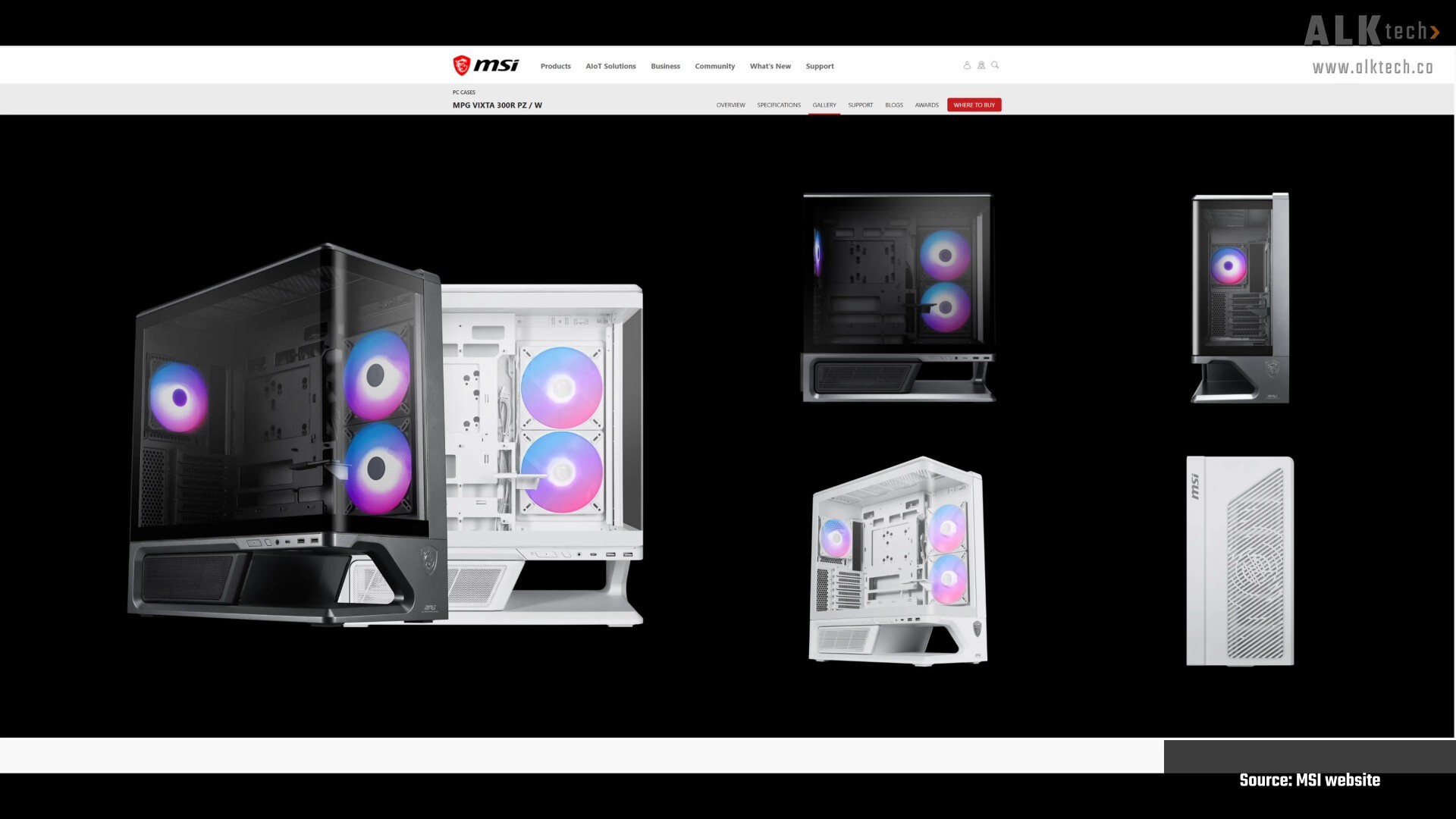
In case you’re wondering, the MPG VIXTA 300R PZ is available in either a gunmetal grey colour like the unit that MSI’s sent over for this article, or white, as per the screenshot above that I’ve lifted from the MSI website.
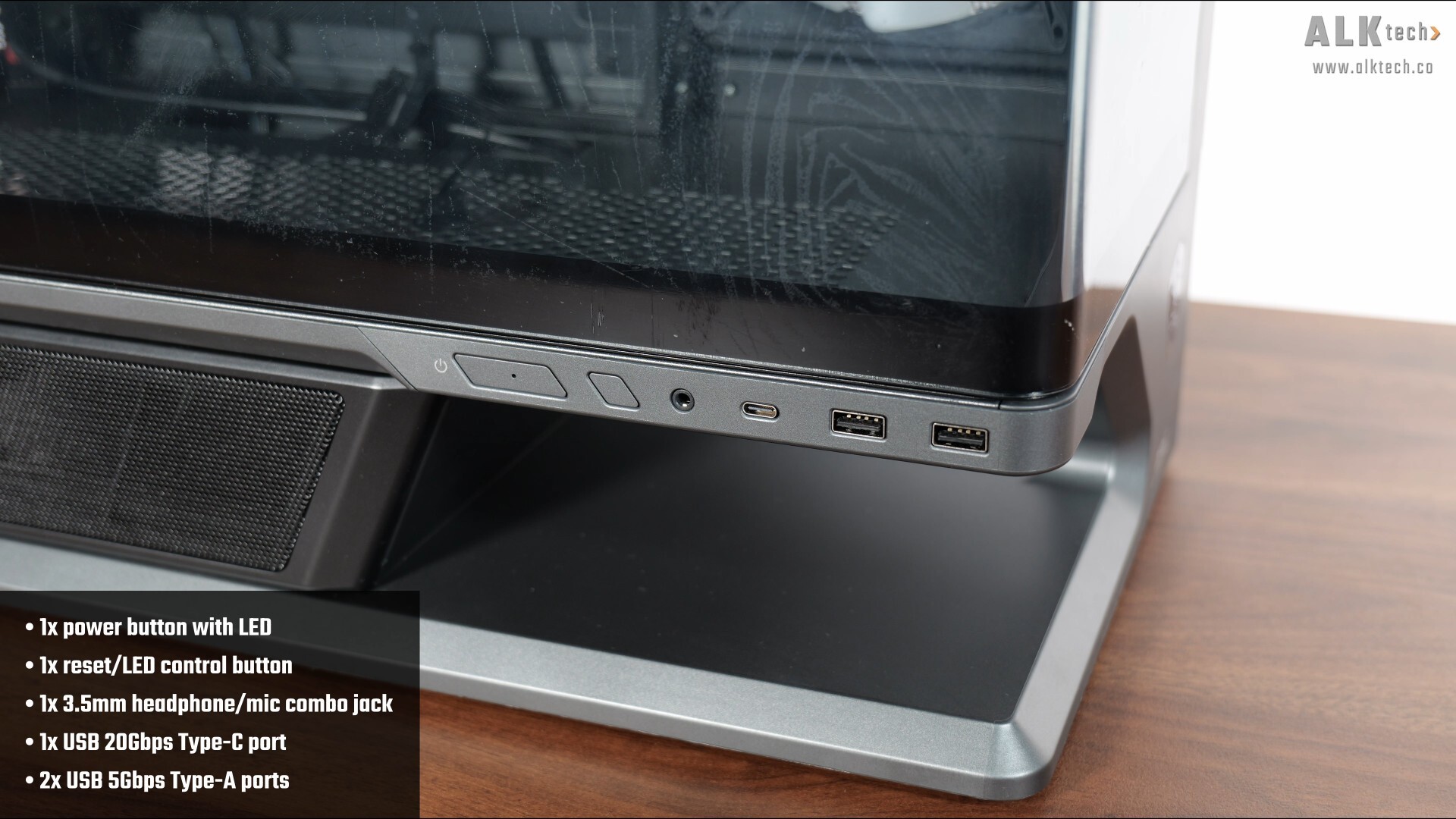
The front panel connectors of the case are located on the side of the PC case, right below the lower edge of the curved tempered glass panel, where we get a power button with a blue-coloured power LED in the middle of the button, a reset button that also can be configured to cycle through the preset lighting effects for the preinstalled case fans if you do not intend for your motherboard to control the said lighting effects. We also get a 3.5mm microphone and headphone combo jack, a USB 20Gbps Type-C port, as well as two USB 5Gbps Type-A ports. Do note that the case does not come with a hard disk activity indicator light!
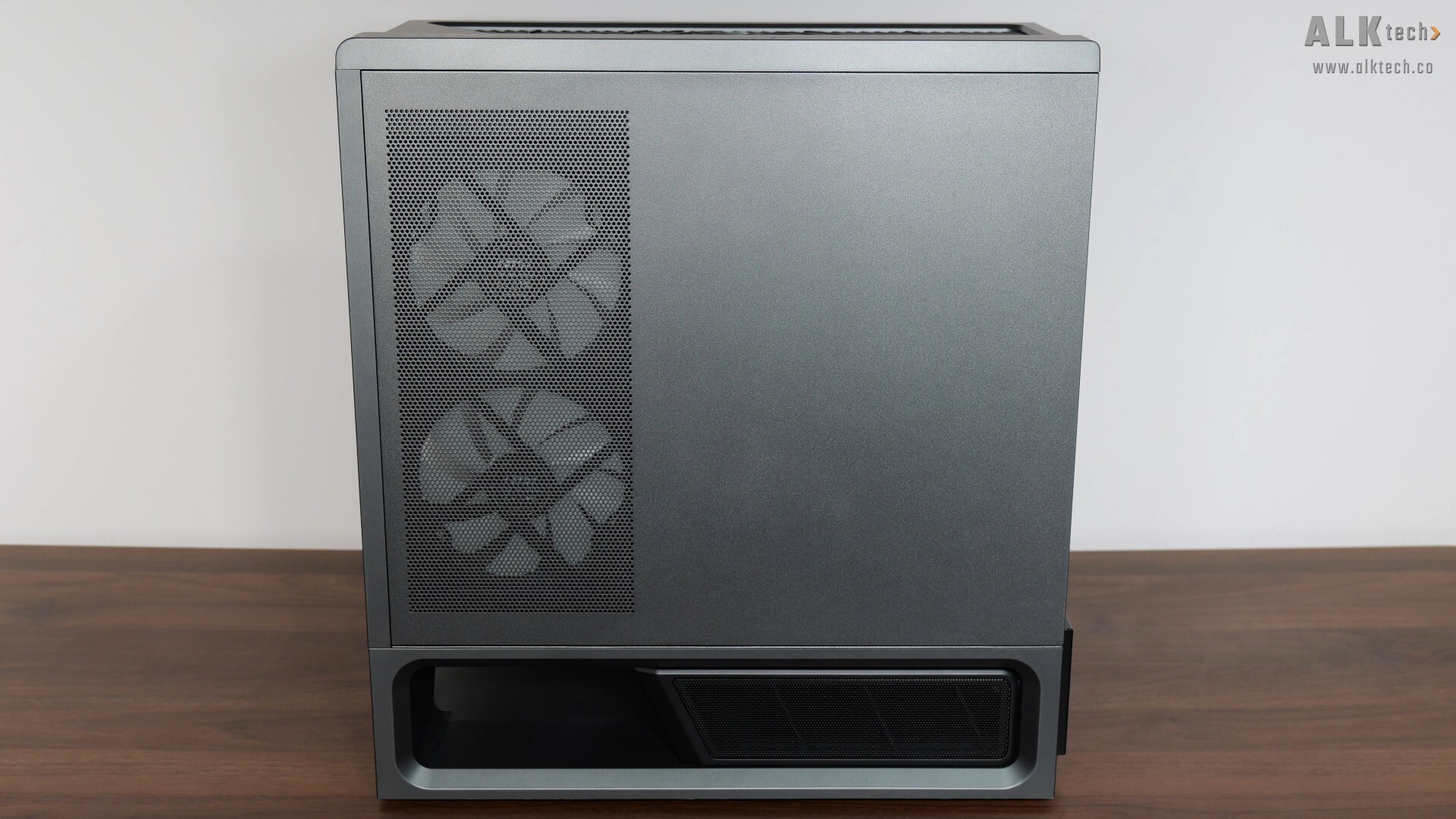
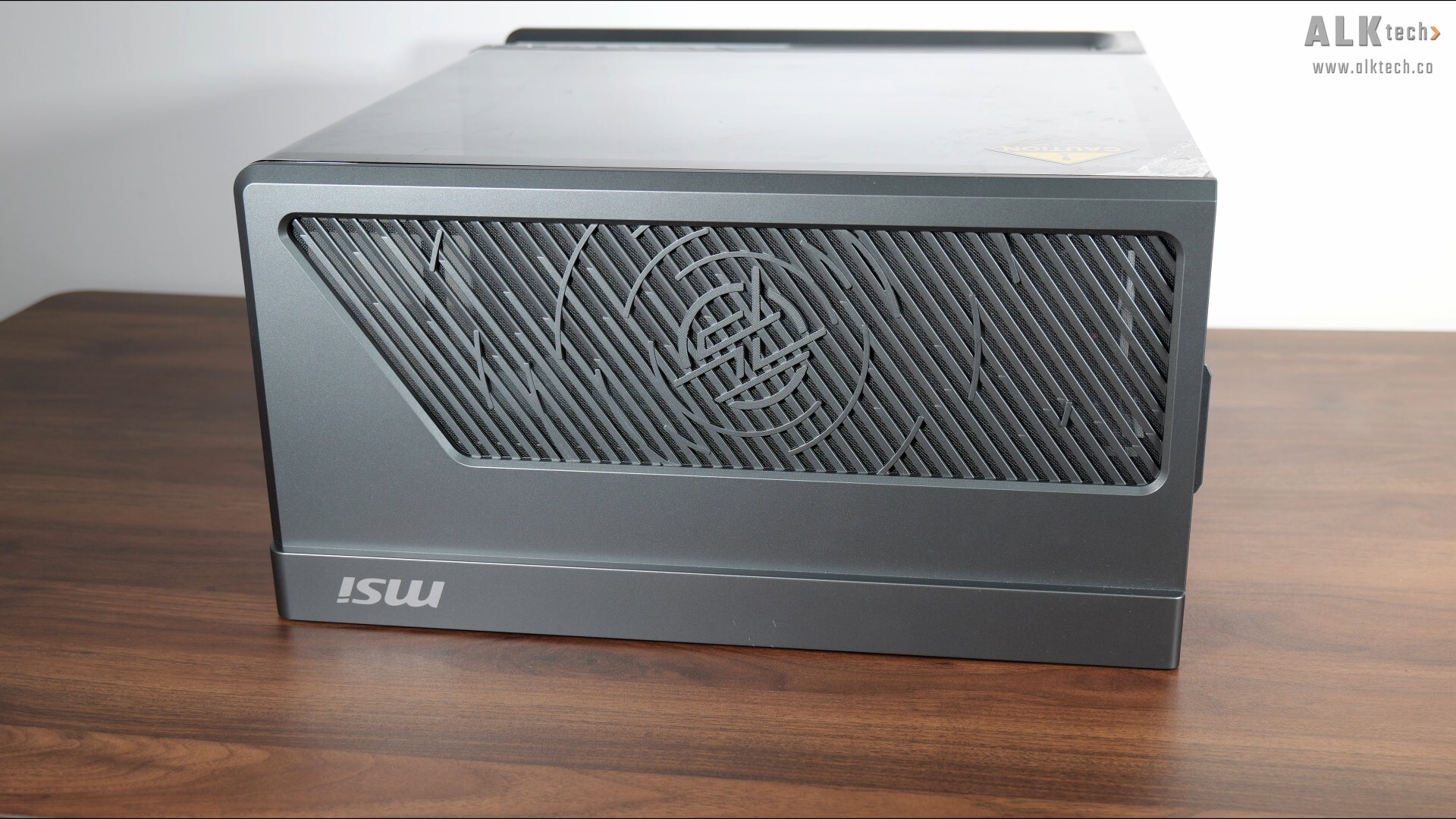
The other side panel of the case is a simple steel panel with ventilation openings right above the side intake fans.
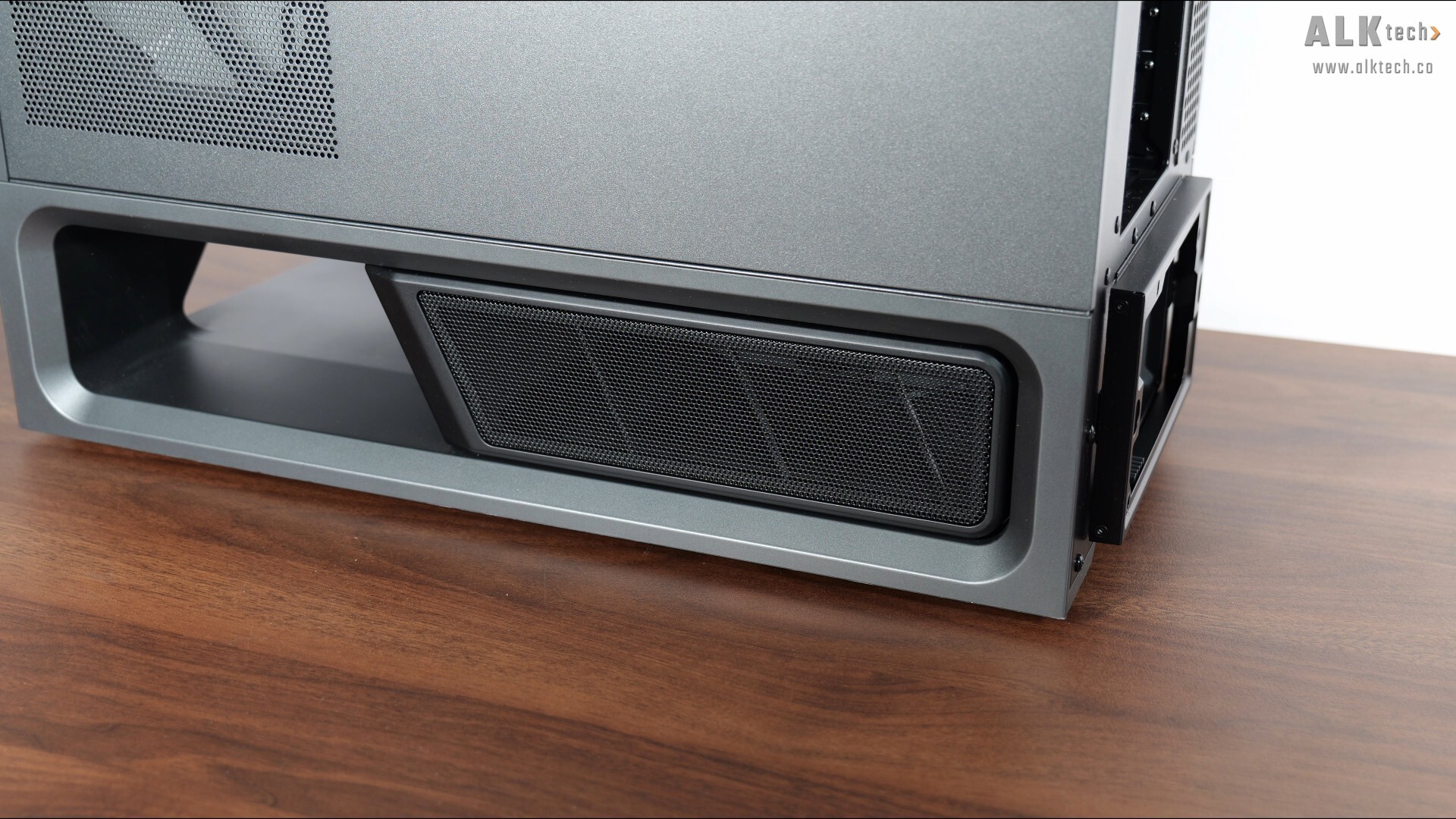
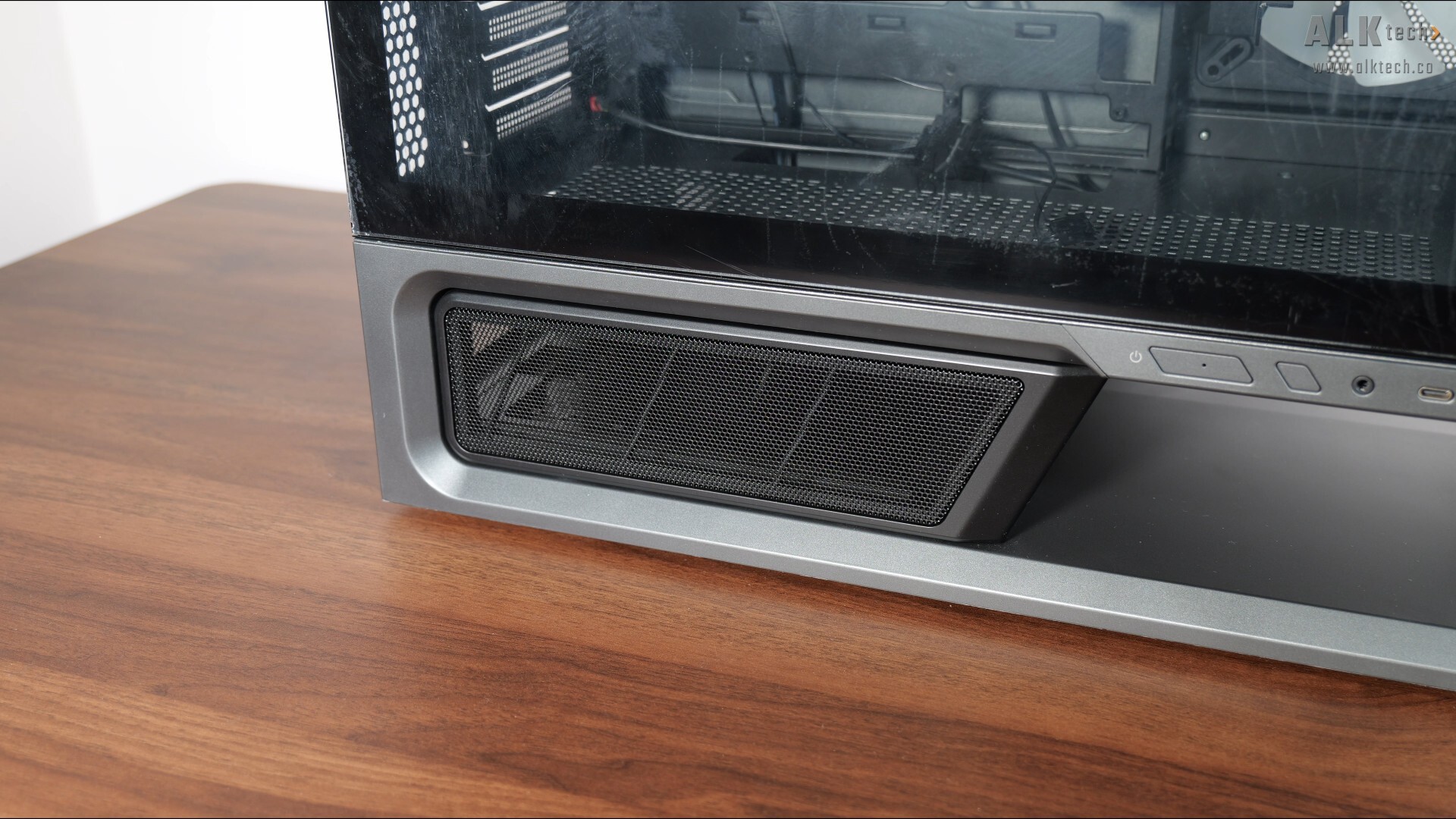
We’ve also got removable perforated mesh covers on both sides of the PSU chamber at the bottom of the case.
Over on the top, we get a removable top panel with ventilation openings, where it comes with an integrated dust filter.
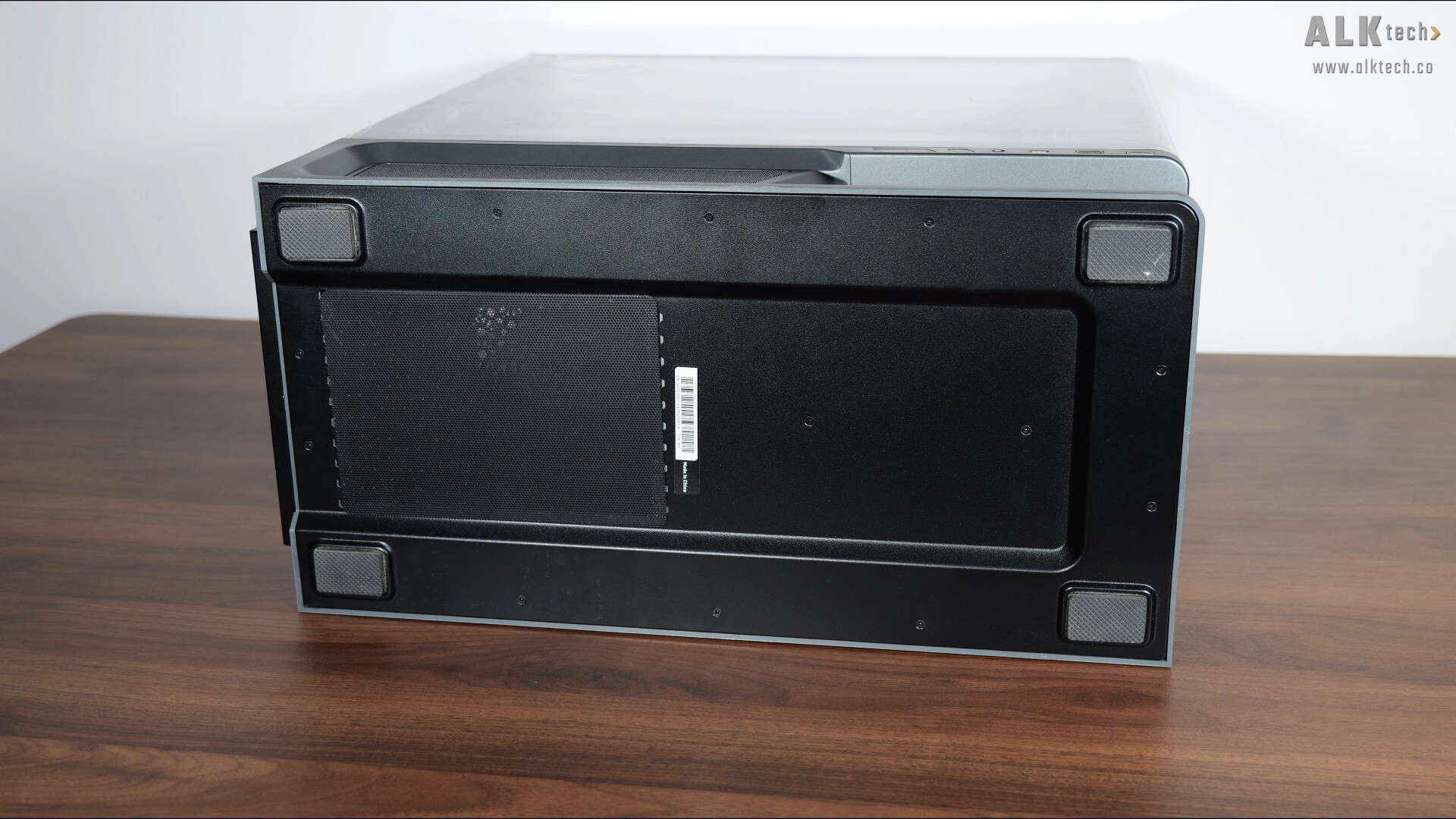
On the bottom of the MPG VIXTA 300R PZ, we get ventilation openings for the PSU’s cooling fan, where we get a removable dust filter that’s held in place magnetically.
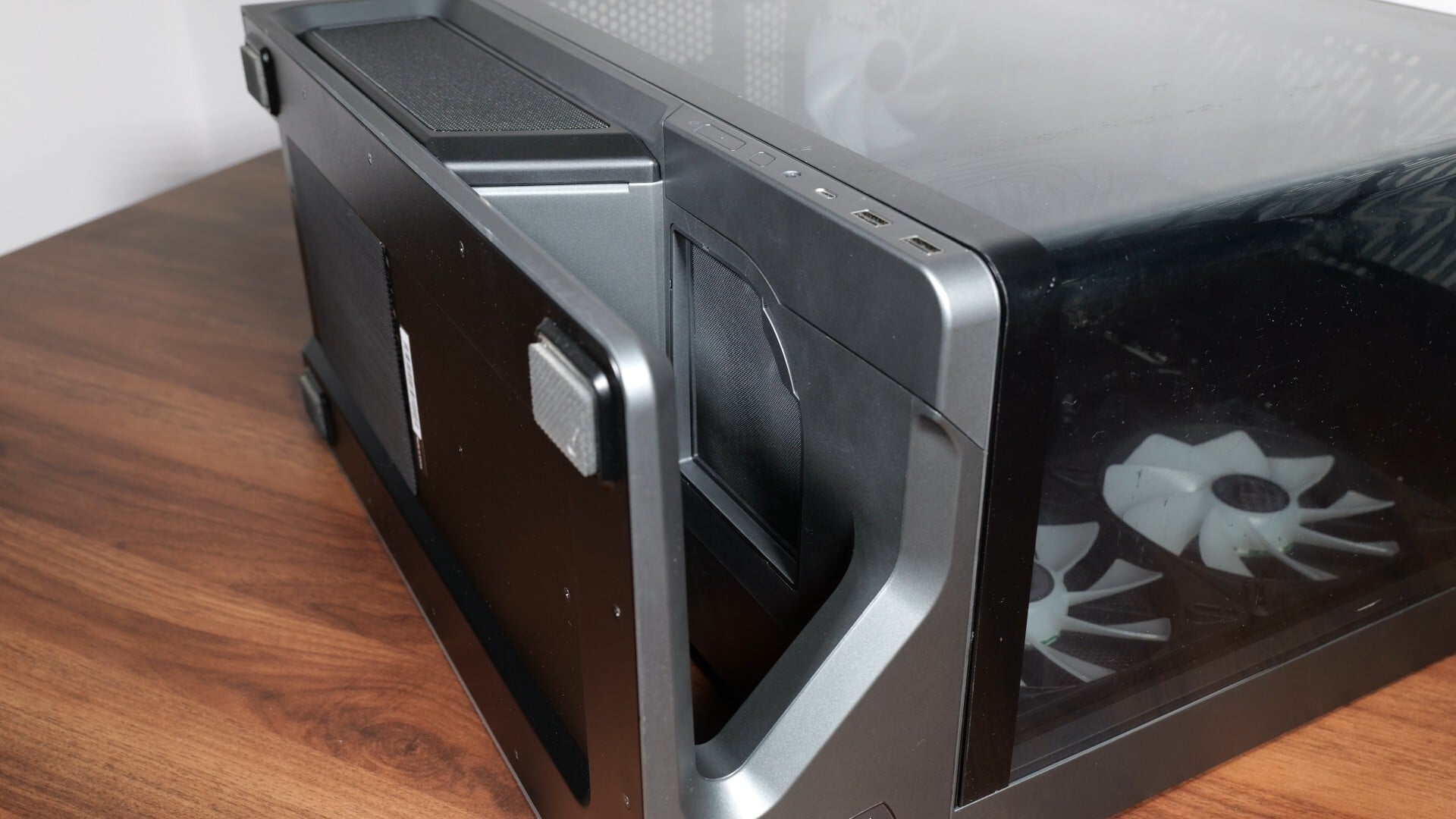
Moving over to the "floating base" section, we also get a smaller removable filter right above the void.
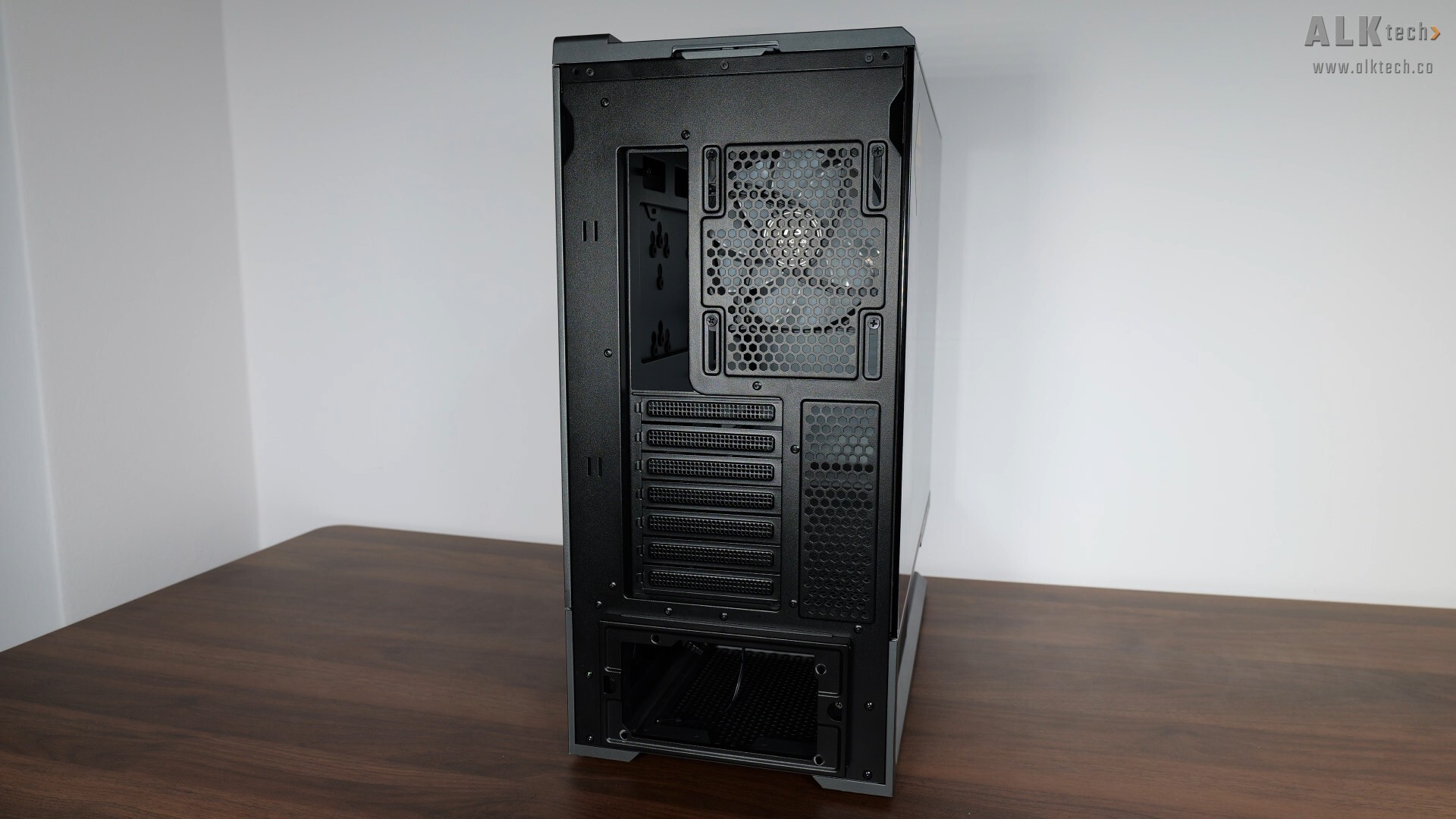
The rear of the case is pretty ordinary, and it’s great to see that the expansion slot covers are of the reusable variety.
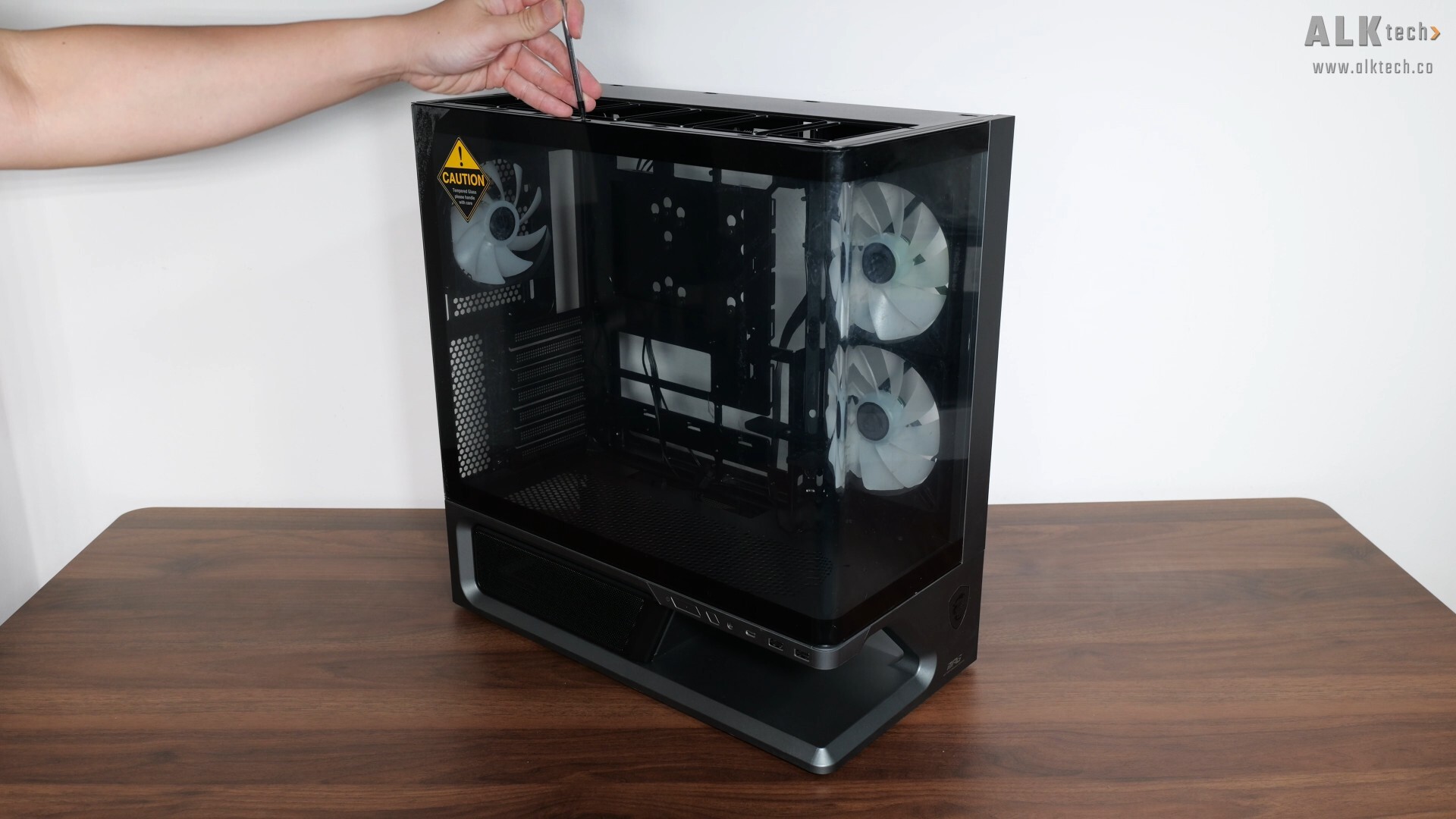
The side steel panel and top panel of the case are tool-less and can be pried off easily. With the top panel removed, we get access to the lone screw that holds the side tempered glass panel in place. Once this screw's been removed, the tempered glass panel can be removed easily.
Cooling Hardware Support (MSI MPG VIXTA 300R PZ)
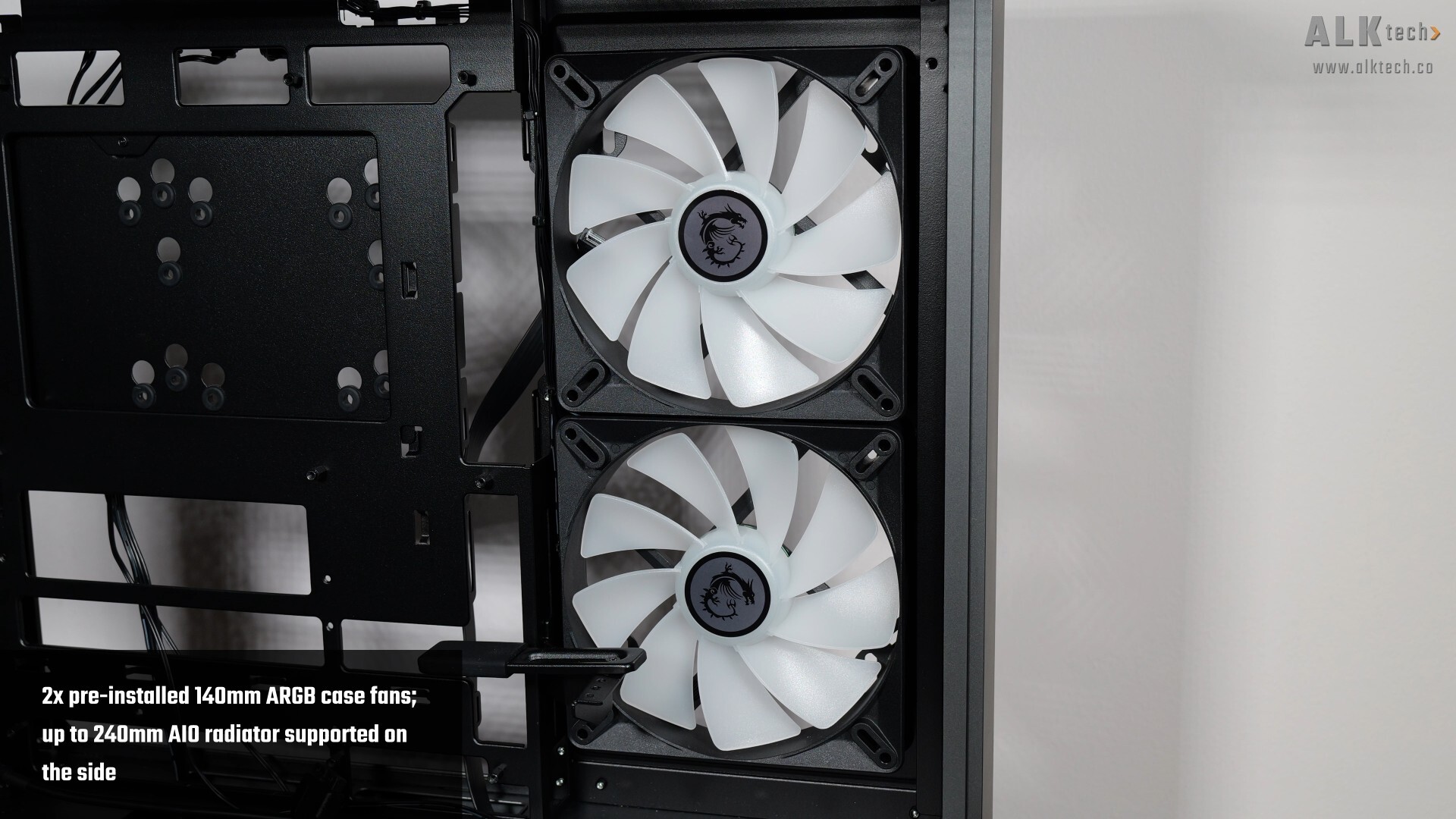
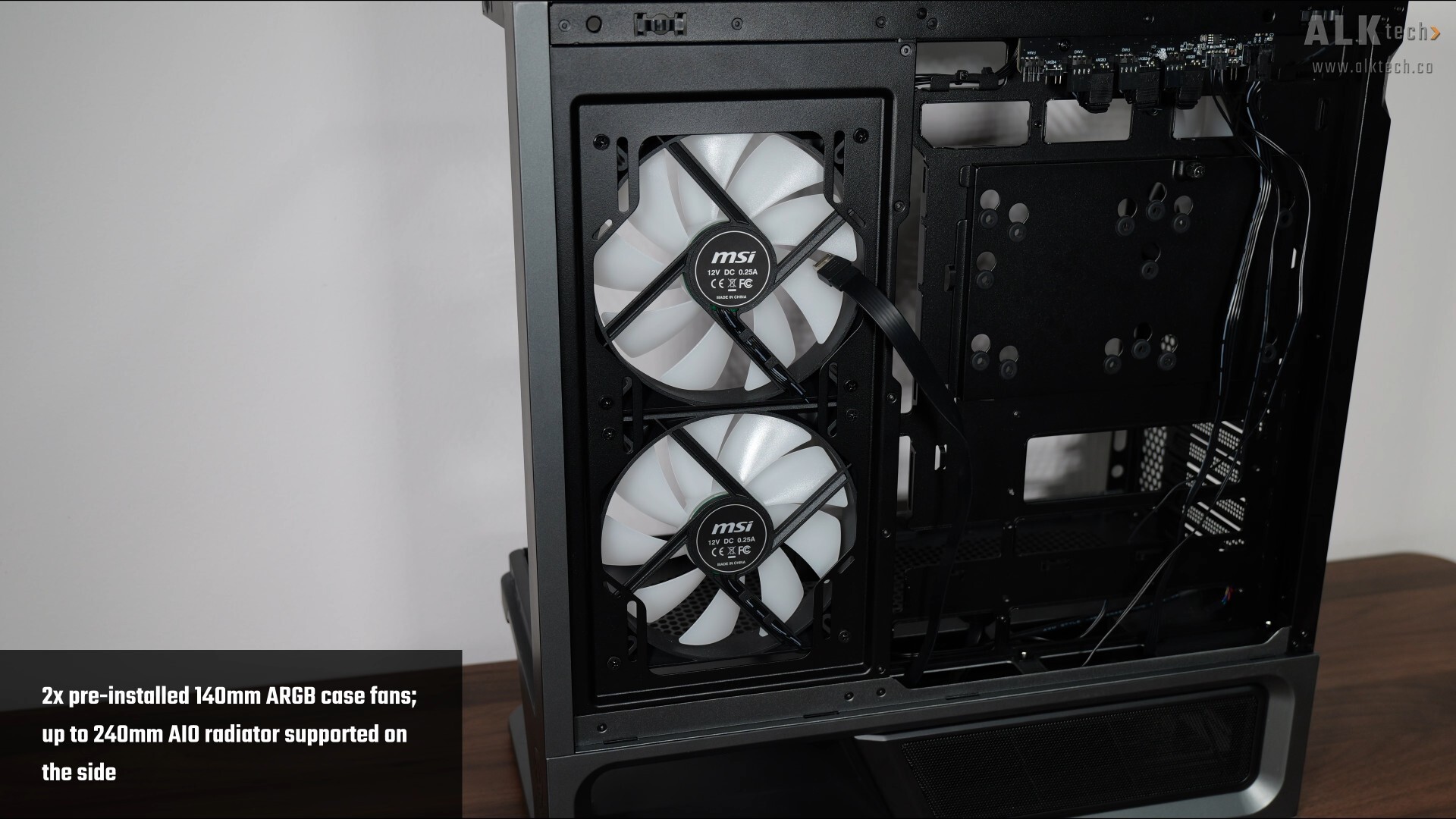
The MPG VIXTA 300R PZ comes with two 140mm ARGB side intake fans preinstalled, where you can replace them with two 120mm case fans or install up to a 240mm AIO radiator, if you’d so wish.
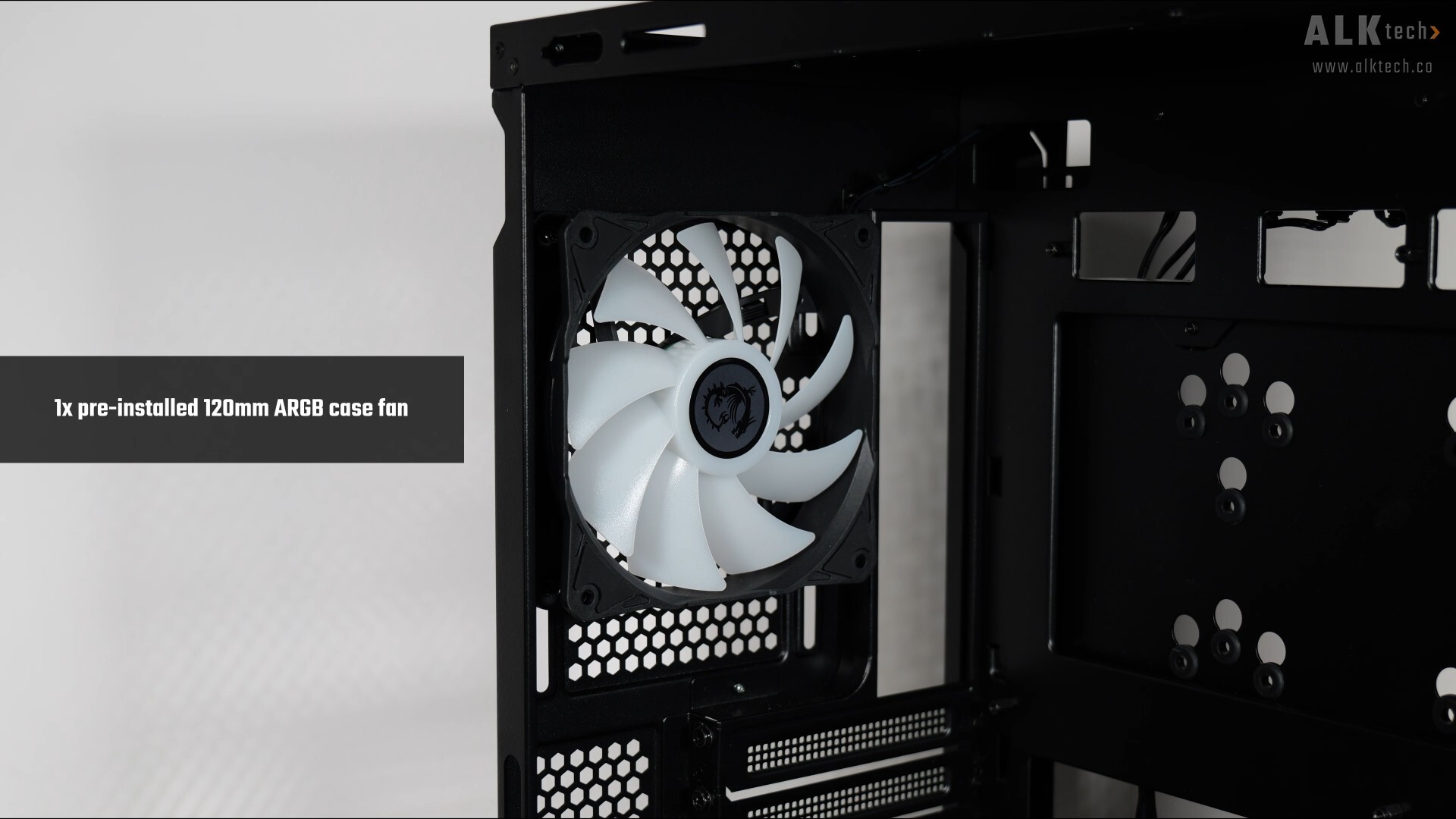
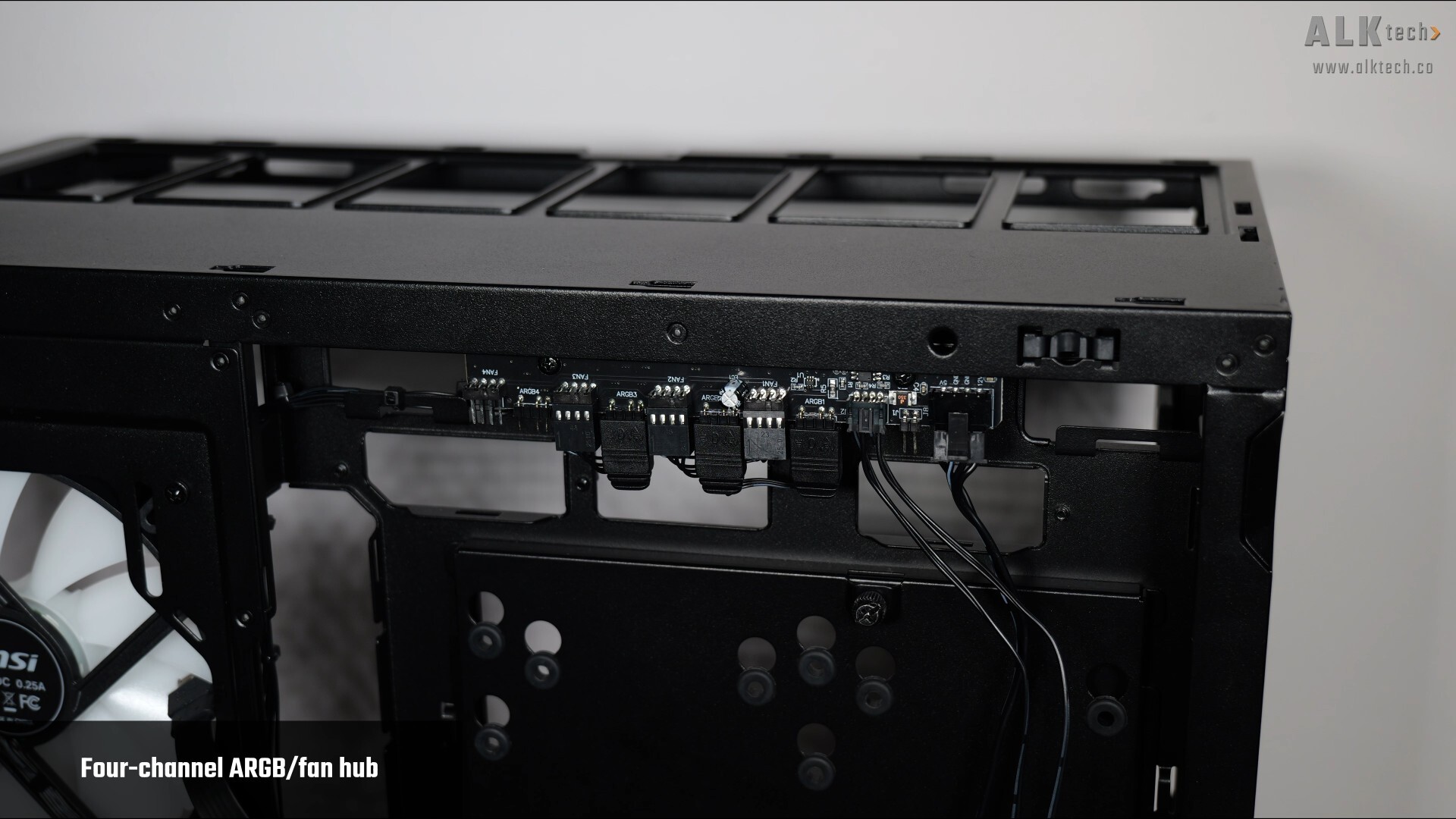
We also get a preinstalled 120mm ARGB rear exhaust fan, and MSI’s included a four-channel ARGB and fan hub, where as can be seen above, we’ve got one extra unused ARGB and PWM fan header that you can use for other ARGB fans/devices that you’ll be installing in this case.
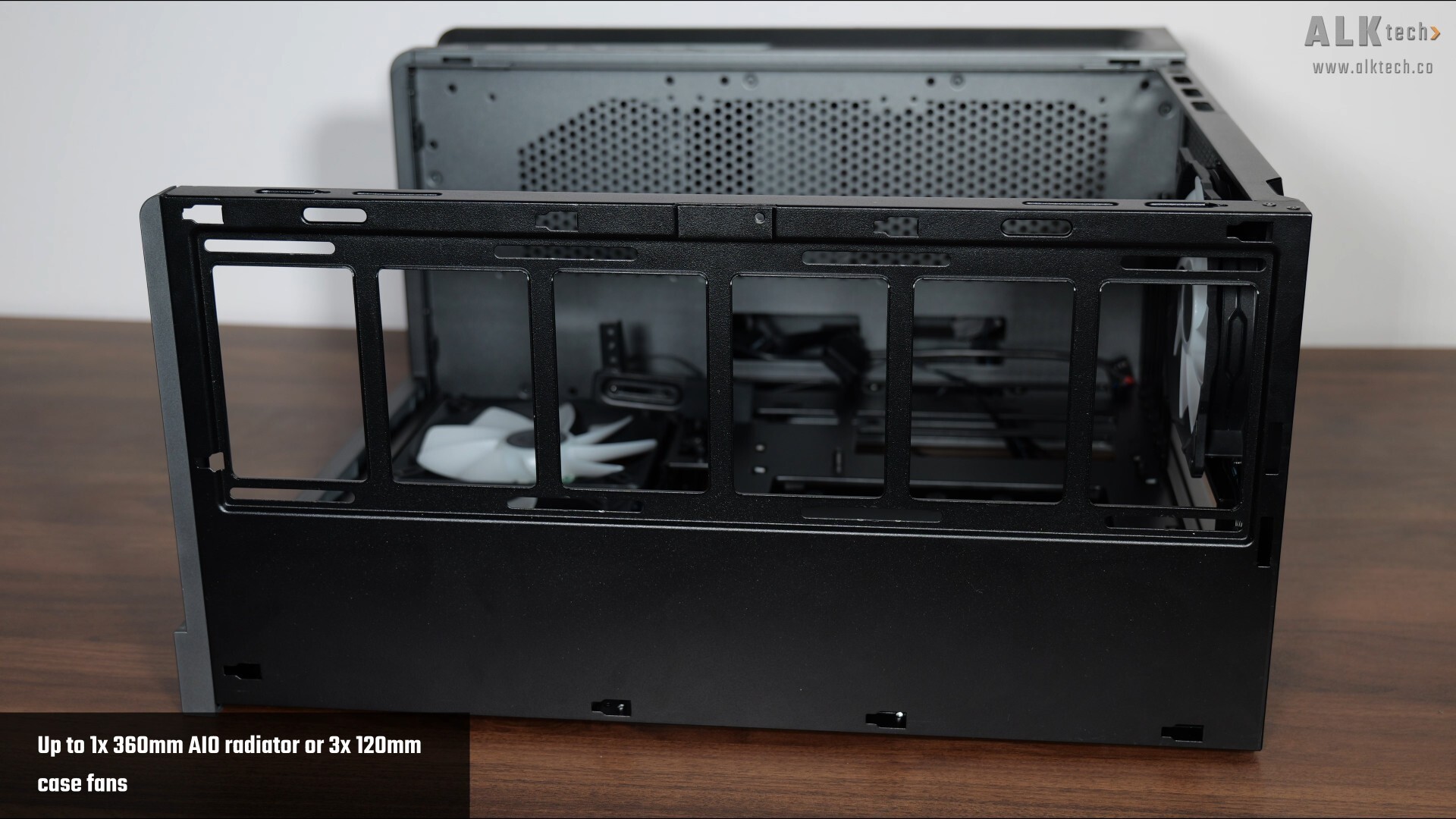
Over on the top panel of the case, we get support for up to a 360mm AIO radiator, or three 120mm case fans.
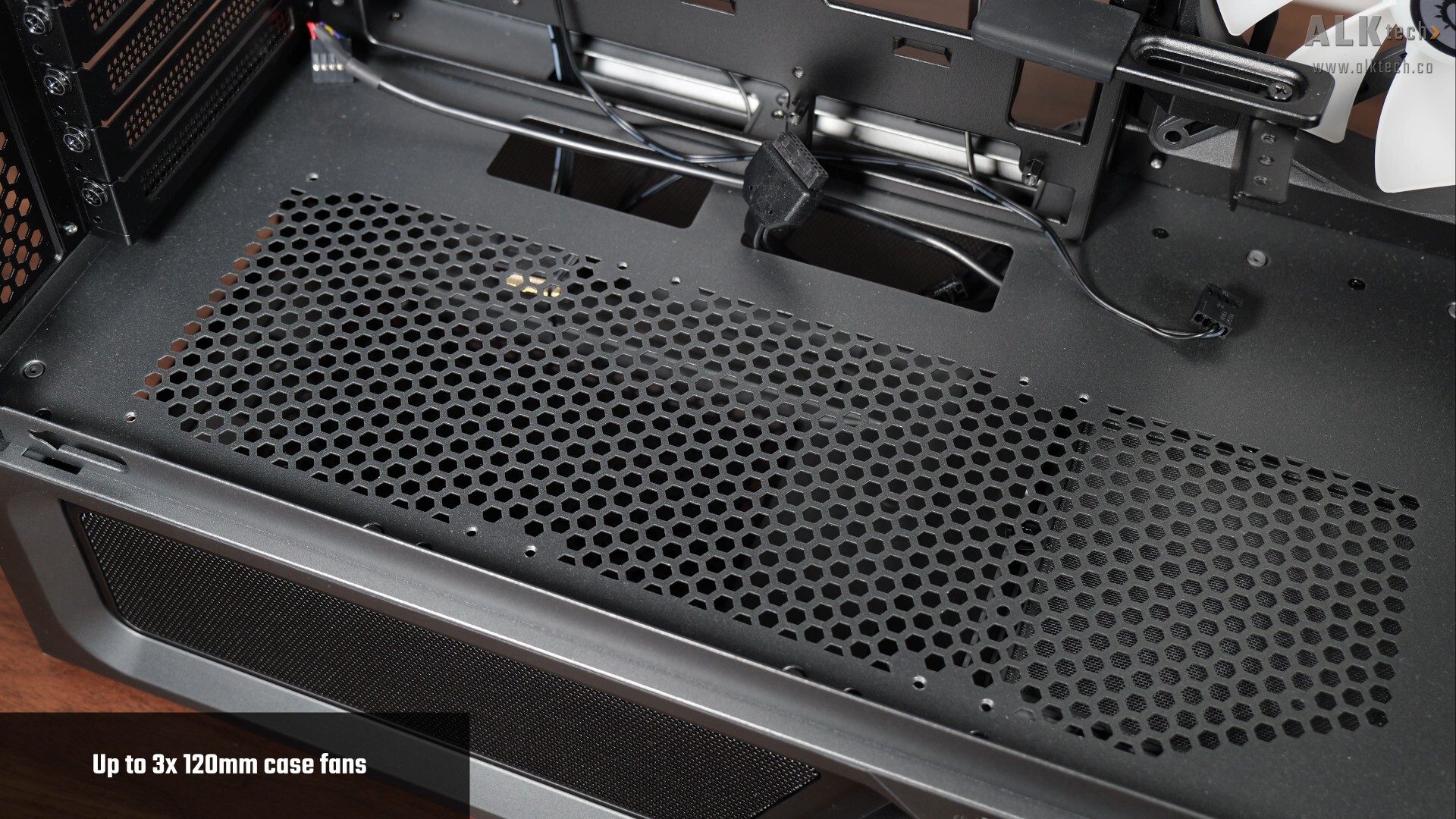
Finally, on the PSU shroud at the bottom, we get support for up to three 120mm case fans.
Physical Dimensions & Clearances (MSI MPG VIXTA 300R PZ)
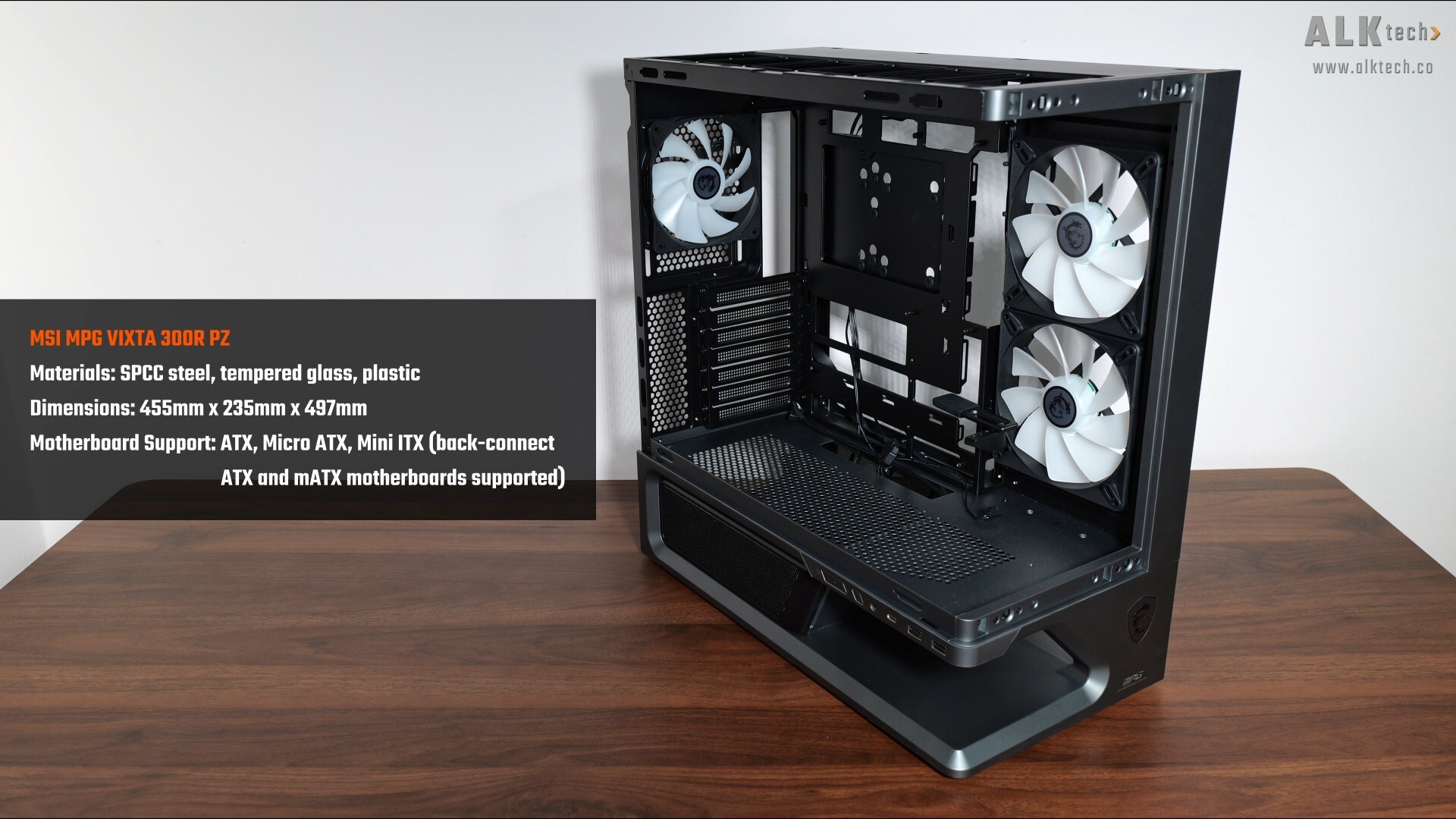
In terms of physical dimensions, the MPG VIXTA 300R PZ has the dimensions as stated above. Do note that the case does come with support for ATX and Micro ATX motherboards with rear connectors - boards from MSI's Project Zero line-up for instance, would work perfectly with this case.
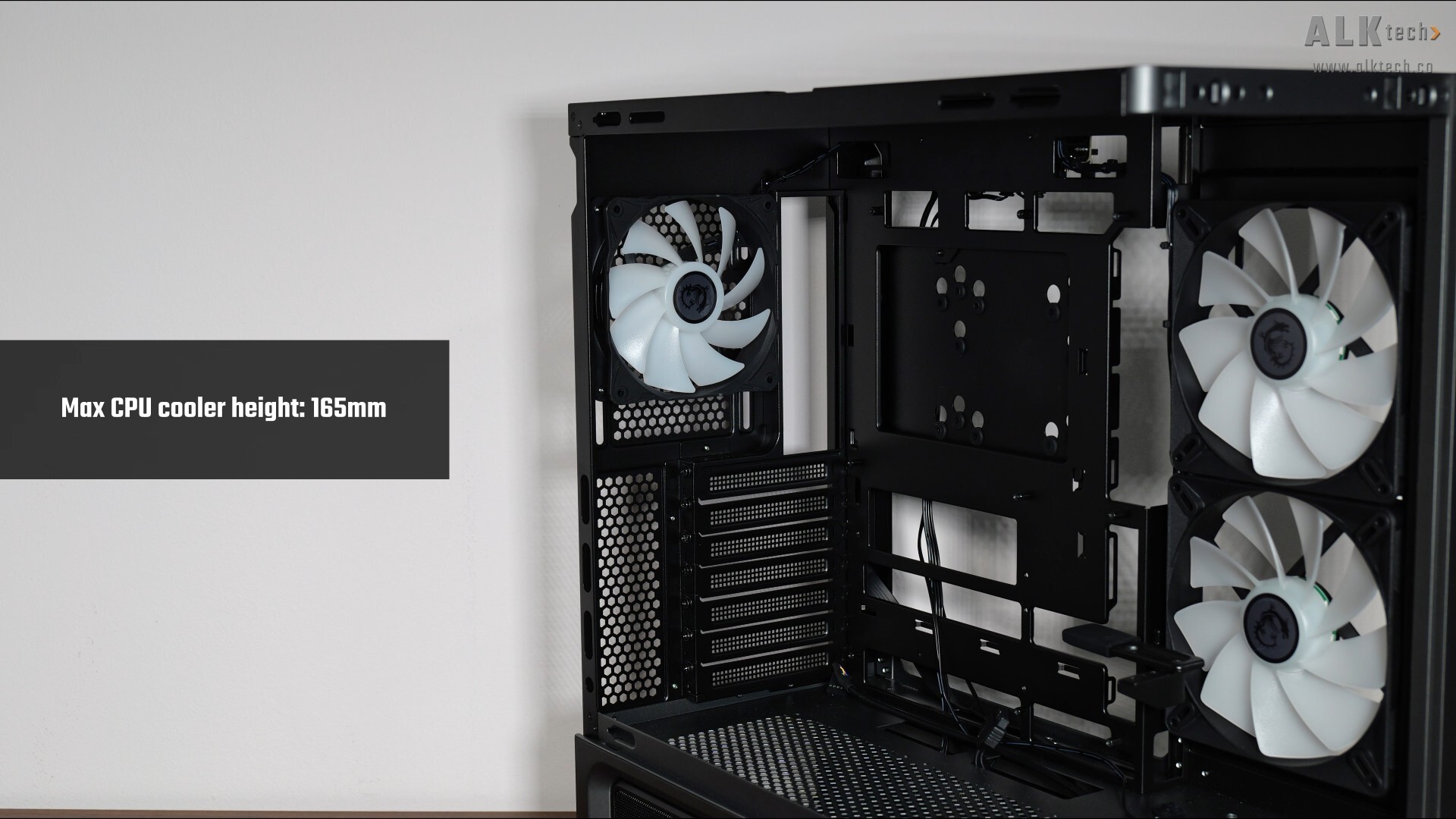
For folks intending to use an air cooler for their processor, do note that the case supports CPU coolers of heights no more than 165mm.
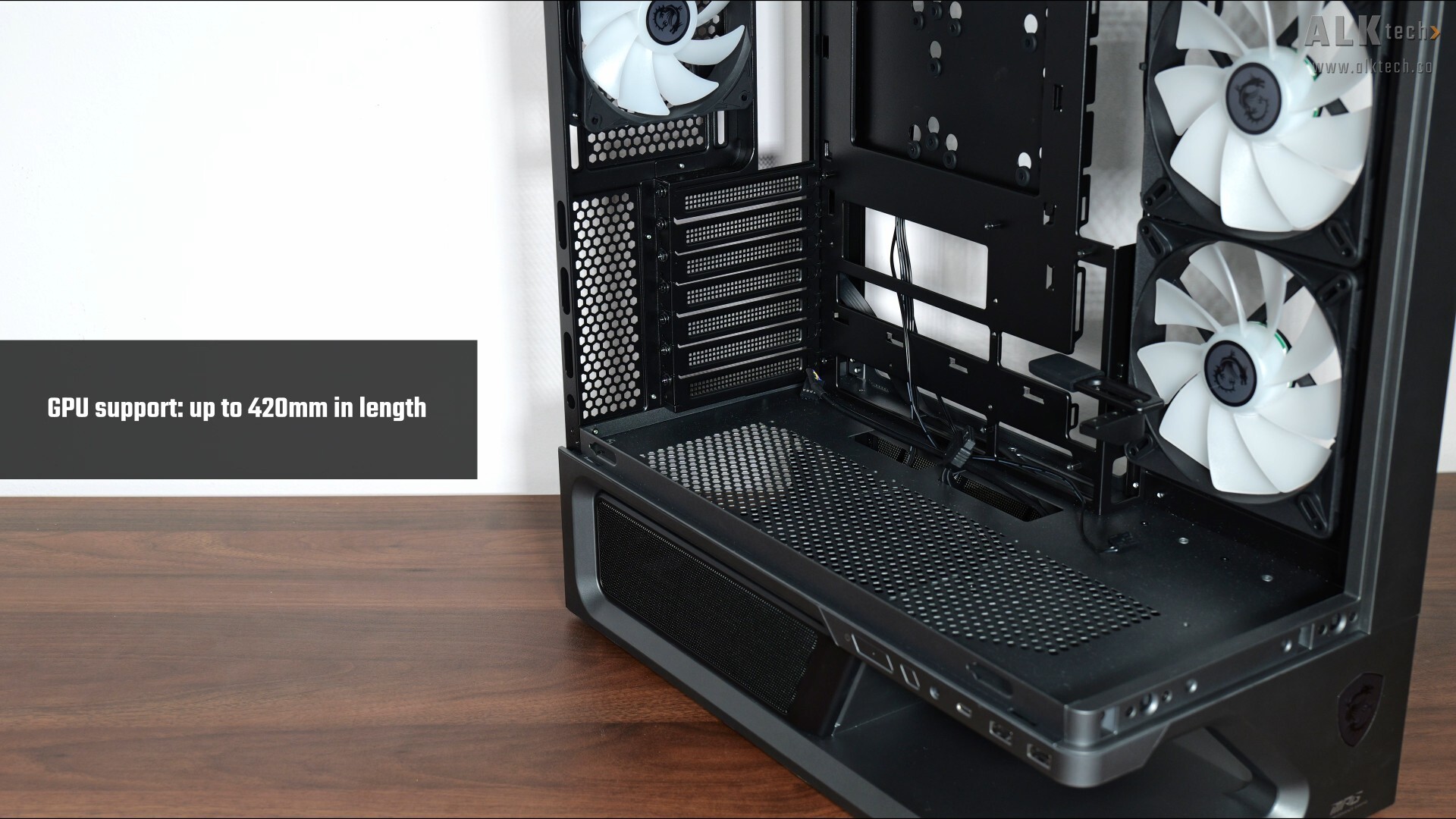
GPU wise, the VIXTA 300R PZ comes with support for graphics cards with lengths of up to 420mm.
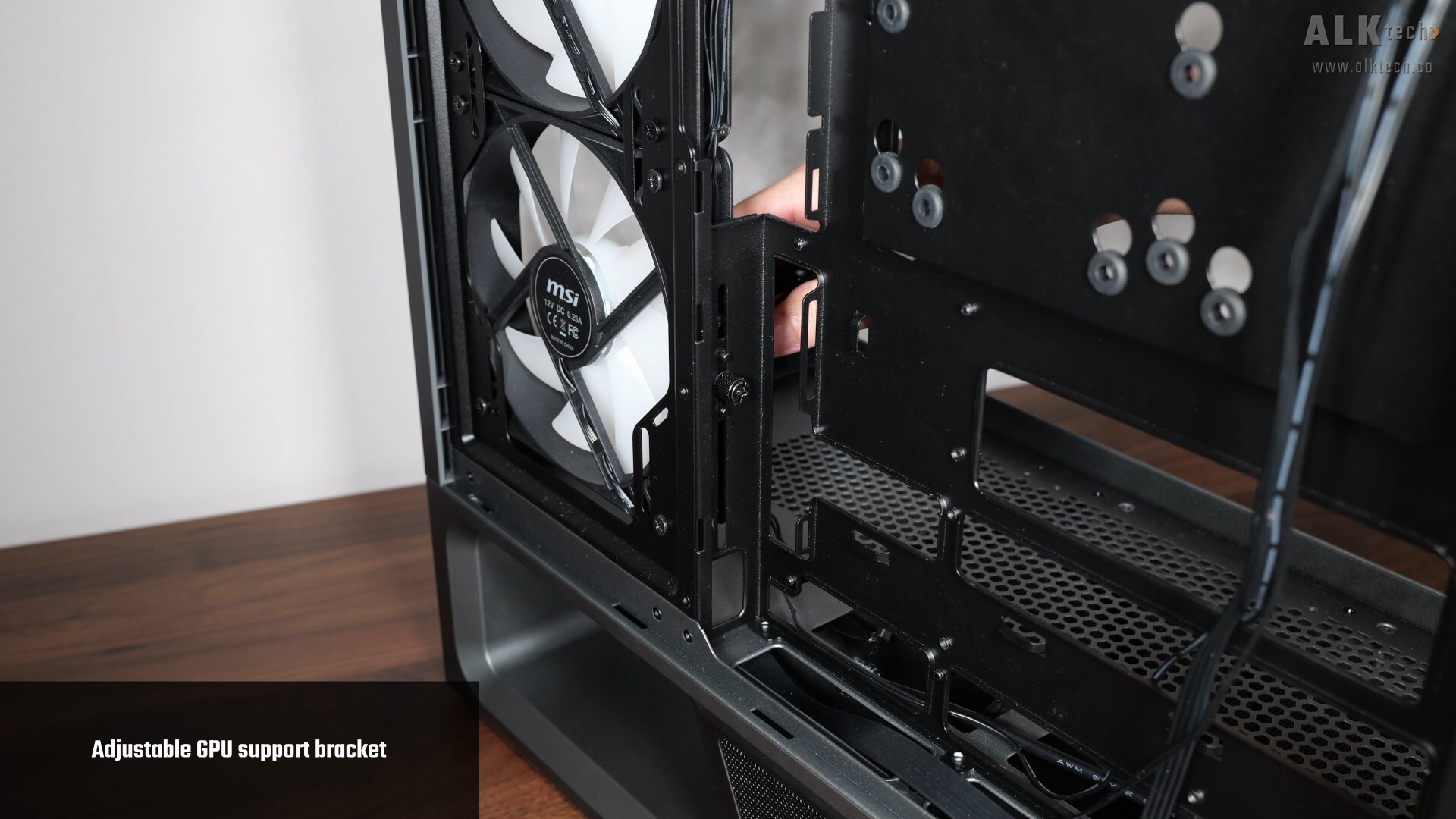
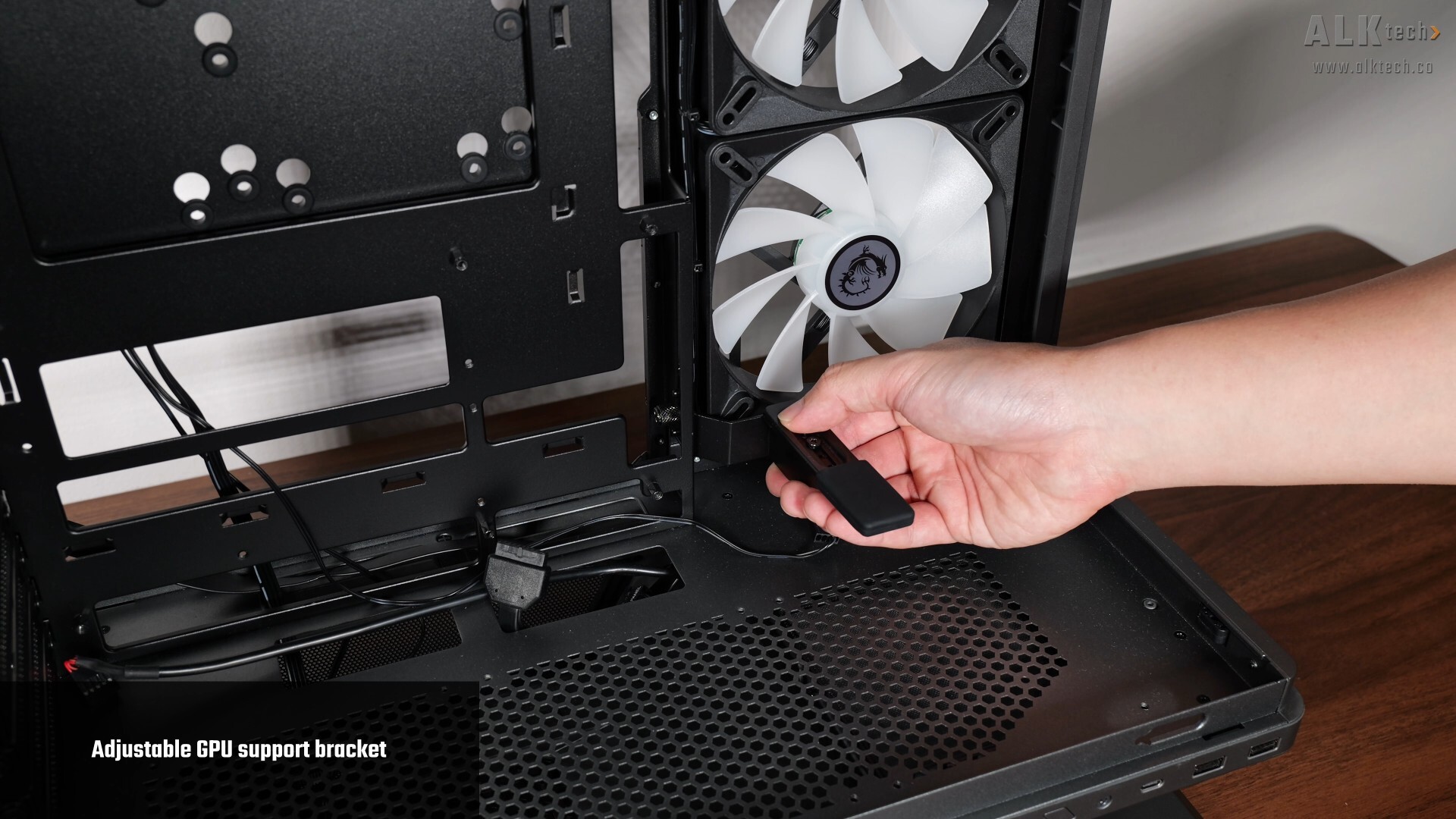
We’ve got a GPU support bracket that comes pre-installed on the motherboard tray of the case, where it can be adjusted vertically and horizontally.
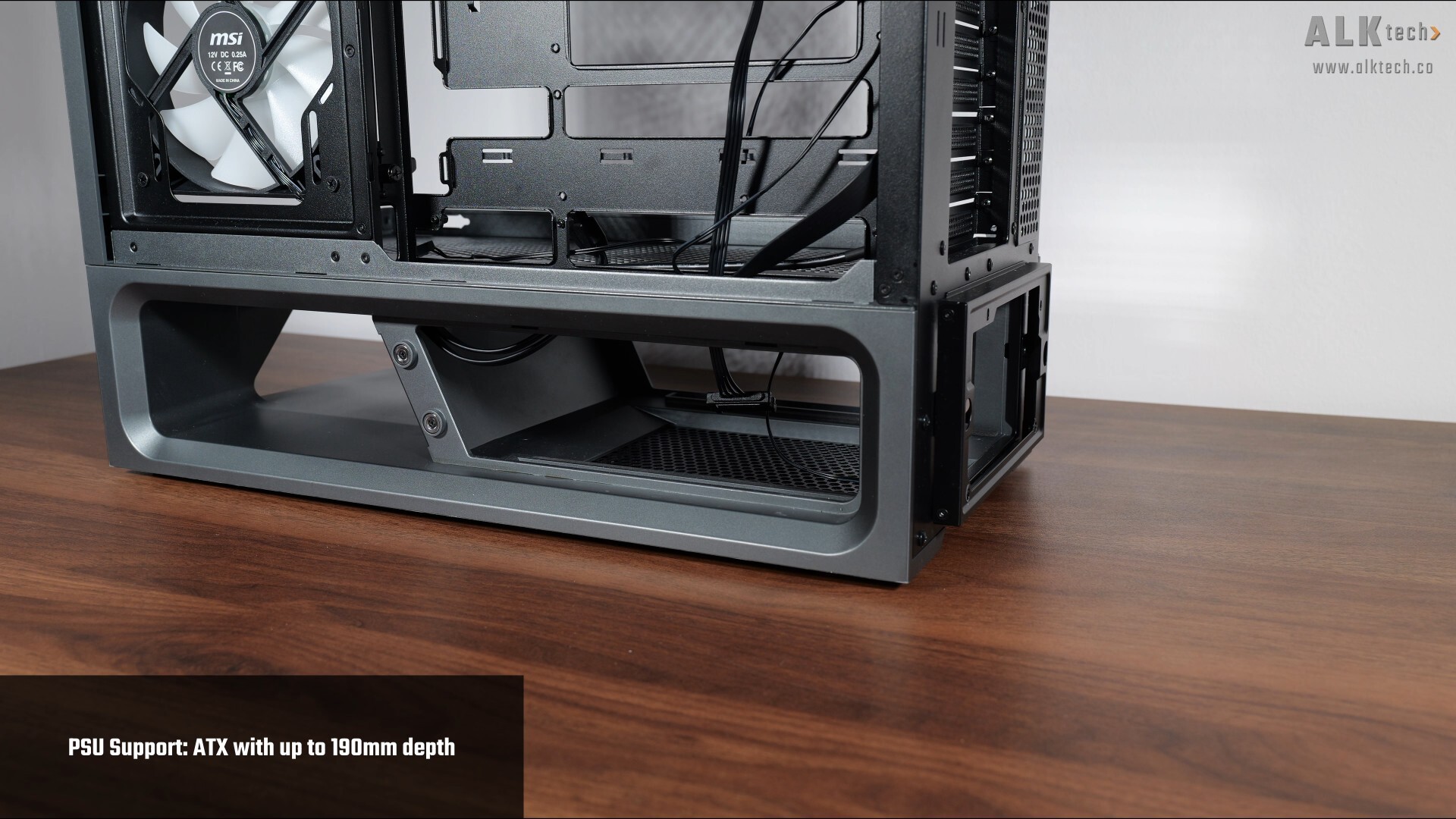
In terms of PSU support, we’ve got 190mm of depth clearance for a power supply, which is mounted in the bottom chamber of the PC case.
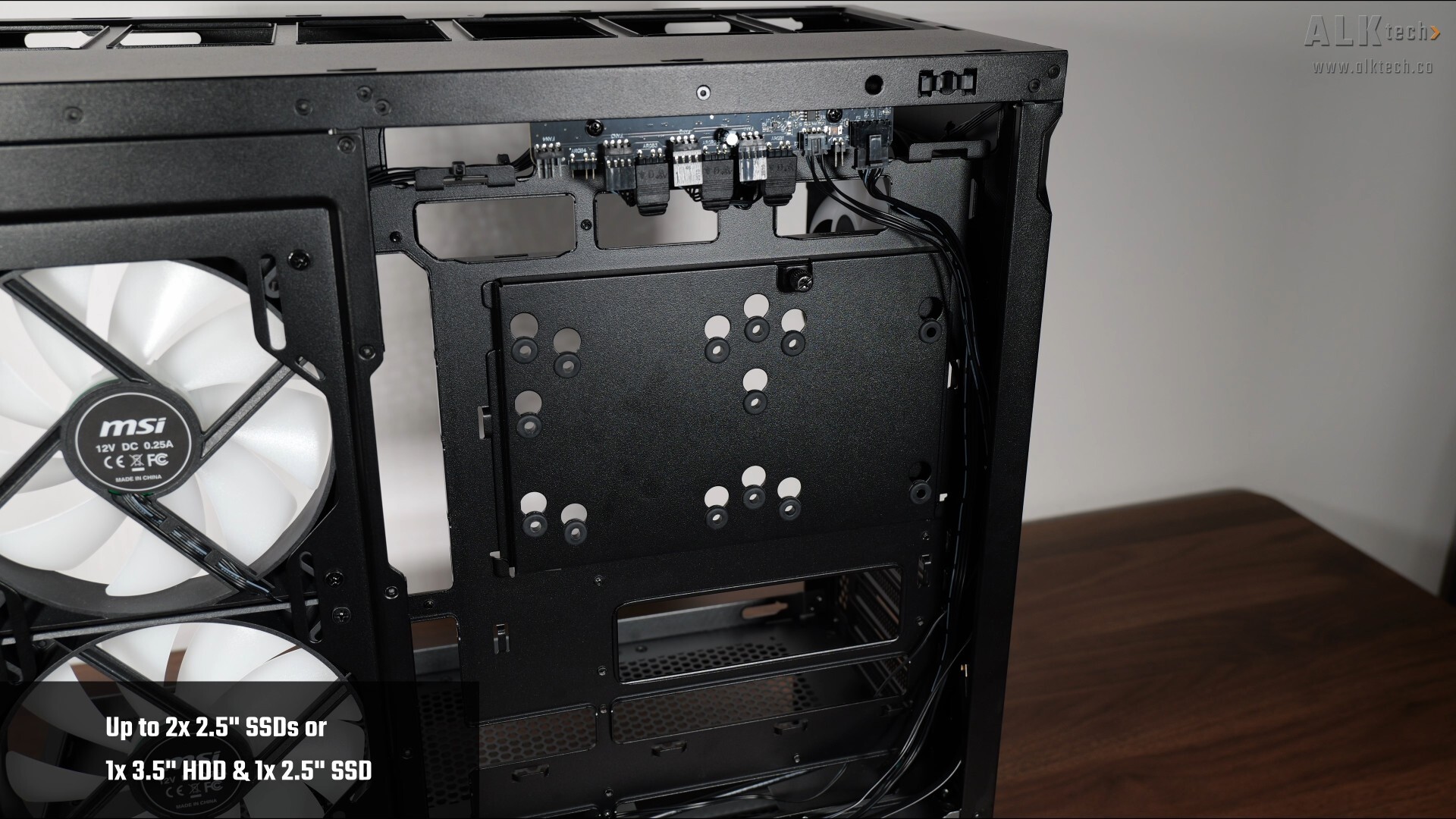
For those of you intending to install 2.5” or 3.5” storage drives for your PC build with the MPG VIXTA 300R PZ, we’ve got a drive bracket on the rear of the motherboard tray that supports up to two 2.5” SSD, or a single 3.5” hard disk and a single 2.5” SSD concurrently.
MPG COREFROZR AP15 Walkthrough
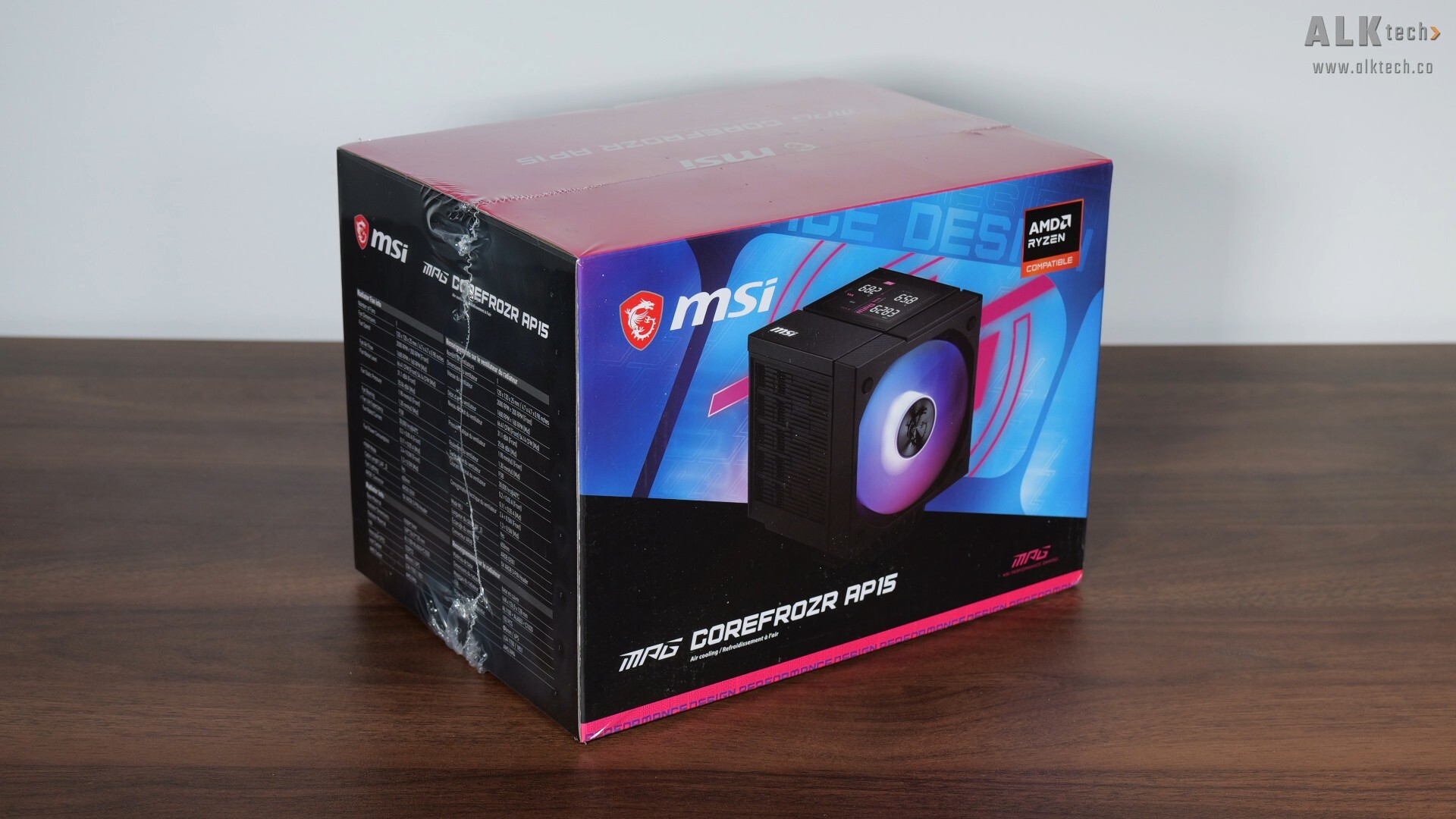
With that, time to shift gears and take a closer look at the MSI MPG COREFROZR AP15. For this article, I’ll be using it as part of a demo build with the MPG VIXTA 300R PZ.
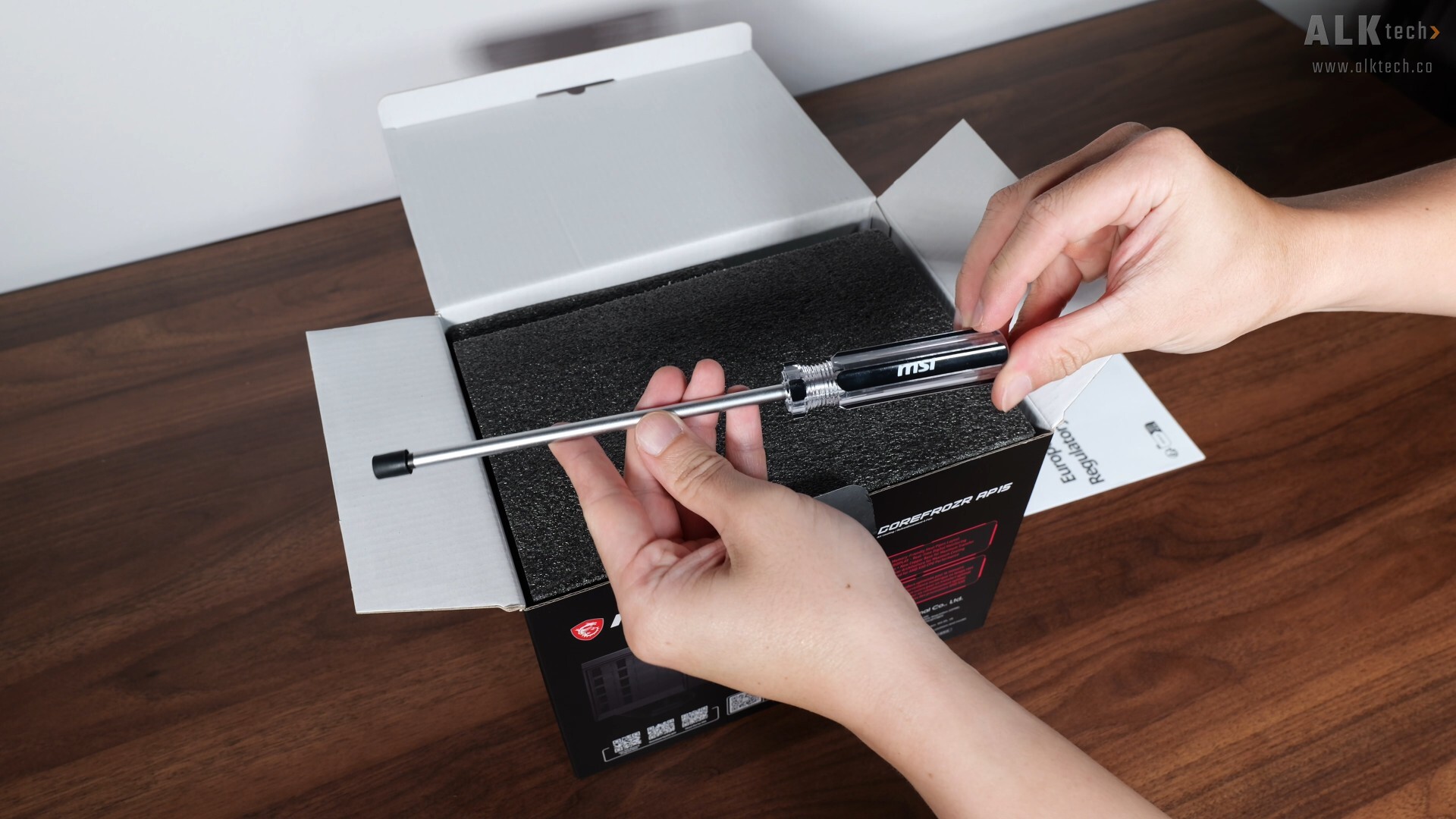
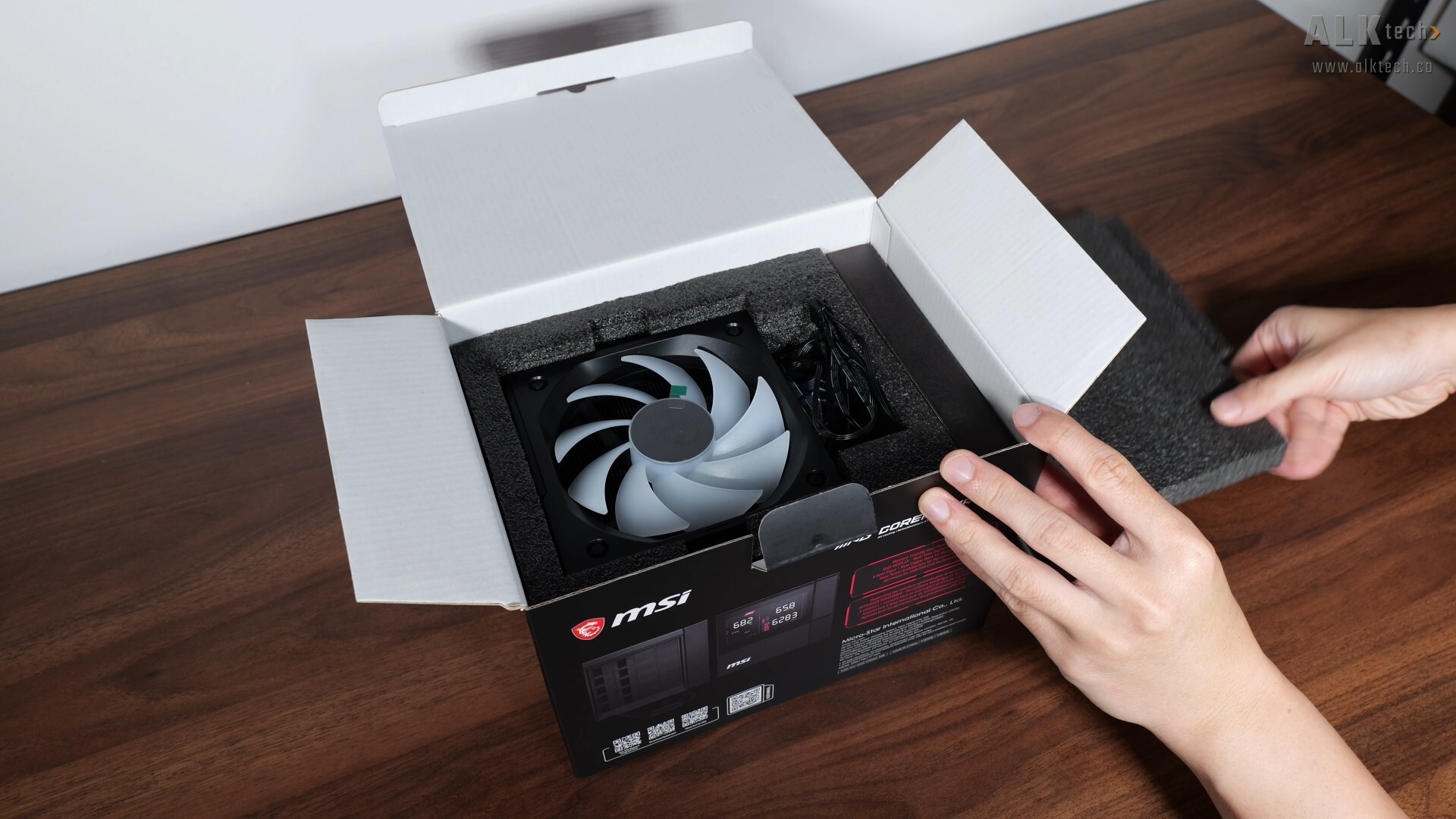
Accessories wise, the COREFROZR AP15 ships with a Philips-head screw driver, all the necessary mounting hardware for AMD and Intel platforms, a tube of MSI-branded thermal paste, documentation, an EZ Conn connection cable and not forgetting, the cooler itself.
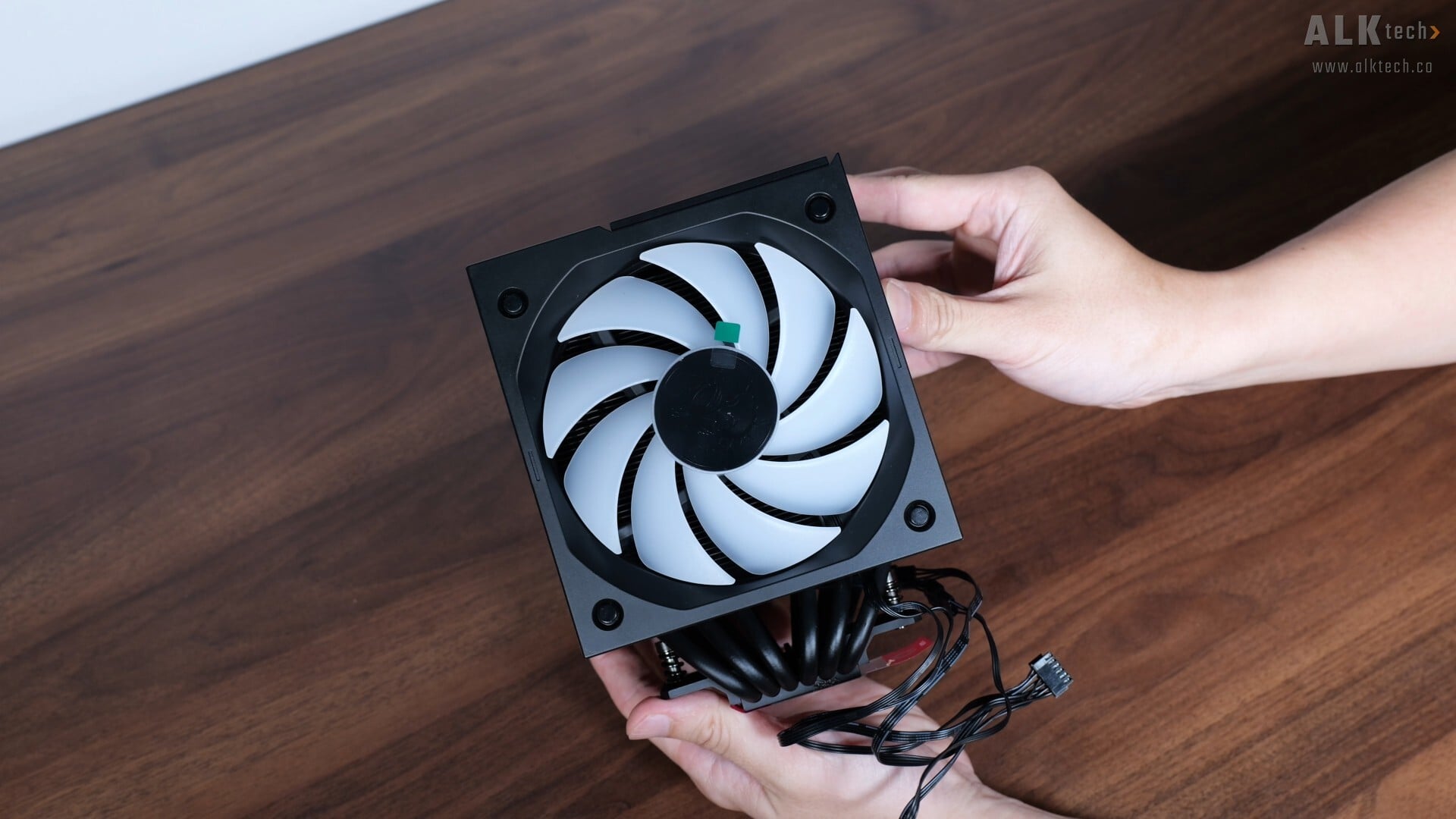
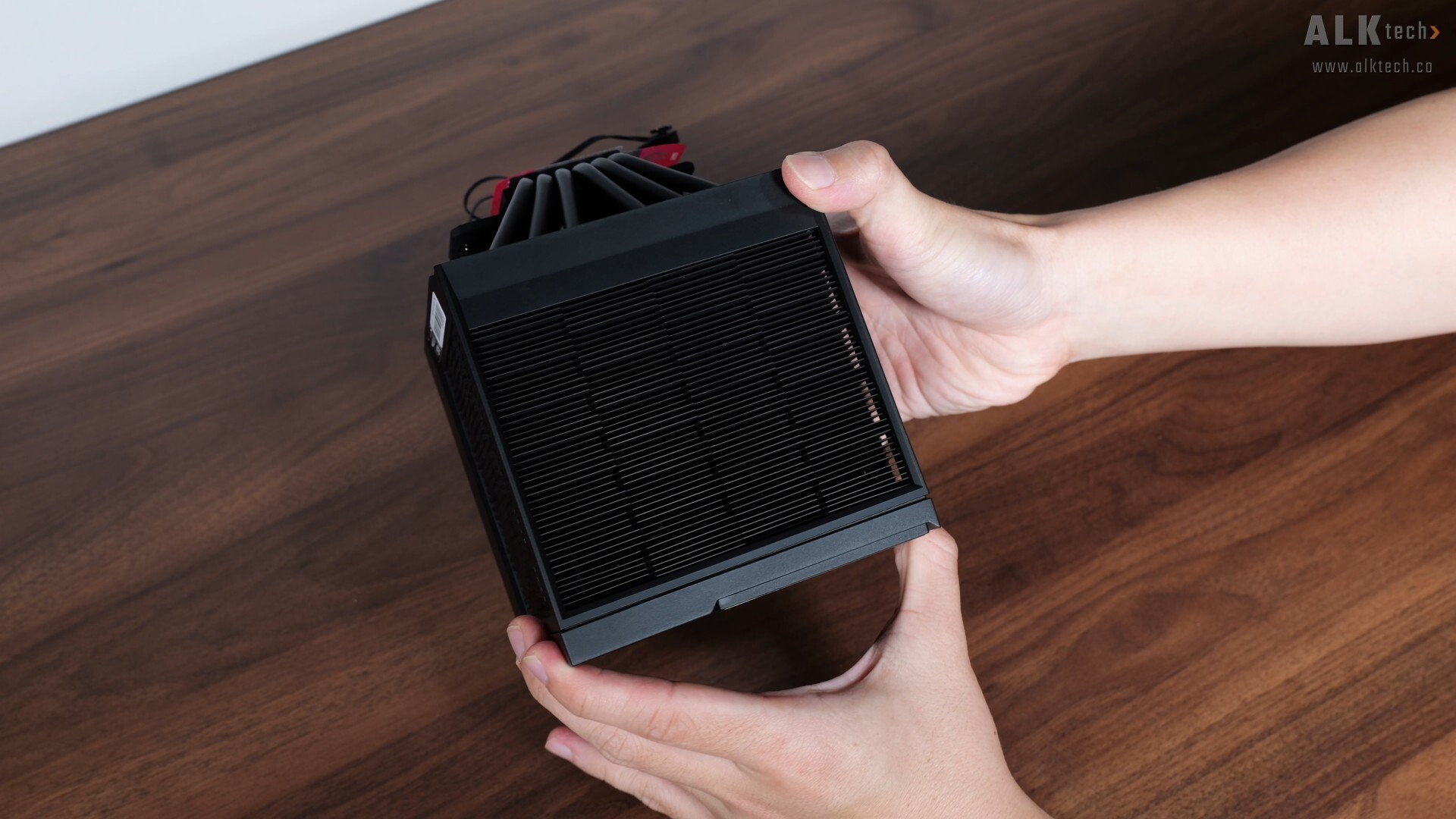
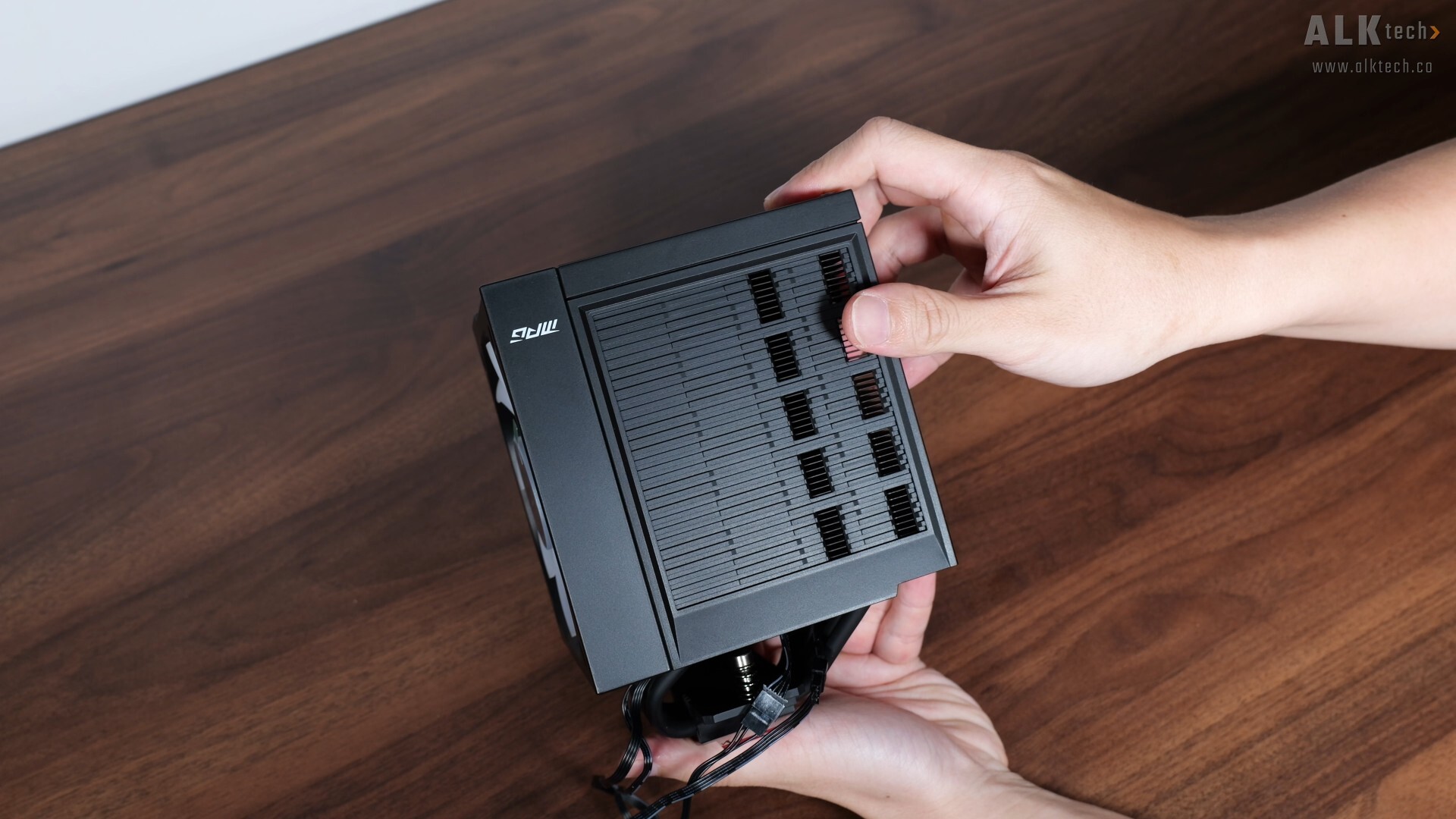
Key features of this CPU air cooler, it features a dual fan six-heat pipe design, with a unique aesthetic all thanks to its almost monolithic cube appearance, which is a breath of fresh air in my opinion.
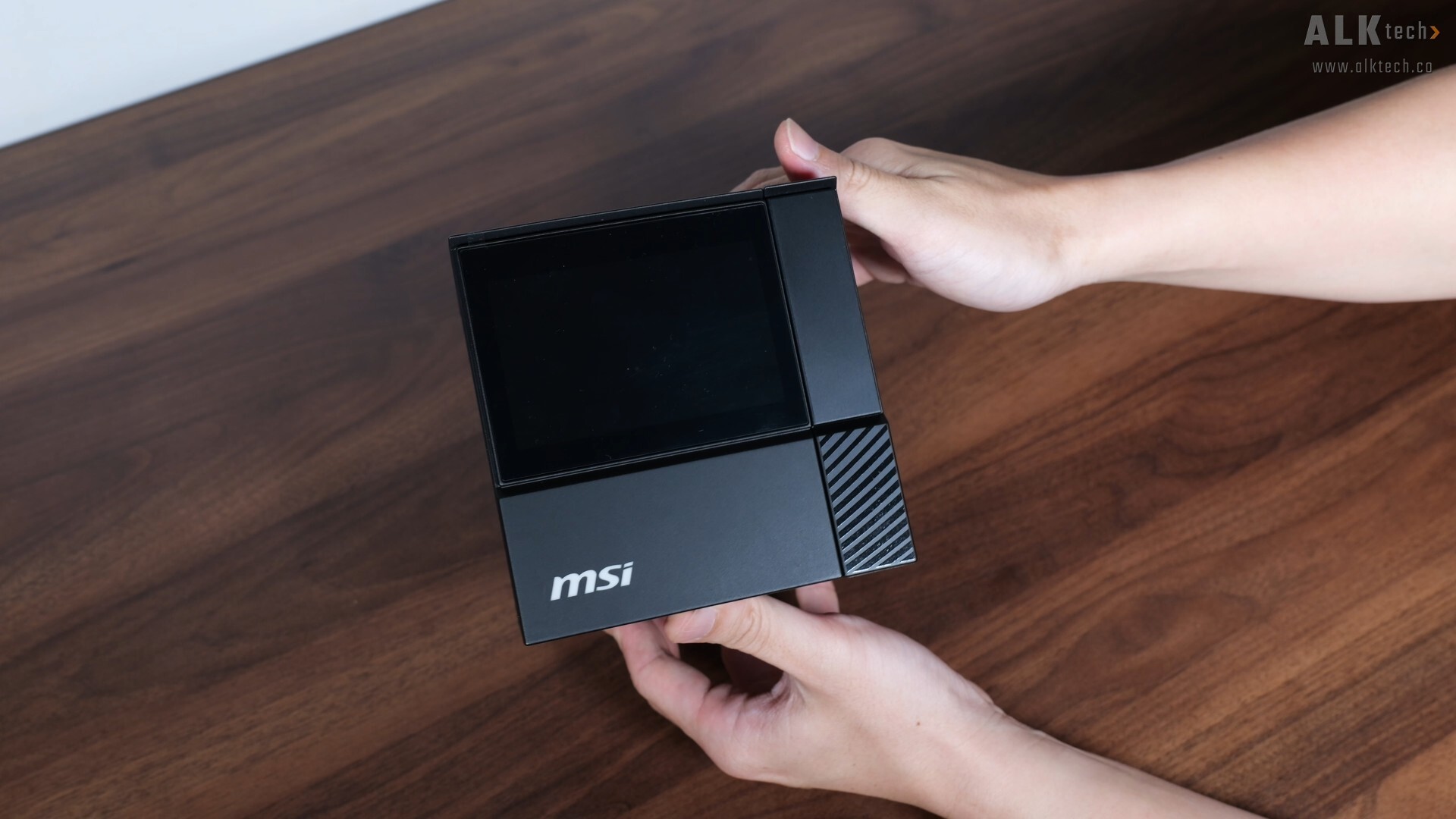
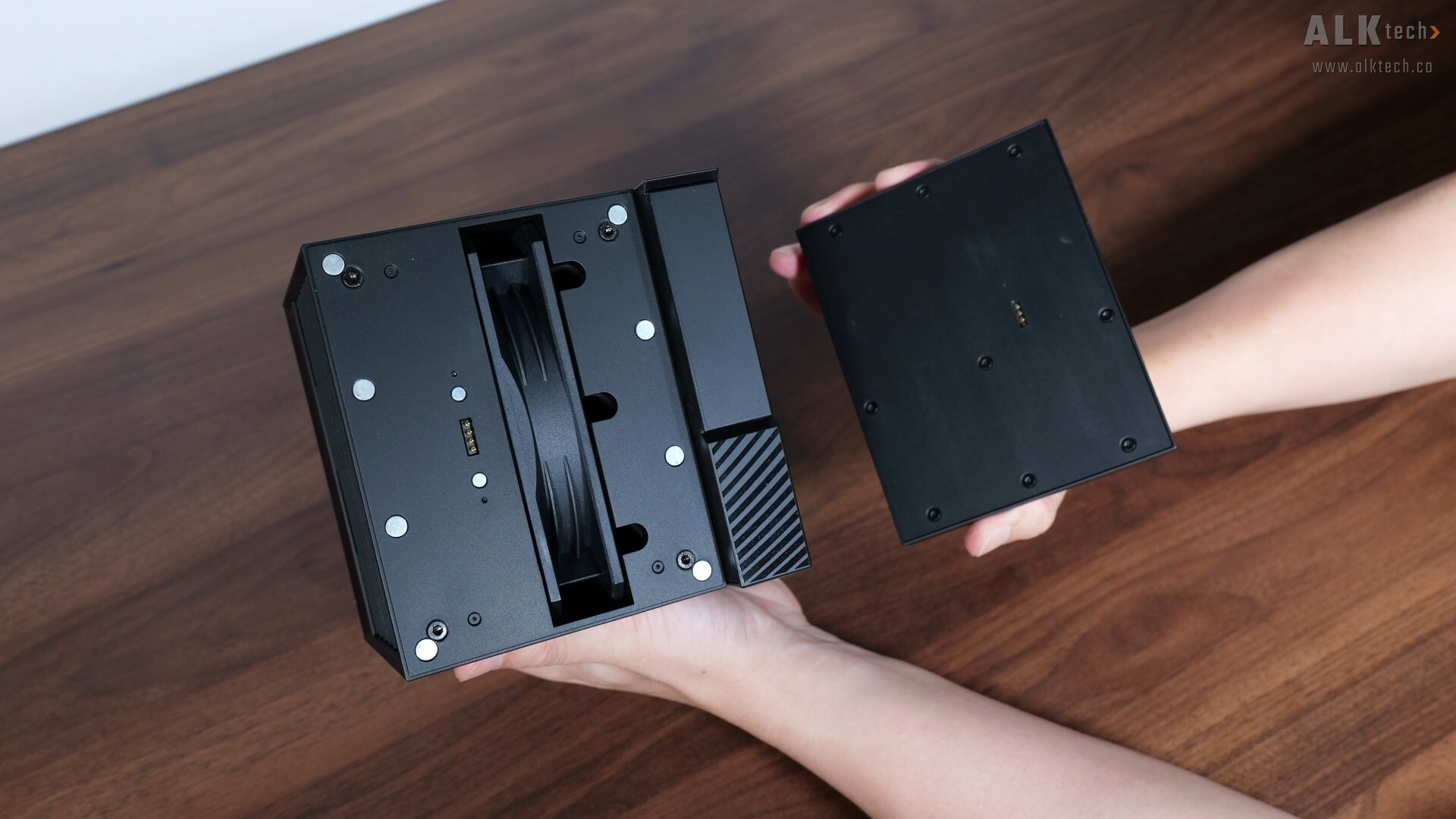
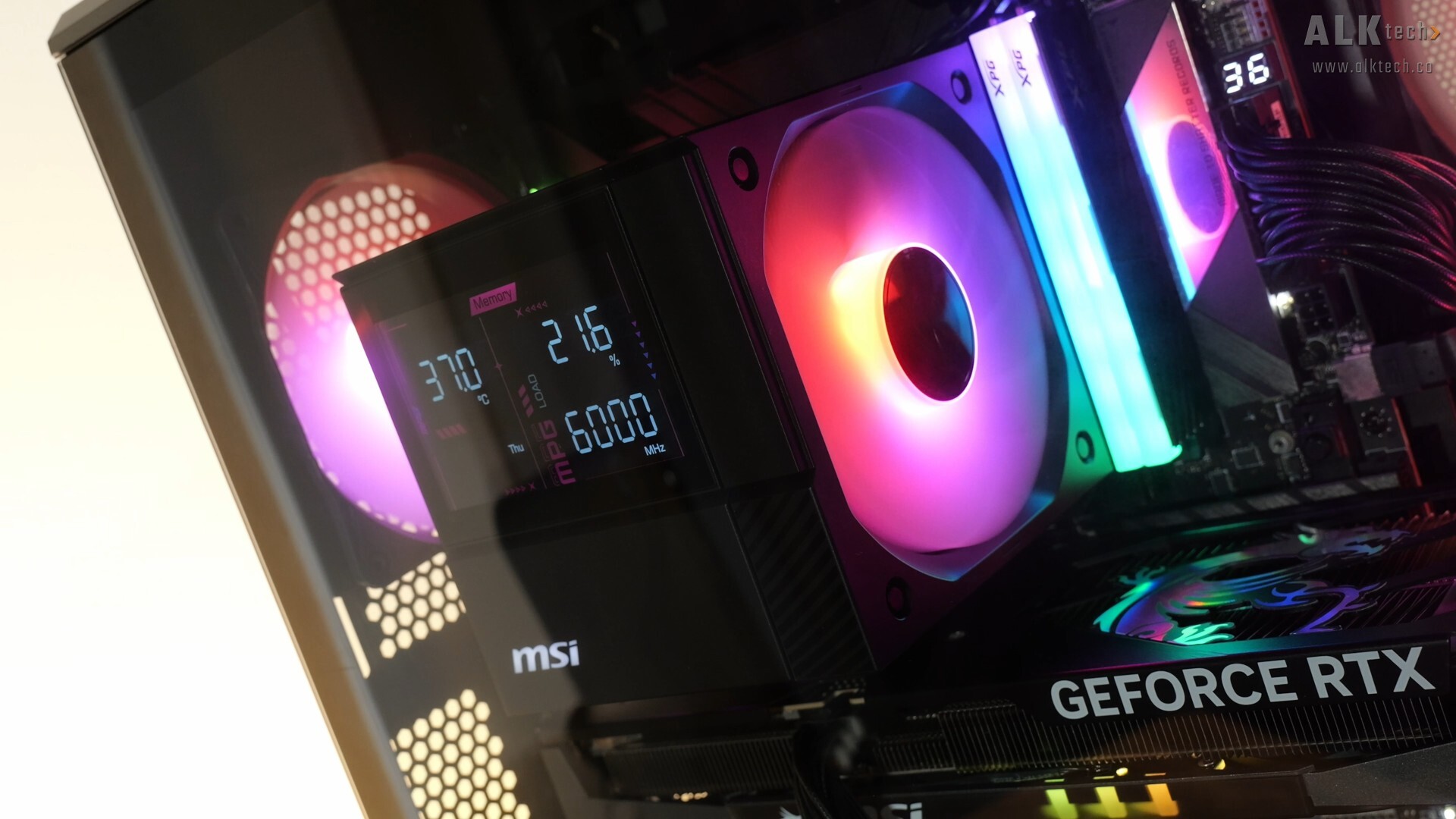
The key selling point of this CPU air cooler is what MSI terms a DIGI-DISPLAY, which allows you to monitor key system statistics at one glance. The DIGI-DISPLAY module attaches to the main cooler assembly by means of magnetic pogo pins, and when you remove it from the cooler, we catch a glimpse of the second cooling fan
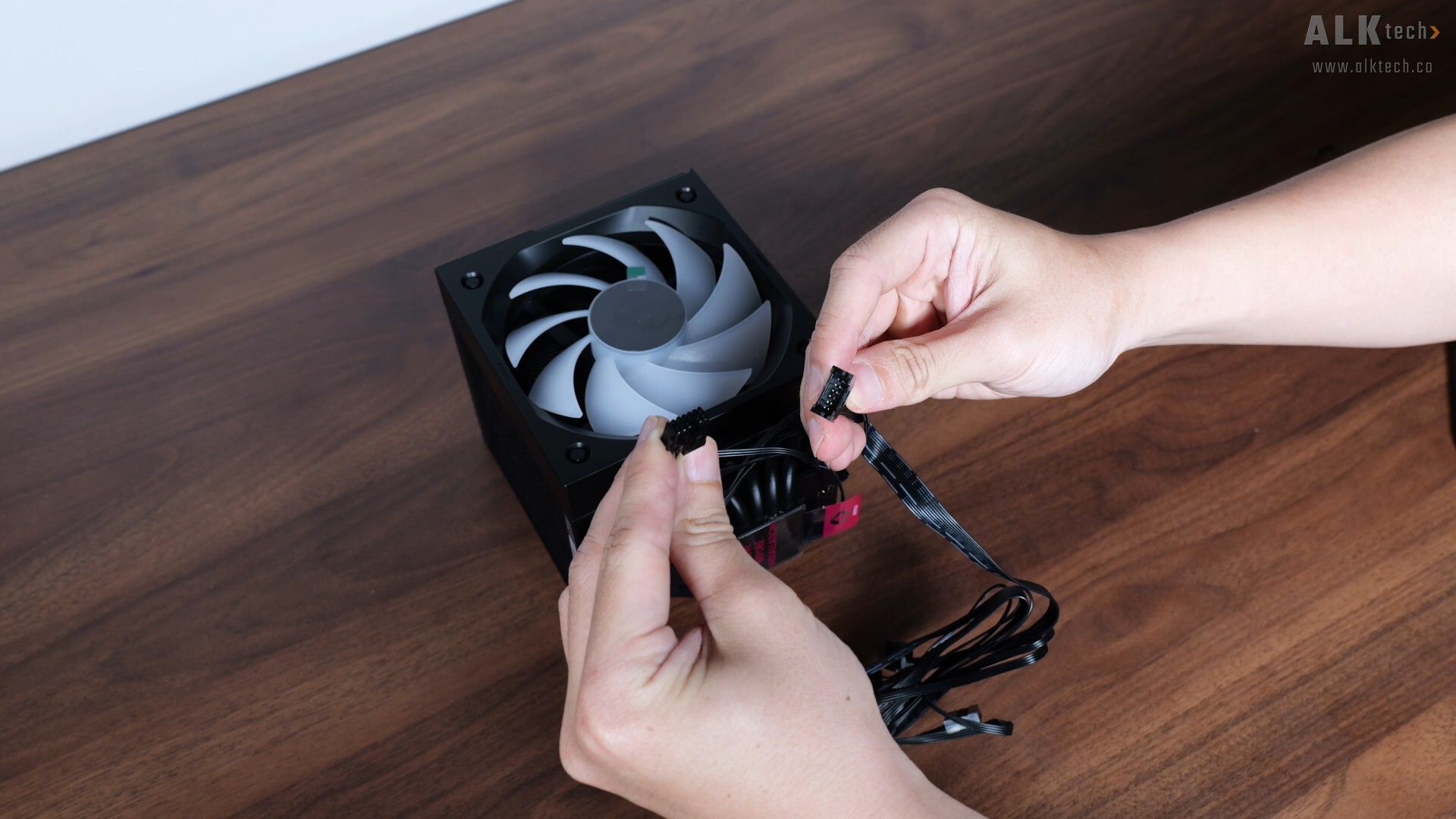
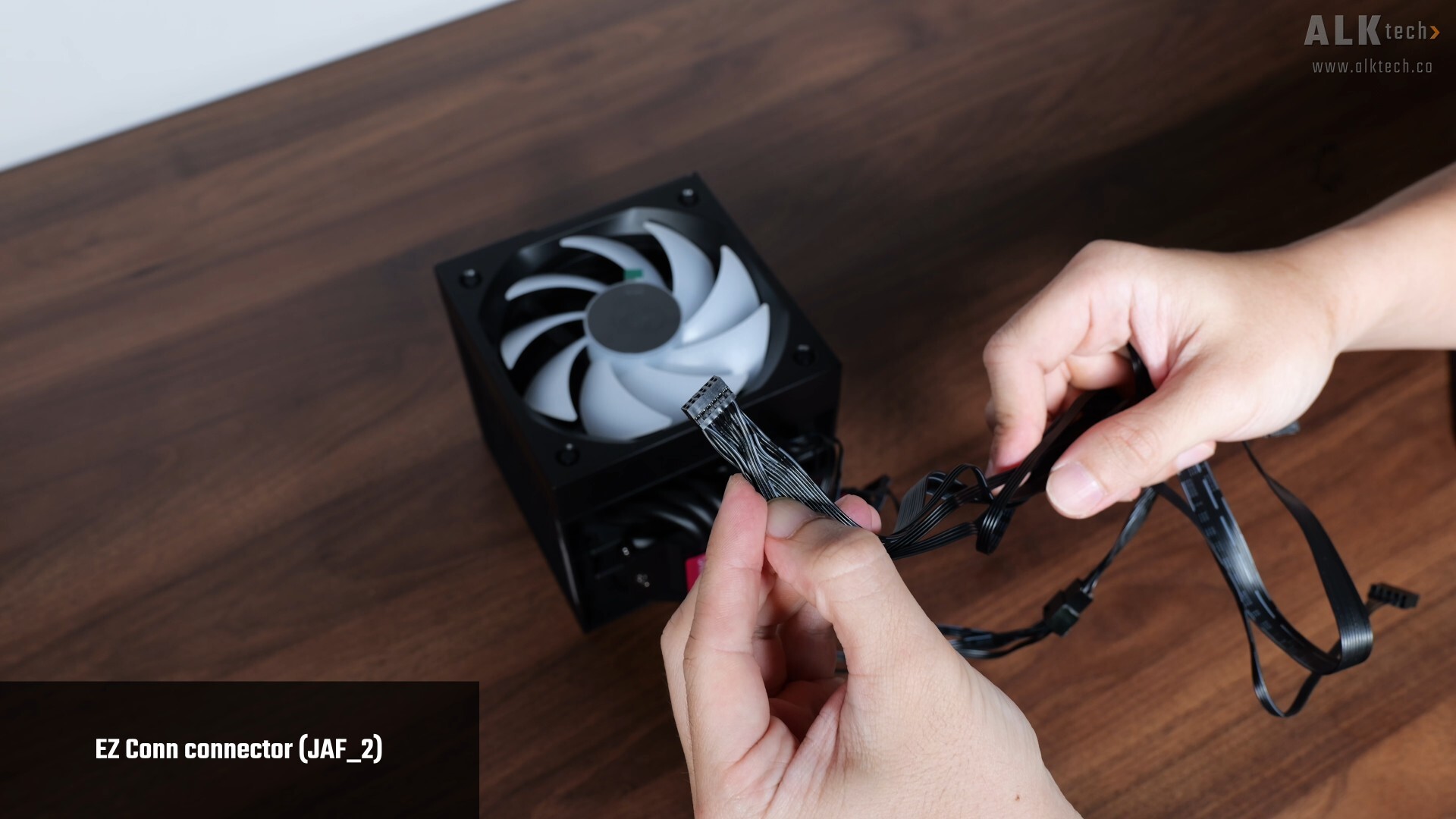
One noteworthy feature that the COREFROZR AP15 has is MSI’s proprietary EZ-CONN connector, which integrates your typical four-pin PWM fan connector, 5V ARGB connector as well as nine-pin USB 2.0 connector that you get with AIO CPU coolers or air coolers with digital displays, into one single EZ-CONN JAF_2 connector. This definitely helps simplify the installation process for the AP15.
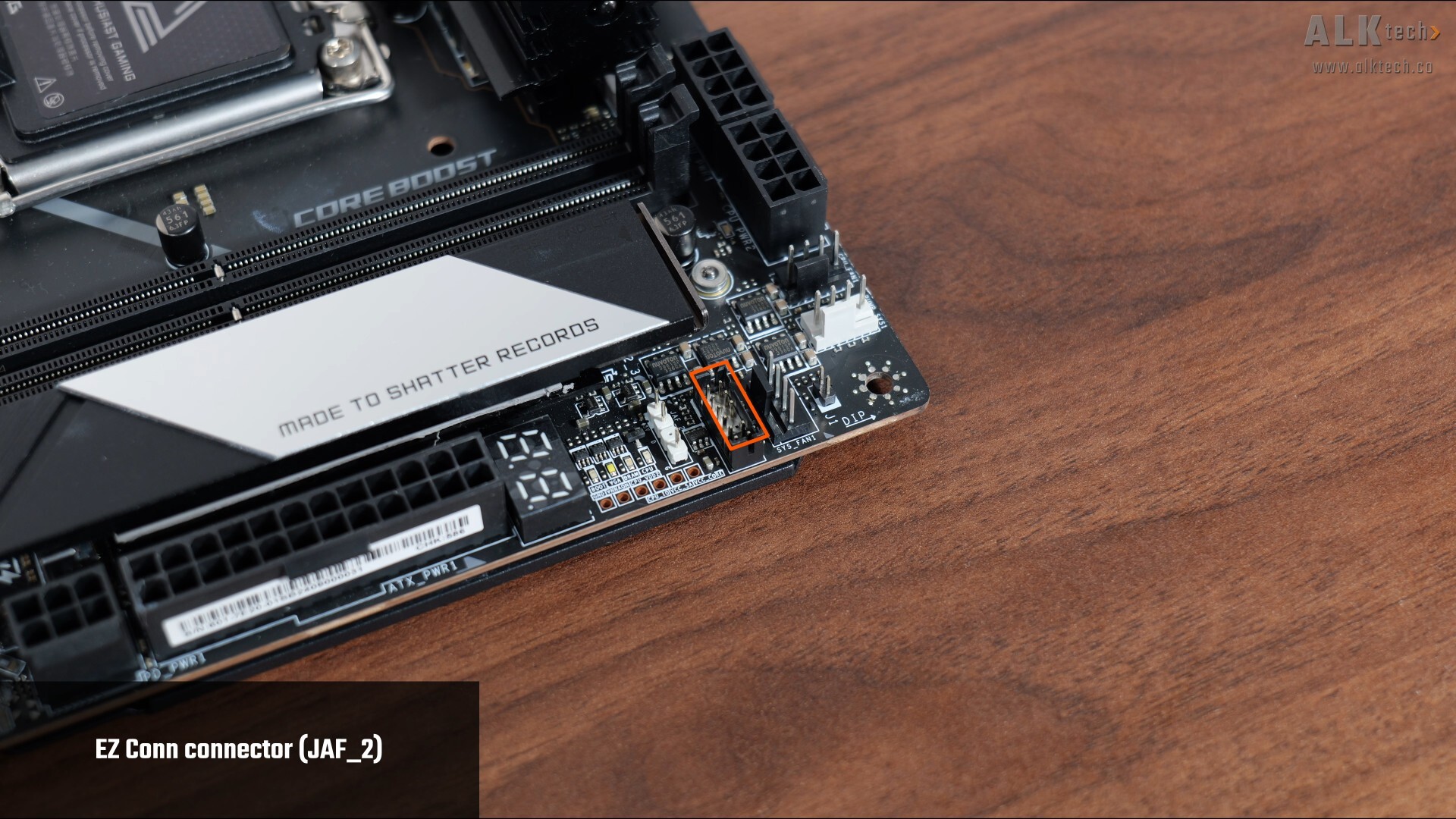
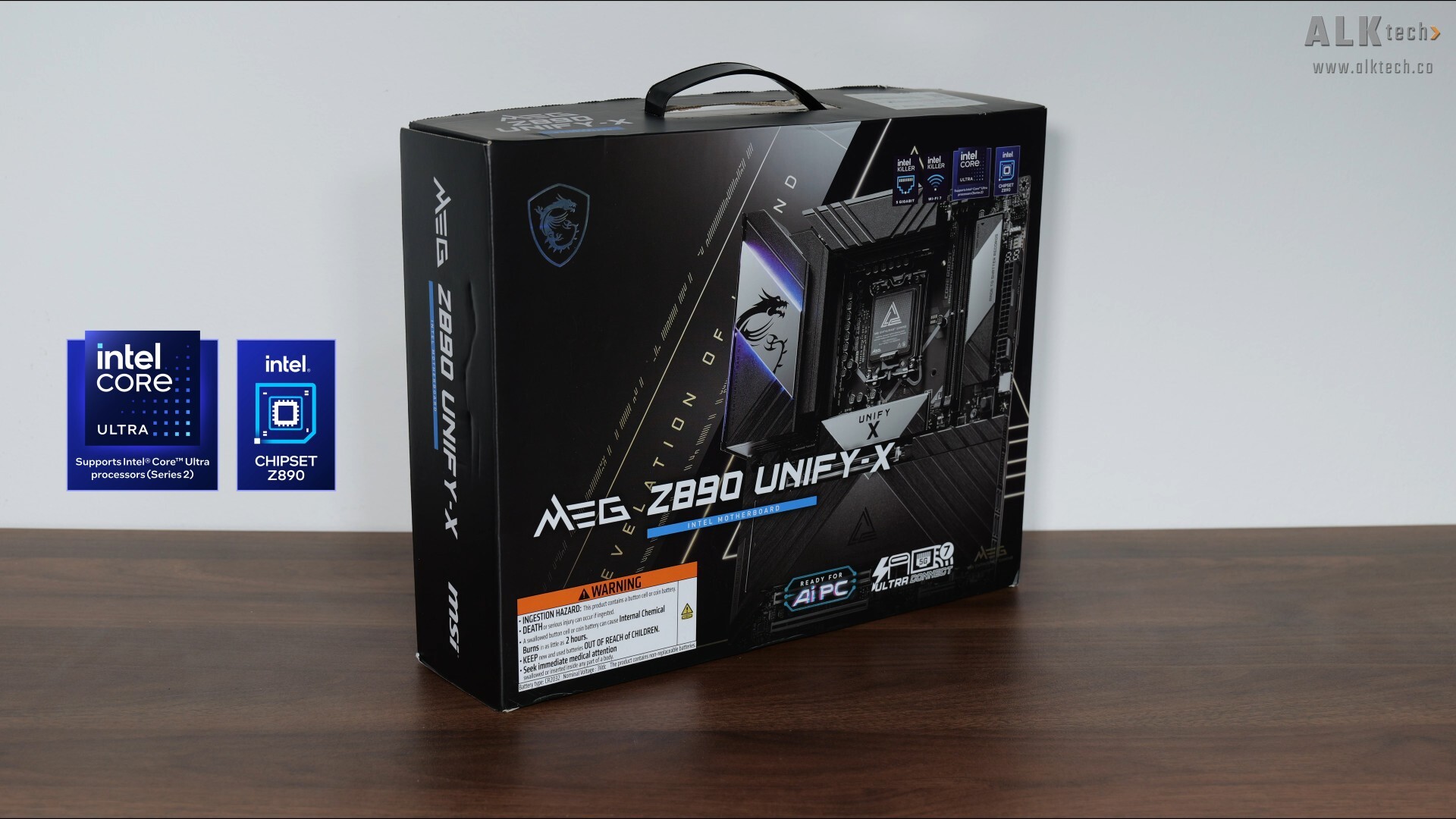
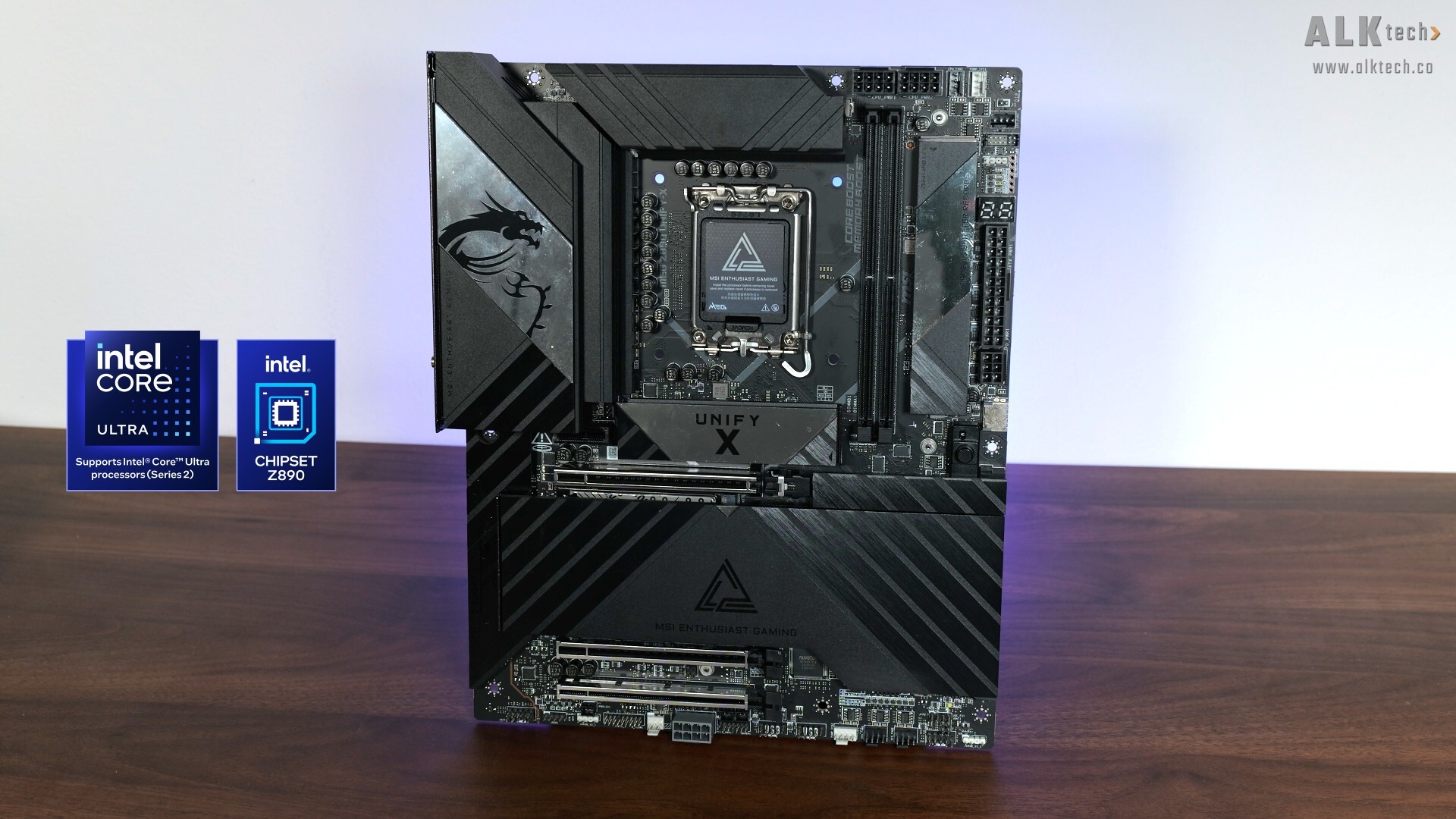
In order to use this feature, you’ll have to use it with a corresponding MSI motherboard that comes with the JAF_2 header on board, such as the MEG Z890 UNIFY-X motherboard that I have on hand, which I’ll be using together with the VIXTA 300R PZ and COREFROZR AP15 for a demo PC build.
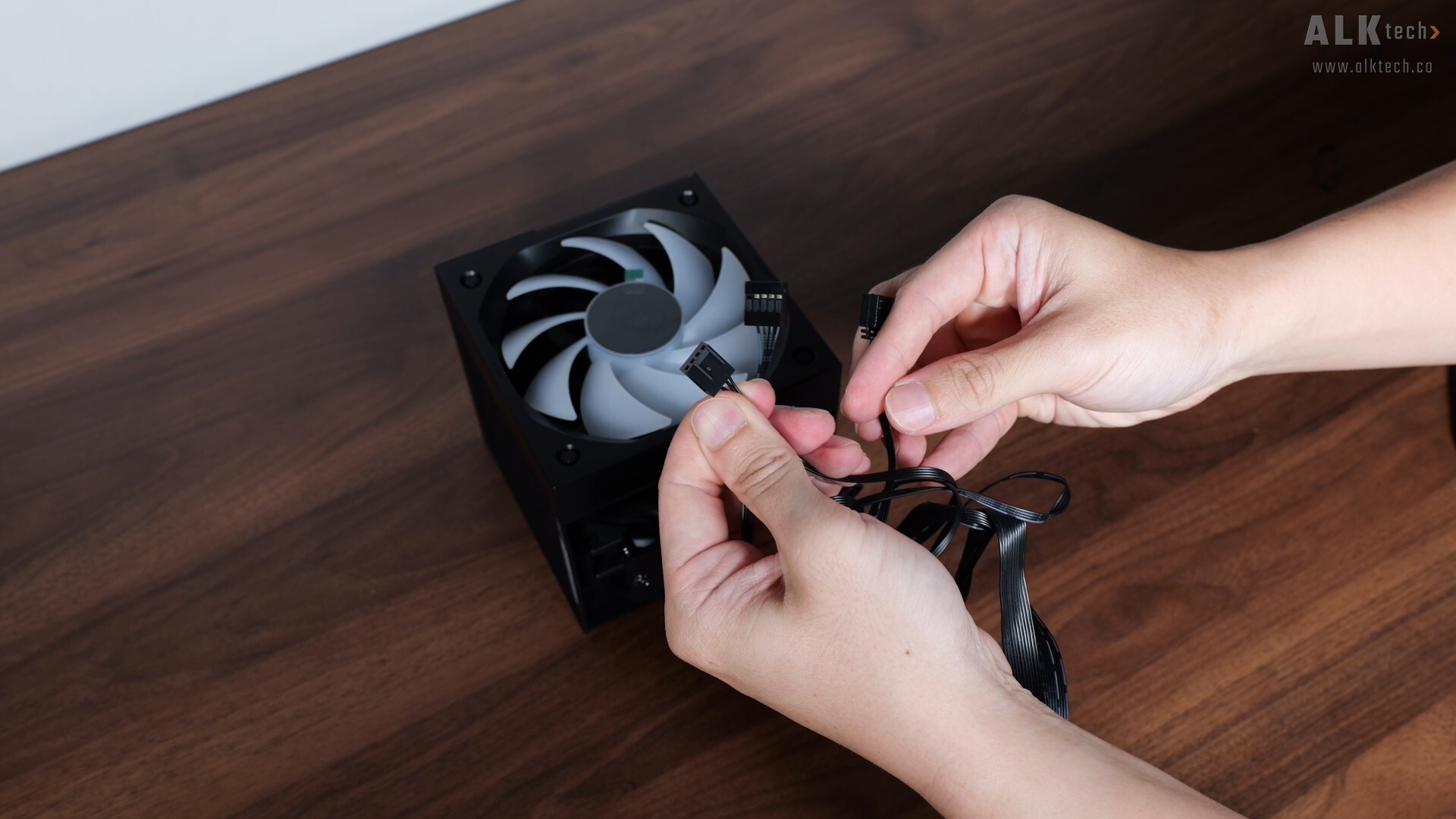
For those of you whose motherboards do not come with the JAF_2 header, fret not, as the cable that ships with the AP15 also comes with the typical nine-pin USB 2.0 connector, a four-pin PWM fan connector, as well as a 5V ARGB connector.
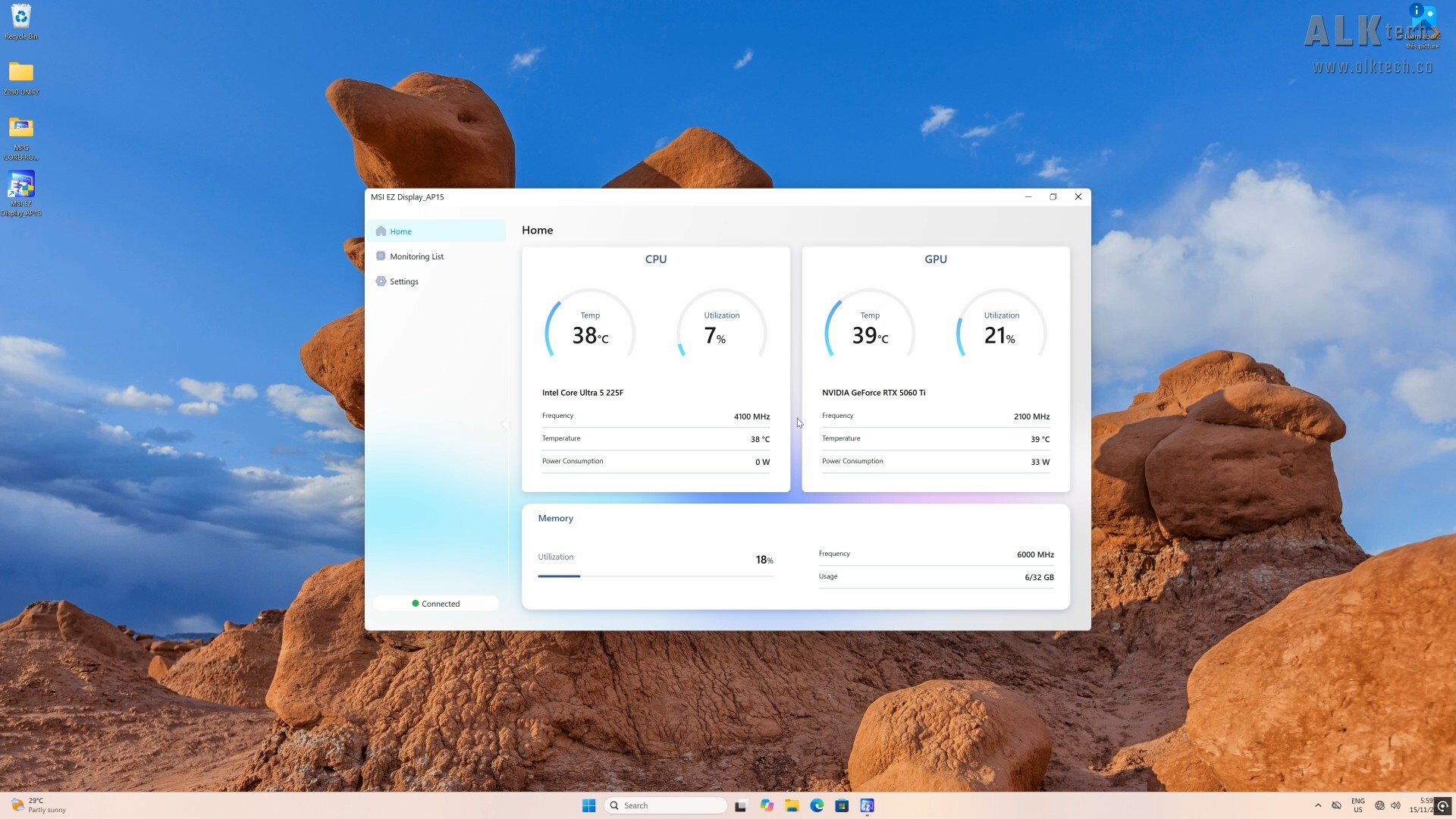
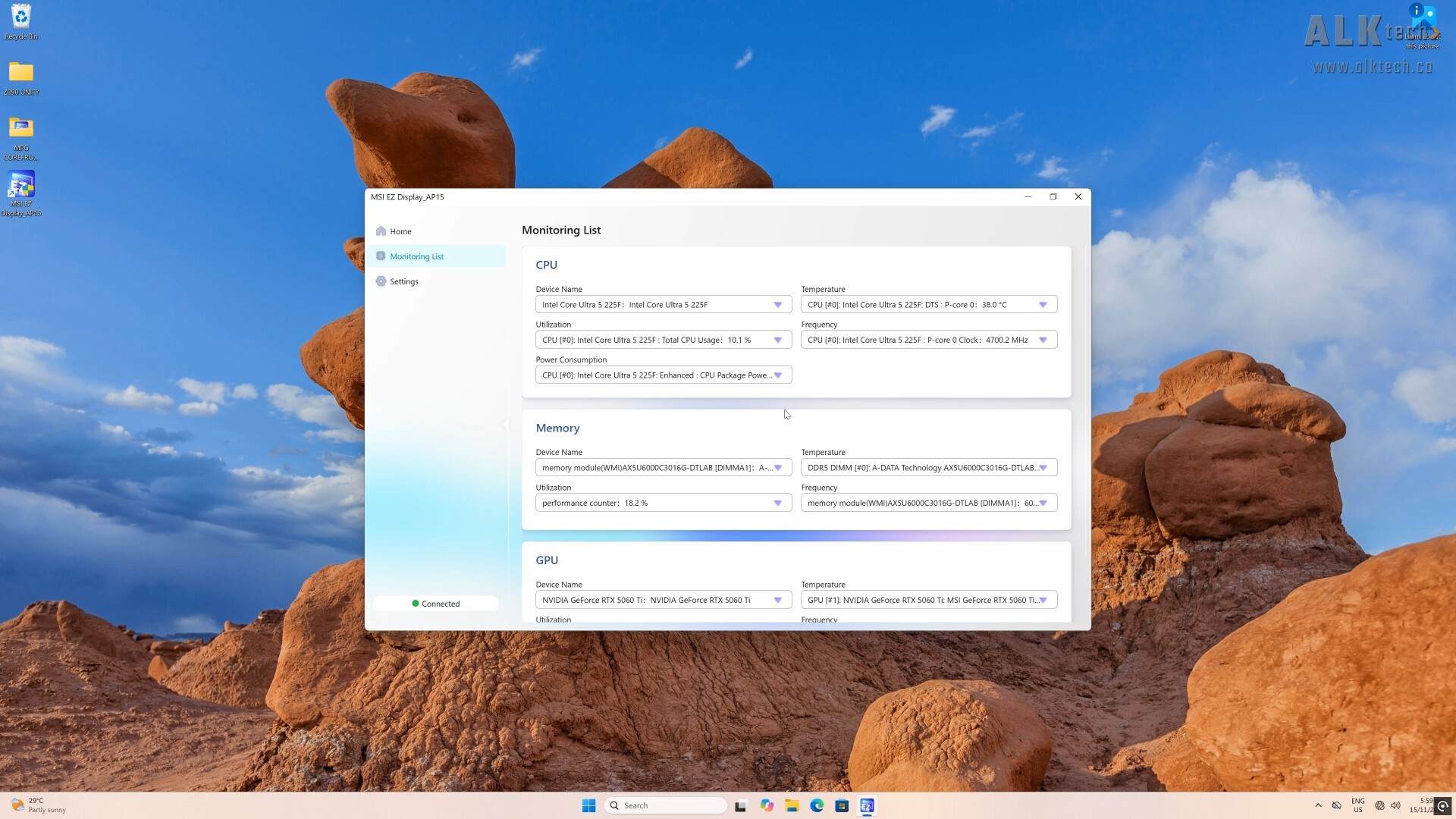
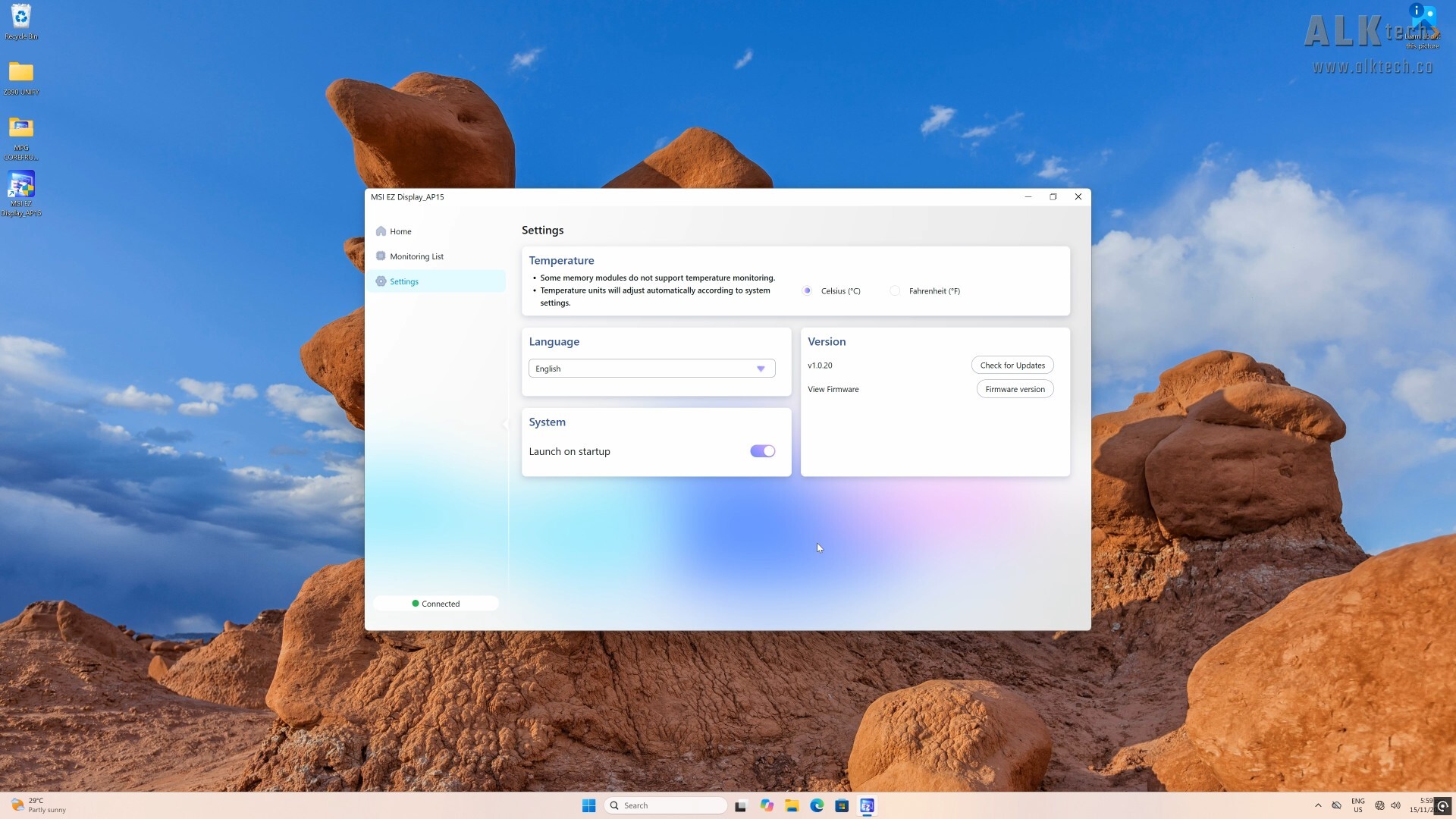
The COREFROZR AP15 also comes with an app, where on the homepage, we get an overview of vital system statistics, and moving over to the “Monitoring List”, you do get the option of selecting what statistics you’d like to have monitored and shown on the DIGI-DISPLAY. Finally, in the “Settings” tab, we get the ability to toggle the temperature units between degrees Celsius or degrees Farenheit.
Building a PC with the MSI MPG VIXTA 300R PZ PC Case & MSI MPG COREFROZR AP15 CPU Cooler
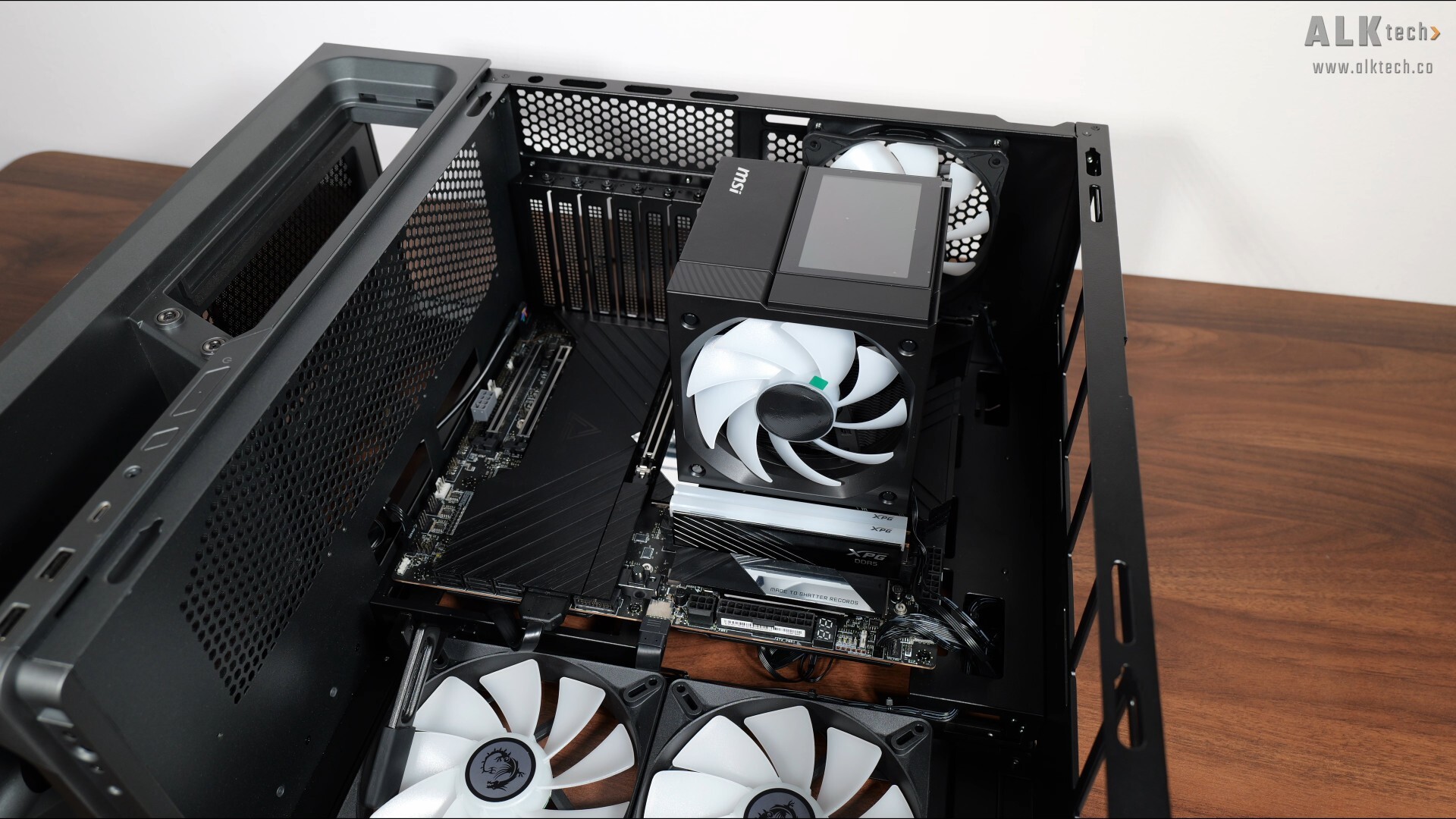
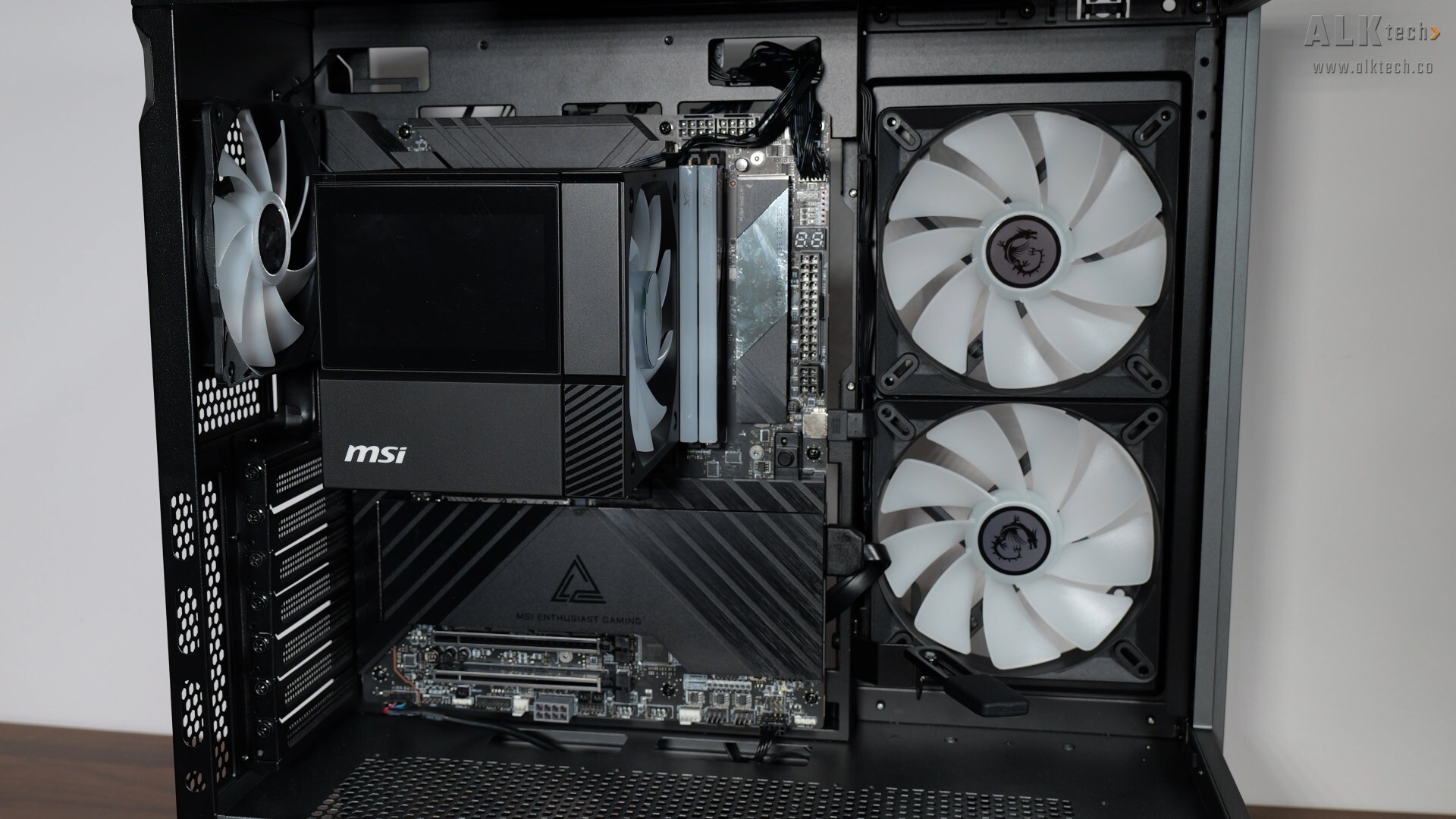
With that, let’s do a demo build with the parts that MSI’s sent over. Getting the Z890 UNIFY-X into the MPG VIXTA 300R PZ was pretty easy. The motherboard standoffs are already pre-installed on the motherboard tray and as can be seen, we get plenty of space for manoeuvring things around.
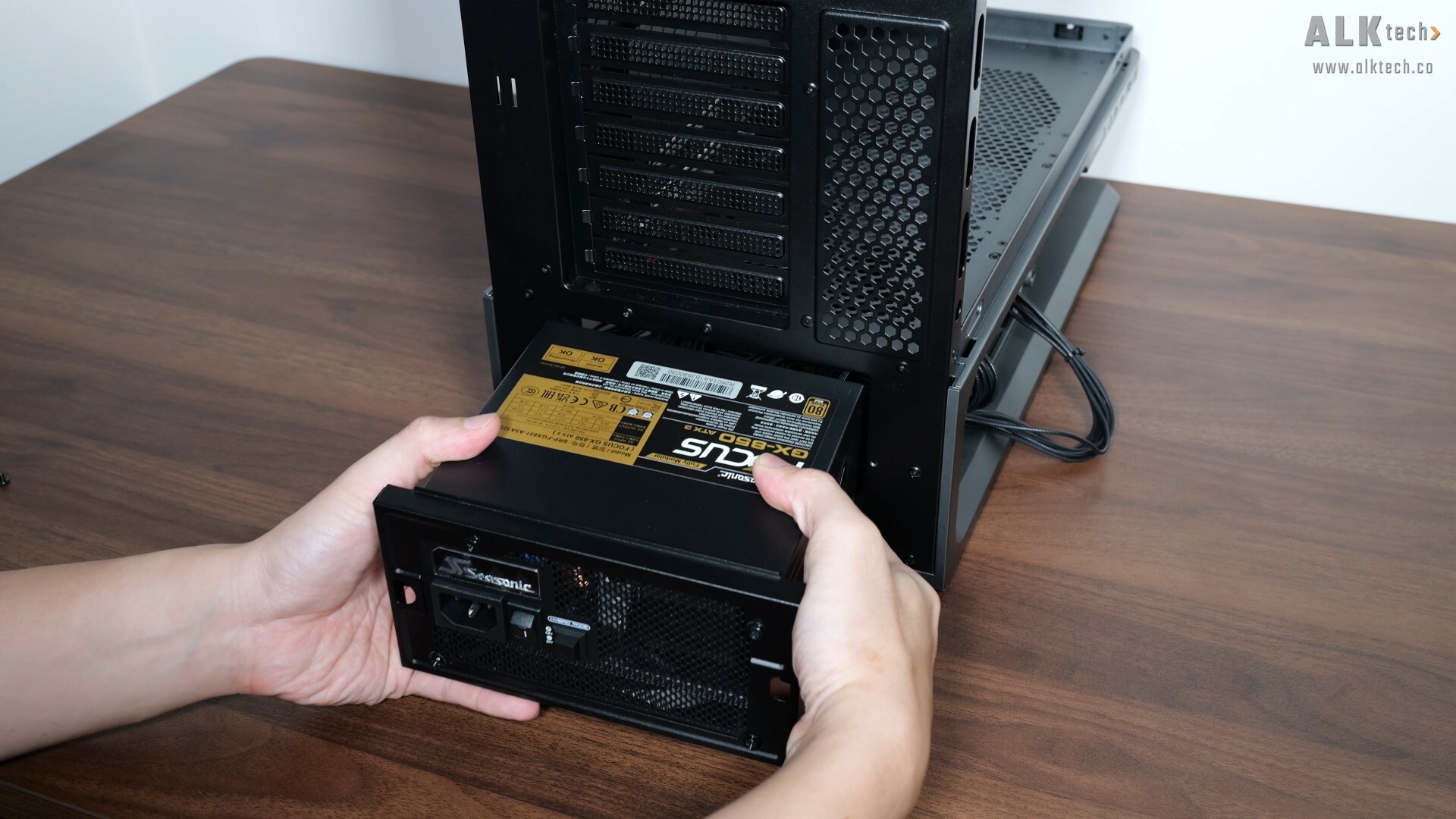
Installing the power supply unit was a cinch too, just make sure that you’ve got a PSU that meets the size requirements. For this demo build, I’ll be using a PSU that measures in at a depth of just 140mm, where it fits really easily into the MPG VIXTA 300R PZ.
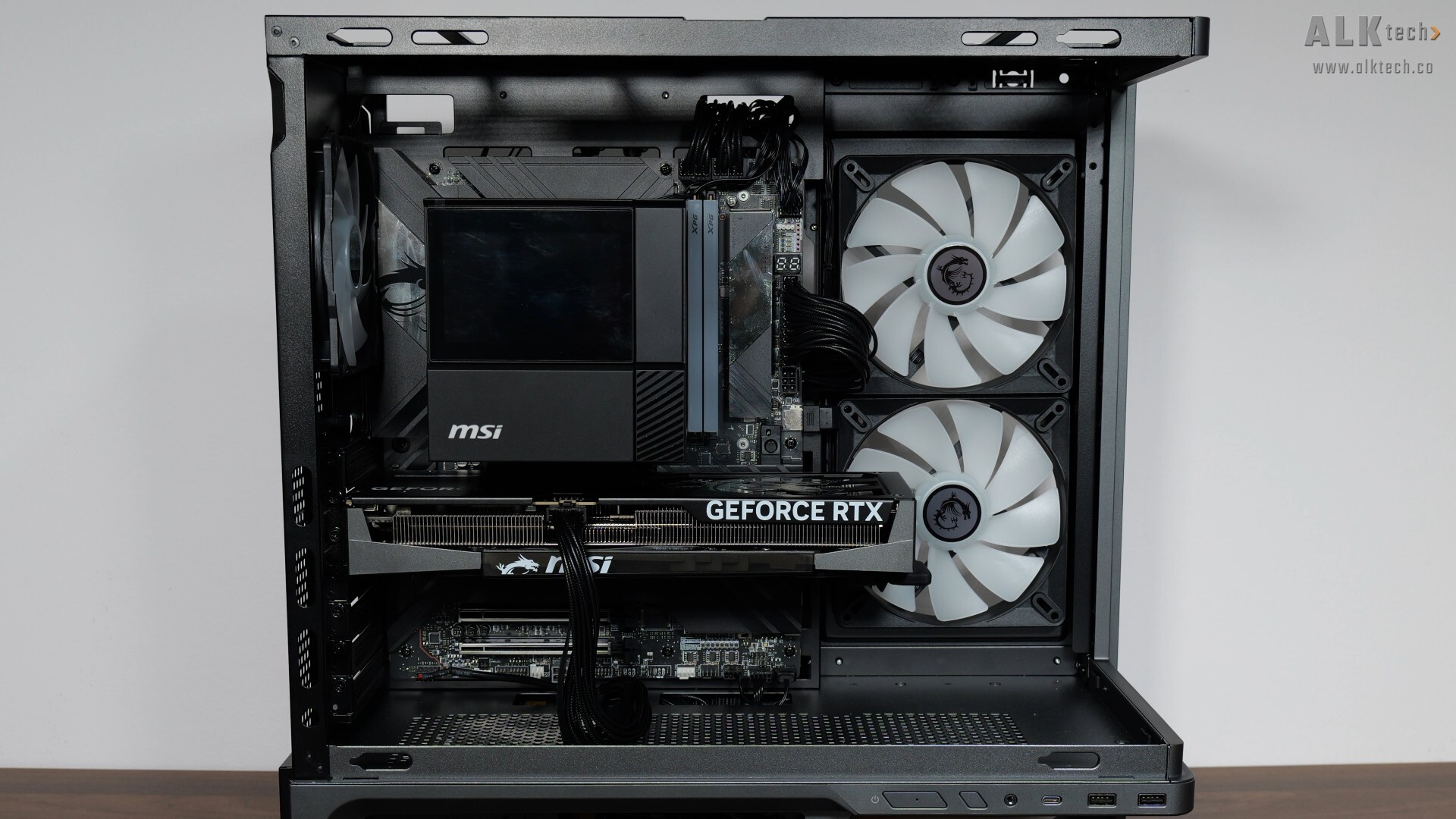
While we’re still on the topic of cooling, I’ve decided not to install any additional case fans, so as to see how the vanilla thermal performance of the MPG VIXTA 300R PZ and the MPG COREFROZR AP15 would be like with just the preinstalled CASE FANS. That said, the graphics card for this demo build’s a MSI GeForce RTX 5060 Ti GAMING TRIO OC 16G, where it measures in at 300mm x 125mm x 44mm, and fits very easily into the case.
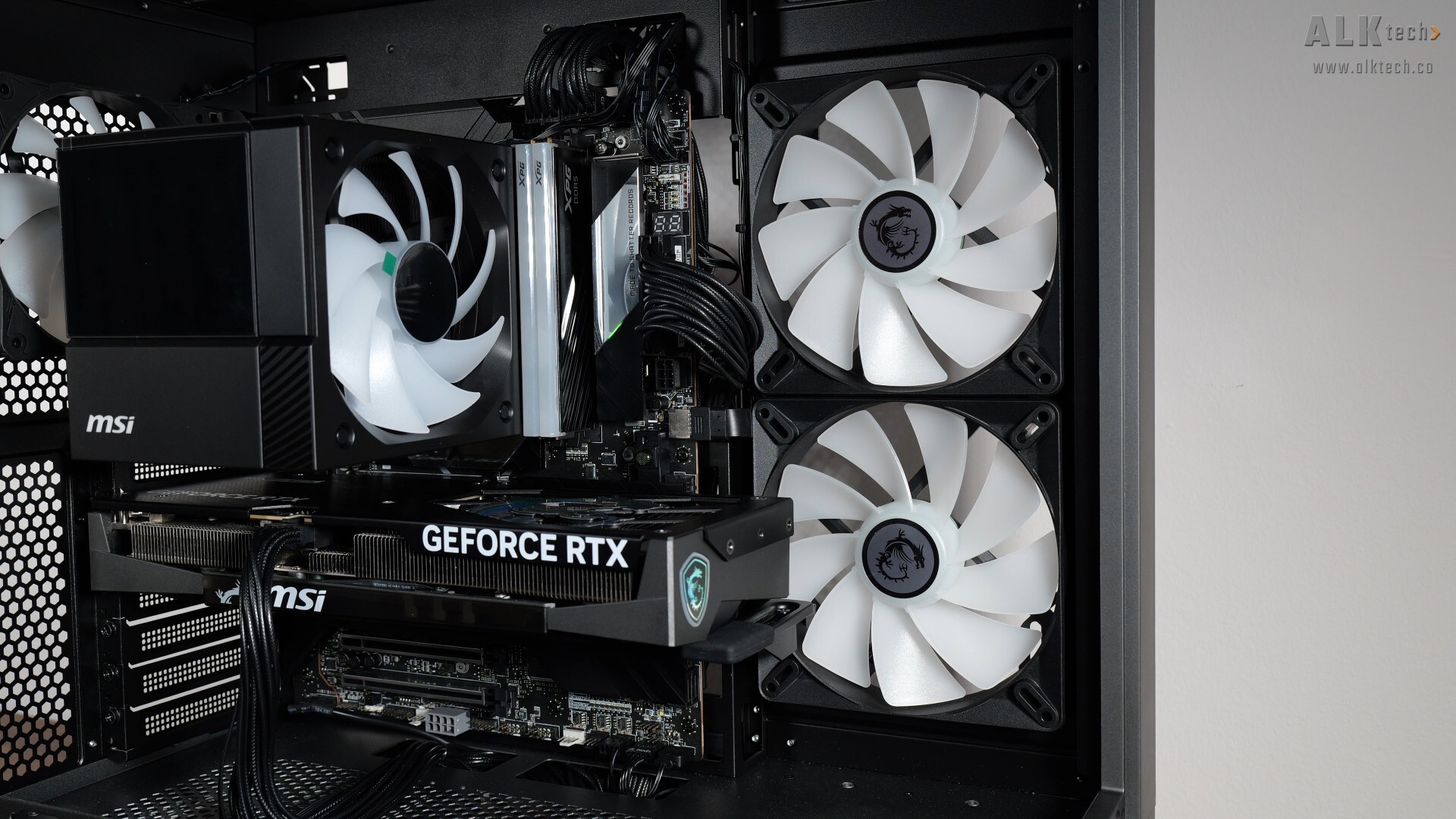
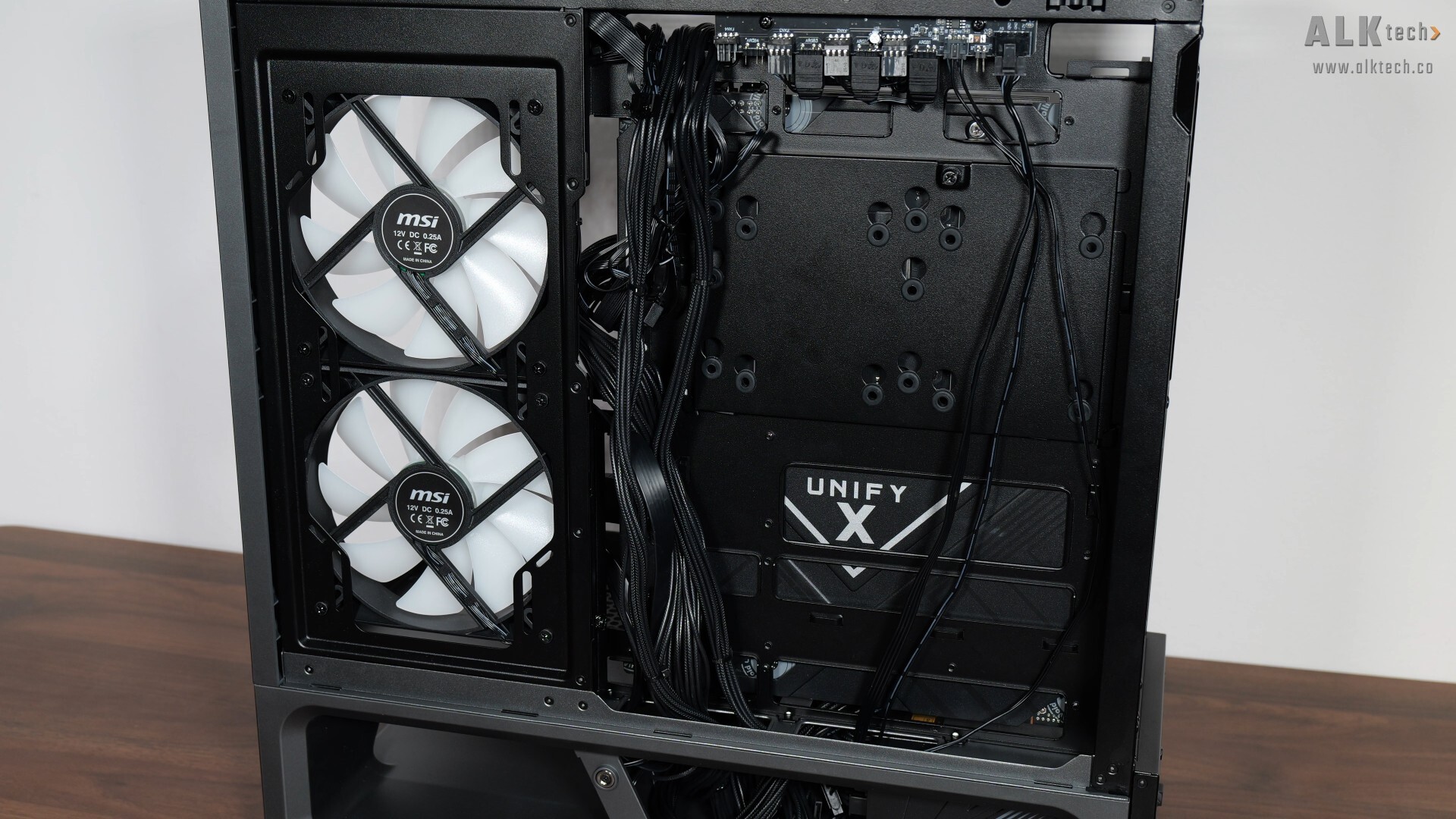
Moving things along, and with the demo build nearly completed, it’s a good time to talk about cable management. The MPG VIXTA 300R PZ comes with cable management openings in all the right places to make cable management pretty easy. I didn’t put too much effort into cable management for this demo build, but I think it still looks pretty neat.
Completed Demo Build Aesthetics
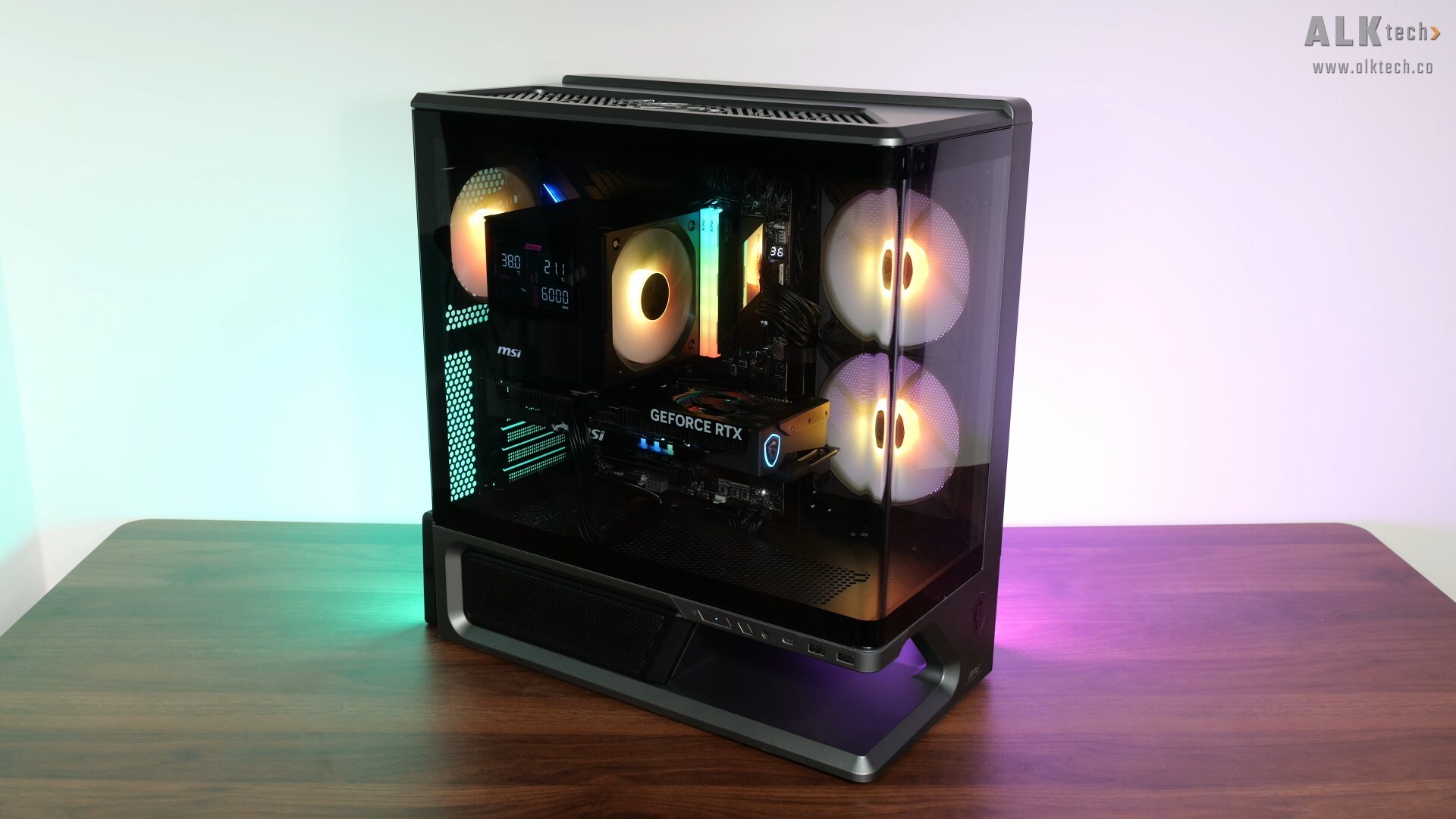
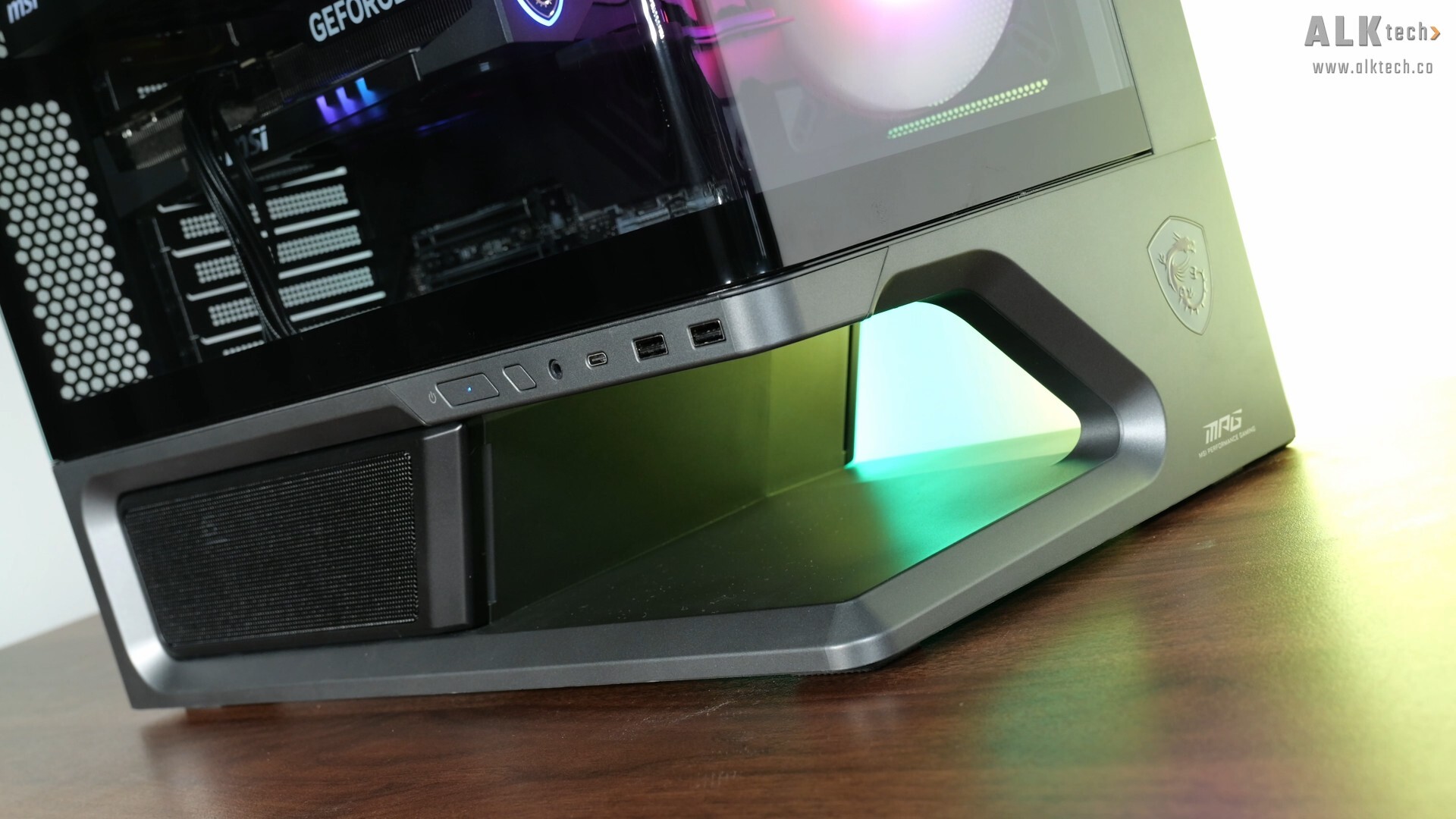
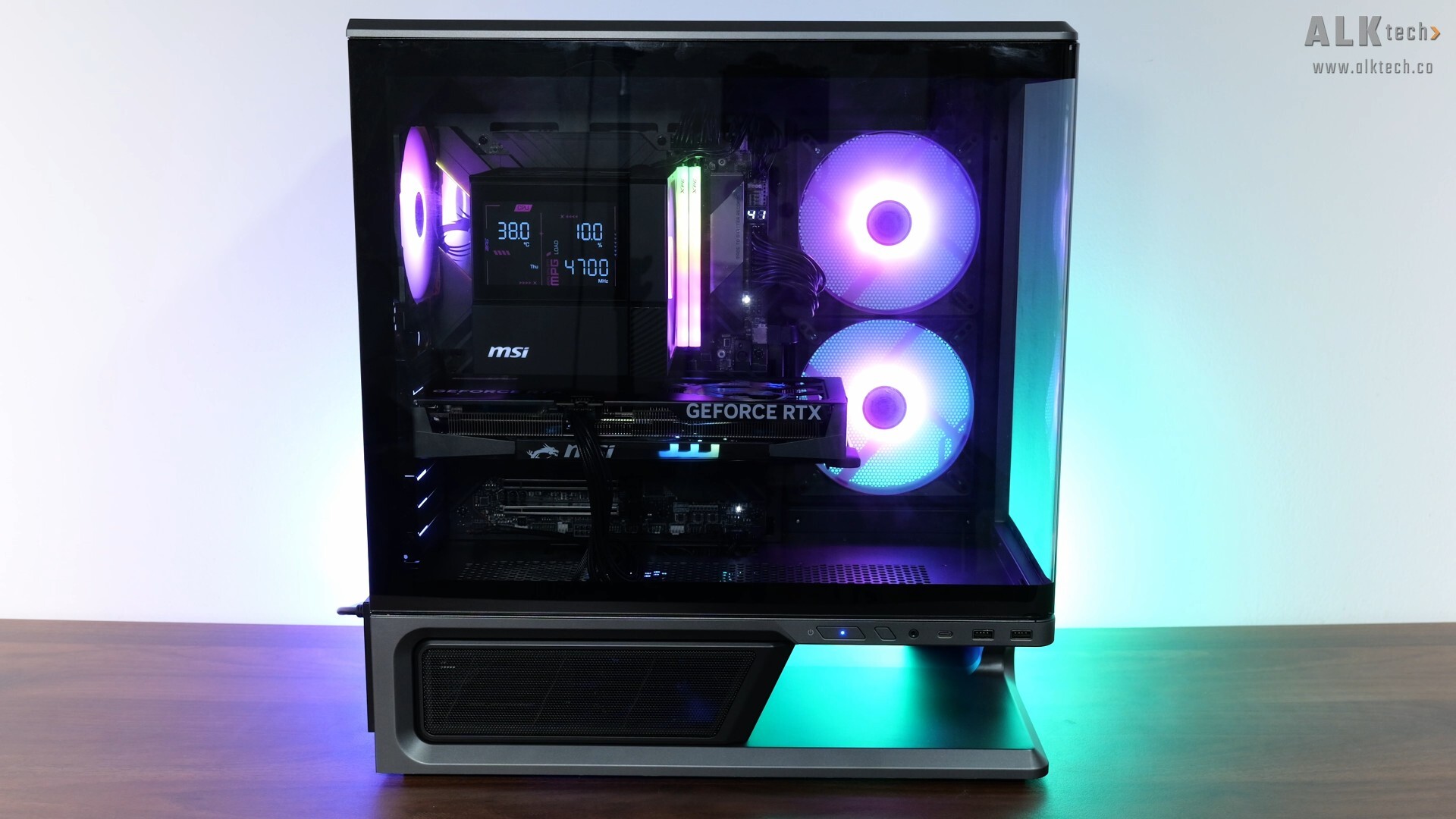
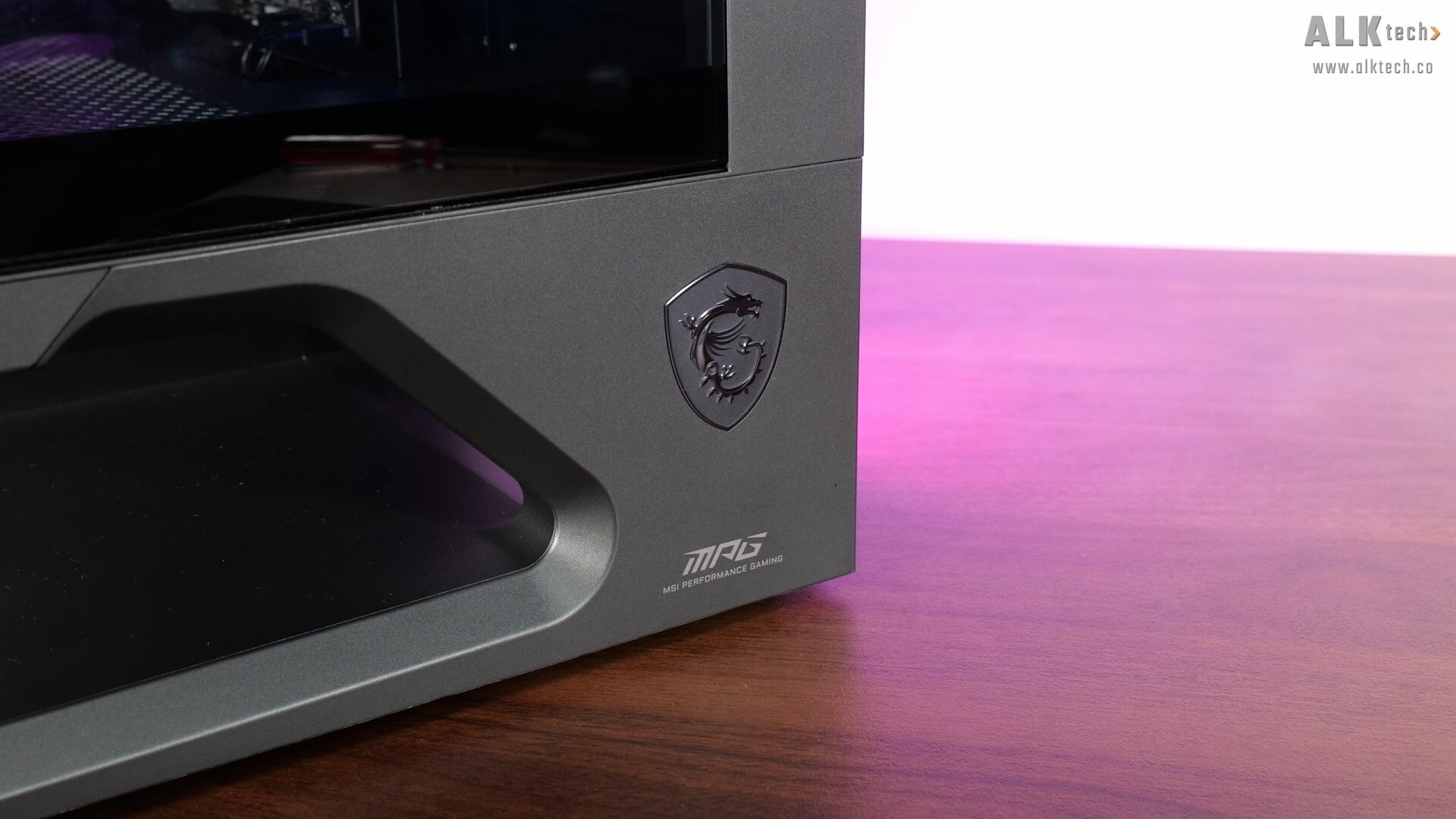
Thermal Performance
To benchmark the thermal performance of the MSI MPG VIXTA 300R PZ PC case and MSI MPG COREFROZR AP15 CPU cooler, I put together a demo build with the following specifications:
- CPU: Intel Core Ultra 5 225F
- CPU Cooler: MSI MPG COREFROZR AP15
- CPU Thermal Paste: Stock MSI thermal paste (shipped with the AP15)
- Motherboard: MSI MEG Z890 UNIFY-X
- Memory: 32GB (2x16GB) XPG Lancer Blade RGB DDR5 6000 CL30
- Graphics Card: MSI GeForce RTX 5060 Ti 16G Gaming Trio OC
- PSU: Seasonic Focus GX ATX 3.1 850W
- Case: MSI MPG VIXTA 300R PZ
- Case Fans: 2x pre-installed 140mm reverse blade ARGB side intake fans, 1x pre-installed 120mm ARGB rear exhaust fan
- OS: Microsoft Windows 11 Pro
- Fan Curve: Stock standard profiles
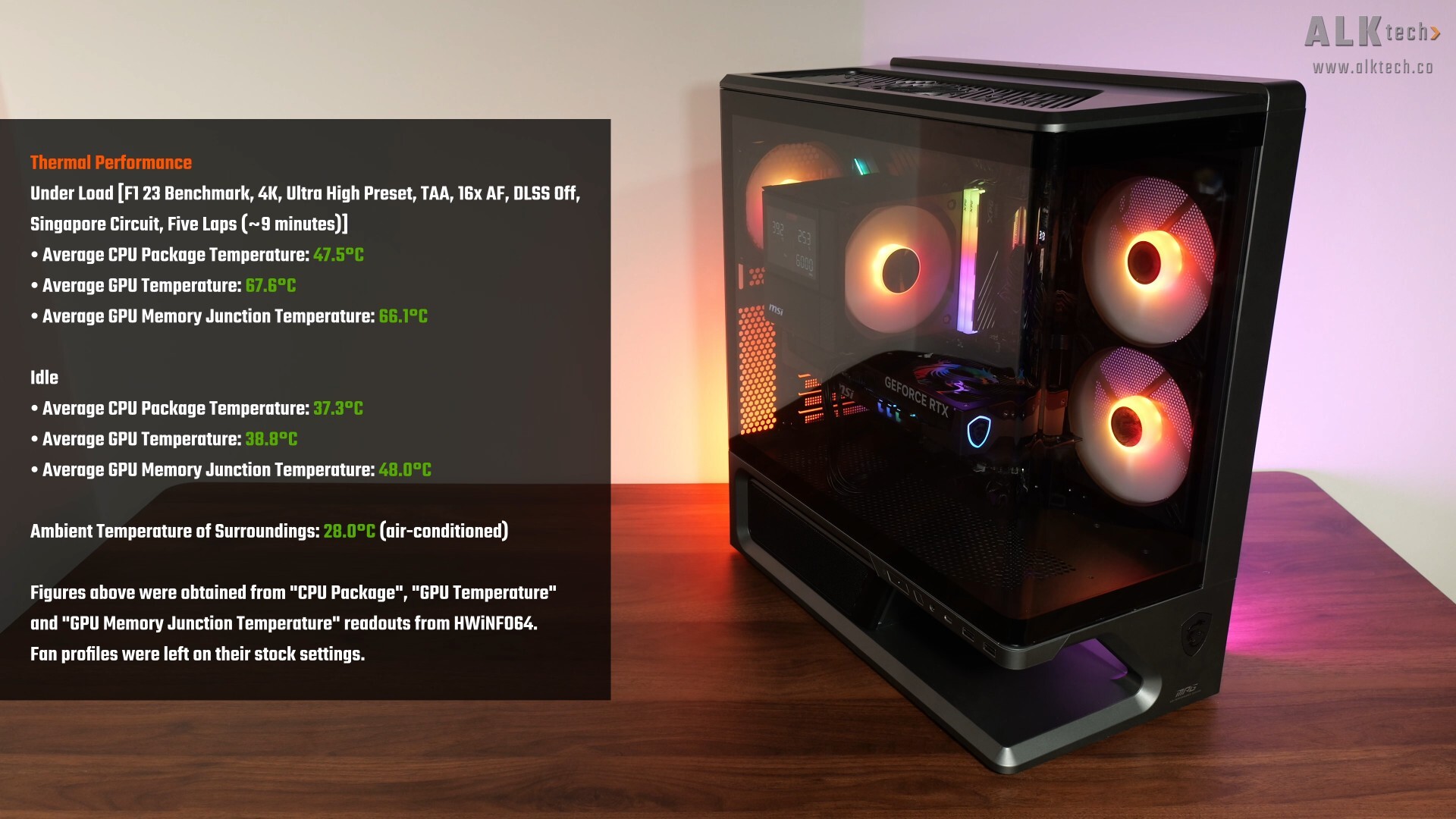
With F1 23’s in-game benchmark, where I ran a five-lap test for around 9 minutes in total, the Intel Core Ultra 5 225F processor in the demo build, which is a relatively easy processor to cool given that it’s a pretty entry-level CPU, achieved an average CPU temperature of around 47.5°C, while the RTX 5060 Ti Gaming Trio OC 16G achieved an average GPU temperature of 67.6°C and an average GPU memory junction temperature of 66.1°C.
The idle temperatures with the demo build on the other hand, are as per what you see in the screenshot above. These results were achieved in an air-conditioned room with a temperature of around 28.0°C, and for the duration of the tests, I left the fan curves on their stock settings without any tweaks. Naturally, your thermal performance with this case will vary, especially if you’ll be using different hardware from the demo build in this article.
Conclusion
To sum up, I think that the MPG VIXTA 300R PZ is a pretty good mid tower ATX PC case offering from MSI, where I really like how the brand’s executed the case from top to bottom. Fit and finish as well as thermal performance out-of-the-box is good, and I do think that it looks great aesthetics wise.
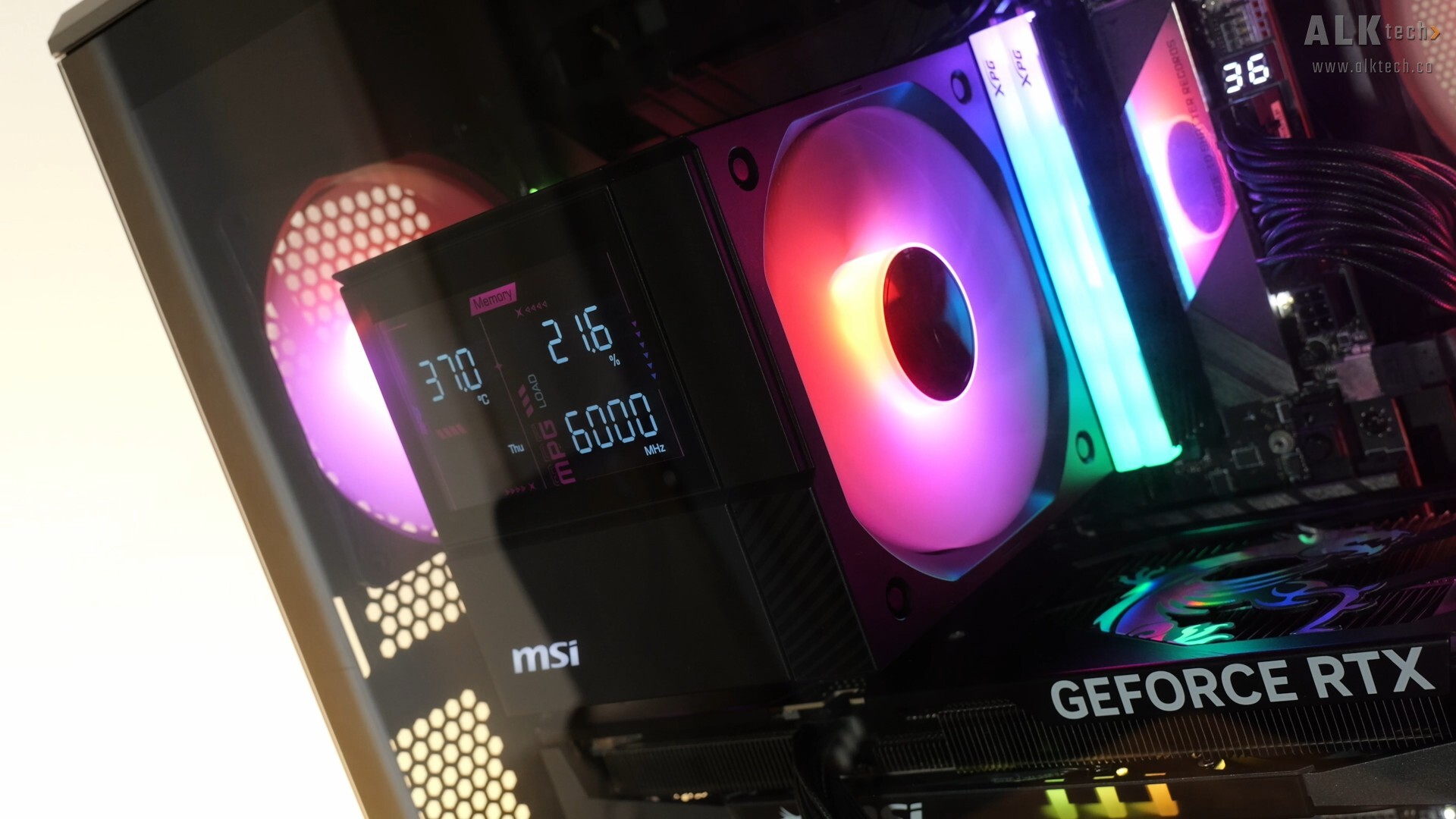
Ditto that for the MPG COREFROZR AP15 CPU cooler, where it’s a breath of fresh air for CPU air coolers thanks to its looks. I do think that the DIGI-DISPLAY is nicely executed, and would most certainly add a touch of pizzazz to your PC build. Unfortunately, I didn’t have on hand a high-end Intel LGA1851 processor to properly put the AP15 through its paces, but given its specs, I’d say that this CPU cooler should handle mainstream to even higher-end Intel Arrow Lake processors decently well.
Get the MPG VIXTA 300R PZ from Amazon: https://link.amazon/B0bKkpeI8
Get the MPG COREFROZR AP15 from Amazon: https://link.amazon/B0fWCR0Om
ALKtech may earn commissions from qualifying purchases made using affiliate links, at no extra cost to you as a customer. These commissions go a long way in supporting the platform!
This post was sponsored by MSI.